|
| | |
| |
Smarter routing.
Cleaner PDFs.
Less work for you.
|
|
|
|
|
|
We shipped two updates this April — both about getting the right information to the right person, automatically. Here's what's new. |
|
|
|
|
|
|
|
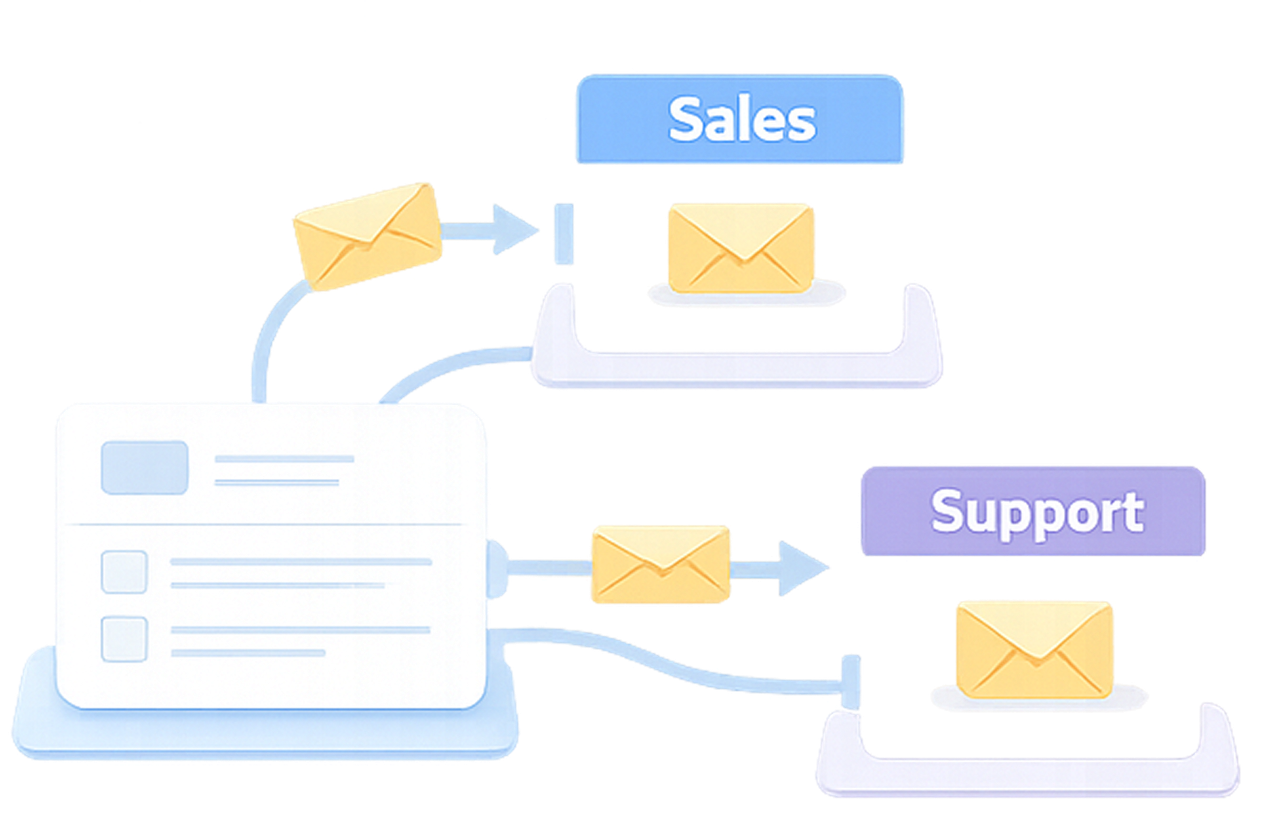
Smart Email Routing
Your form now decides who gets notified |
|
|
|
|
|
|
|
|
|
|
| | |
| |
Add up to 3 extra email tabs on top of your default notification, set conditions with plain operators. Not sure how to write the rule? Type it in plain English — AI builds the logic instantly. |
|
| | |
⚠️ Watch out: Clear the default "Email To" field first — otherwise some recipients will get two emails per submission. Quick fix → |
|
|
|
|
Setup: Form Notifications → Add a custom email tab → Name it → Logic panel → Set your rule. About 5 minutes. |
|
|
|
|
|
|
|
| |
| | |
| |
|
|
|
|
|
|
|
|
|
Conditional PDF Fields
Show only what belongs in the final document |
|
|
|
|
|
|
|
|
Your form collects everything. Your PDF doesn't need to show everything. |
|
| | |
| | |
| ✓ Show when relevant — field shows only when triggered |
|
| |
| ✓ Clean layouts — No blank lines or irrelevant sections. |
|
| |
| ✓ Works for both layouts — PDF forms and web forms |
|
| |
| Where to find it: Form Builder → Logics panel. Or use Gen by AI — describe what to show or hide, and it writes the logic for you. |
|
| | | |
|
|
|
|
|
|
|
|
|
|
|
| |
|
|
Email Routing: start with one rule
Pick one condition, get it working, then expand. And clear the default "Email To" field before going live. |
|
|
|
|
|
|
|
PDF Fields: client view vs. internal view
Set up separate logic for each output — a clean summary for the client, full detail for your team. |
|
|
|
|
| |
This month is about confidence — in your tools, your data, and your customers. Less friction at every step. More trust at every click. |
|
|
|
|
|
Both updates are live now. If you have a specific routing use case in mind, let us know at 📮 support@platoforms.com. |
|
|
|
|
|
| |
|
608 Harris Street Ultimo NSW 2007 |
|
|
©2026 PlatoForms All Rights Reserved |
|
| |
|
|
|
|