Find trending topics and quick answers here
Hi, how can we help?
Search by task, feature, or problem - not just a single keyword.
Why am I receiving duplicate email notifications?

Question
Why am I receiving duplicate email notifications after setting up notification routing?
Answer
The short answer: Your “Default” notification tab is likely still active.
When you use Conditional Logic to route emails to different receipents (e.g., Sales, HR, or Support), you are creating “Custom” notification rules. However, PlatoForms has a built-in Default Email Tab that is designed to send a notification for every submission, regardless of any logic you’ve set up.
If both the Default tab and your Logic-based tab have email addresses filled in, the system will trigger both, resulting in a duplicate notification.
How to fix email duplication
To ensure your emails are routed correctly without duplicates, follow these steps:
-
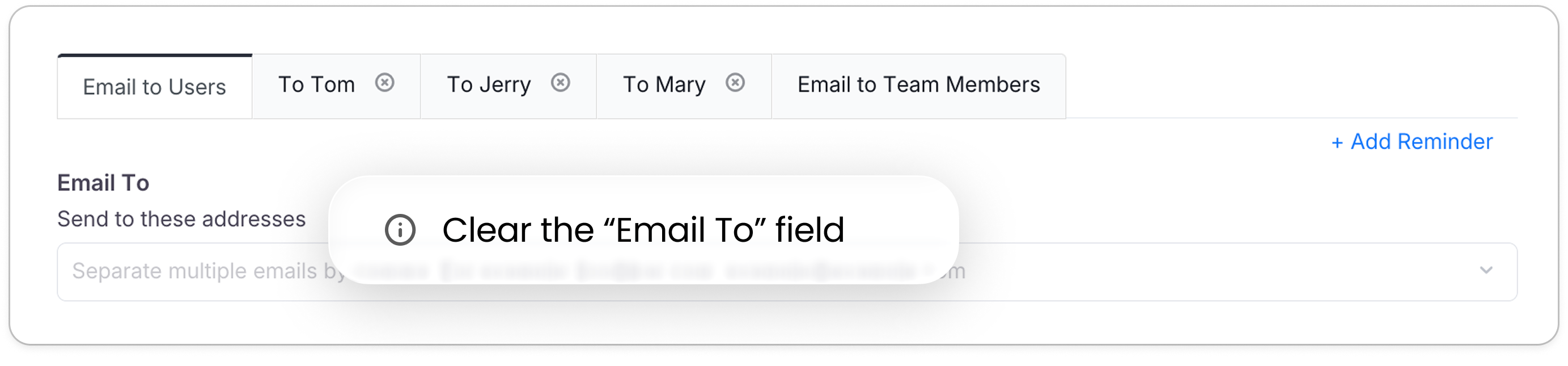
Clear the Default Tab: Go to Manage Form > Notifications and open the Notify Users tab. Leave the “Send to these addresses” list completely blank, and remove any field under Or send to the email filled in the form that your logic emails already cover.
-
Clear the copied recipients: A new customer email for logic starts as a copy of the Notify Users recipients. In each customer email, remove those copied recipients, both typed addresses and recipient fields, and keep only the ones that email should reach.
-
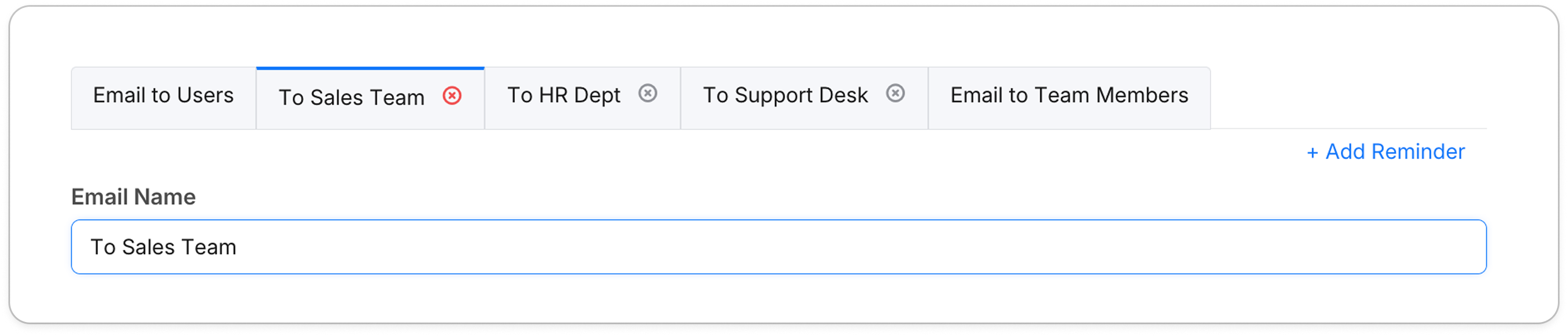
Name Your Custom Tabs: Use the Email Name field in your logic-based tabs to give them clear titles like “To Sales Team” or “To Support Desk”.
-
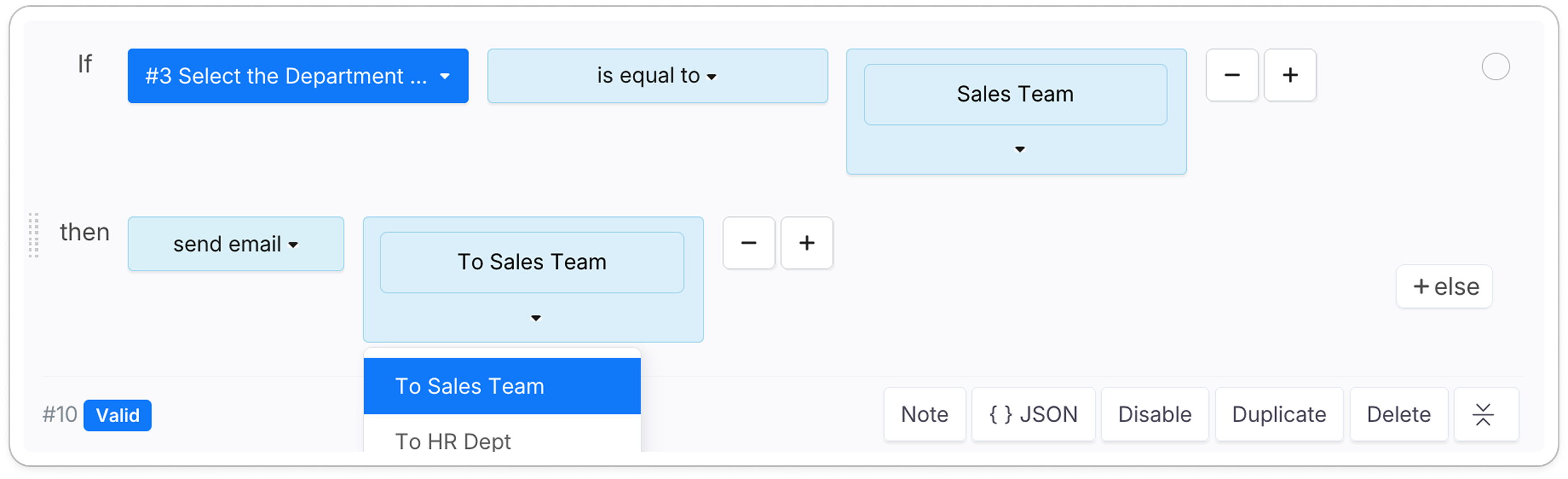
Verify the Logic: In the Conditional Logic builder, ensure your “Then” action is set to
send emailand correctly points to the specific Email Name you created.