



How to Create a Fillable PDF Form
If you already have a PDF, you can make it fillable without rebuilding it. Add text fields, checkboxes, dates, signatures, and other fields in the places where people need to enter information.
Read More
 SlackSubmission alerts + PDF
 Google DriveAuto-save completed PDFs
 DropboxUpload completed PDFs to Dropbox
 OneDriveStore in Microsoft cloud
 Google SheetsAdd submissions to a spreadsheet
 CanvaTurn designs into fillable forms
 StripeCard, Apple Pay, Google Pay
 SquareAccept payments in-form or via checkout redirect
 PayPalPayPal, cards, Pay Later
 Text messagesSend SMS with PlatoForms or Twilio
 ZapierConnect 9,000+ apps
 MakeVisual multi-step automation
Three steps. The document you start with is the document you get back.
AI detects the fields. Your layout stays intact.
People fill and sign it in any browser, on any device.
Every submission returns as a completed PDF, ready to file.
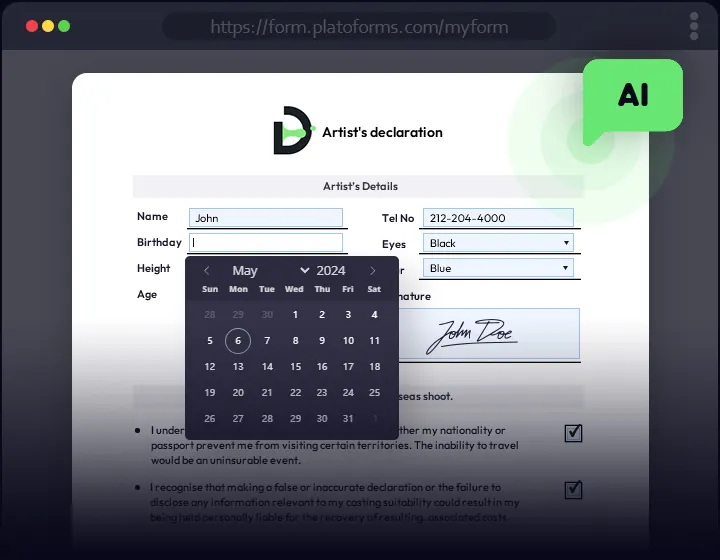
Your PDF, filled in the browser. The layout stays exactly as designed, which makes it the right choice for official and regulated documents.
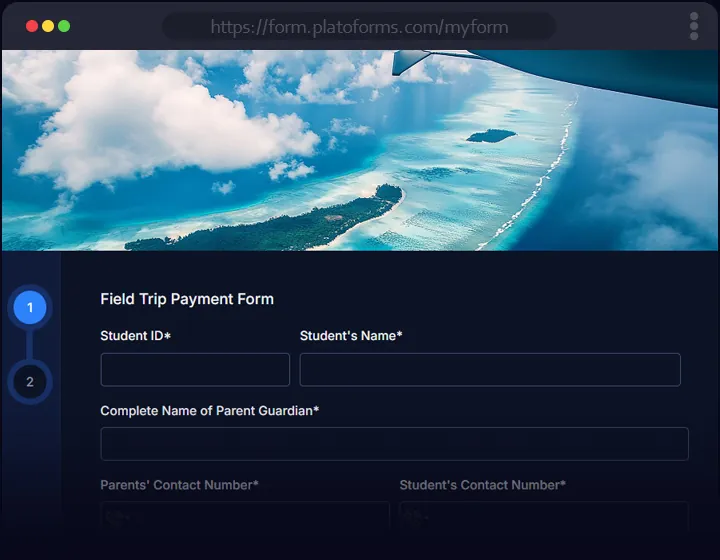
The same PDF, reflowed into a mobile-friendly web form. Answers still land in the original PDF.
One form fills a whole packet. Collect the answers once and generate every PDF in the set.

No PDF yet? Build a web form with AI or from a template, then attach a PDF layout for the output.

Clinics, law firms, schools, and non-profits that moved their documents online
without giving up the documents

PlatoForms turned my paper forms into online fillable forms. The support team guided me step by step with clearer help than I'd experienced before. It reduced my paperwork and made it easier for patients to fill out forms.
Read More
It saves more time than I could ever put a number on. It's saving the client time, and it saves our attorneys time. Everything is done in advance and ready to go.
Read More
PlatoForms is reliable. Once we saw it could connect with Zapier, it became very powerful for us. It reduced errors, increased completion rates, and made our process look professional.
Read More
In the past five years, PlatoForms has cut our paperwork by 80%, doubled our form processing speed, and reduced errors by 90%. Our team now spends more time supporting members instead of administration.
Read MoreFrom submitted to signed, routed, and filed - without code.
Send each person a link with their details already filled in. Bulk-send from a CSV.
Learn more →Compliance settings for patient and client data: access controls, audit logs, and PHI-safe notifications.
Learn more →Forms that work on any phone. Field staff can also open a form in the PlatoForms VF app and say the answers instead of typing them.
Learn more →Totals, trends, and where people stop, without exporting a spreadsheet first.
Learn more →From a single clinic to a 70-attorney firm,
see how teams run their paperwork on PlatoForms
Describe it, start from a blank page, or pick a template. PDF Document Creator gives you a print-ready PDF, a fillable PDF that opens in any PDF app, or the same design published as an online form.
One sentence to the AI assistant, or drag text, fields, tables, and signature blocks onto the canvas. You can change anything.
Apply a theme, add your logo and brand colors, and save the look so the whole team reuses it.
Export a fillable PDF that works in any reader, or publish it online. After each submission, PlatoForms creates the completed PDF for you.
a patient intake document with contact fields, a medical history checklist, and a consent section
↑Intake forms, consents, waivers, applications, timesheets, agreements. Pick one, make it yours, and get the PDF on every submission.

9,000+ connections through Zapier, Make, webhooks,
the API, and MCP for AI assistants









Save PDFs to Google Drive, OneDrive, Dropbox, or Box. Send rows to Google Sheets, alerts to Slack, payments through Stripe, Square, or PayPal. Or let ChatGPT and Claude read your submissions through MCP.
If you already have a PDF, you can make it fillable without rebuilding it. Add text fields, checkboxes, dates, signatures, and other fields in the places where people need to enter information.
Read More
Word doesn’t publish directly to a fillable, browser-ready PDF. The fastest path: export your Word document as a regular PDF, then upload that PDF to PlatoForms to make the PDF fillable with form fields — no Adobe Acrobat required.
Read More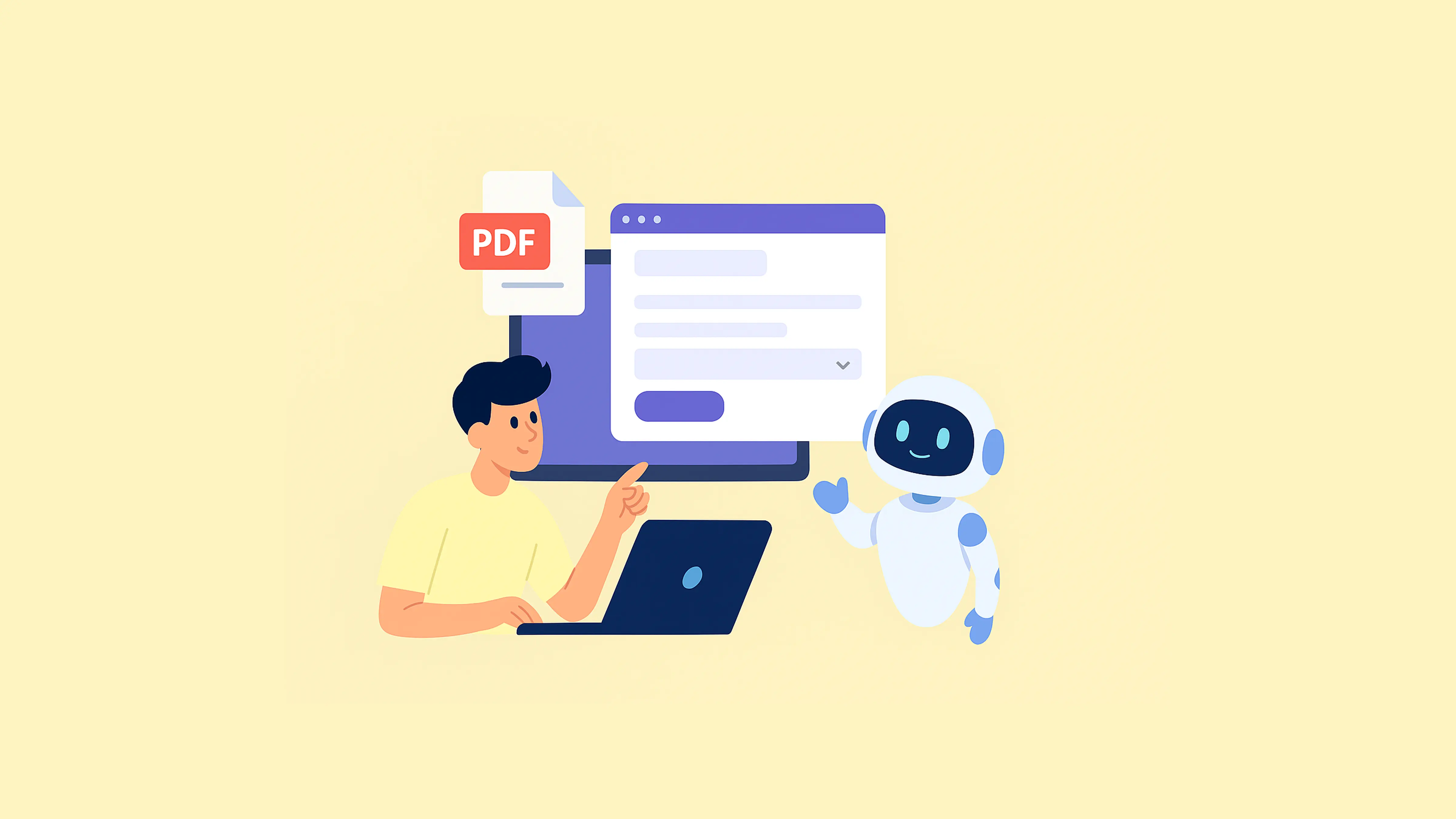
Turning a PDF into a form by hand feels like kerning every letter in a logo manually—painstaking, pixel-by-pixel, and totally unnecessary in 2025.
Read More
Quick answer For a downloadable fillable PDF, compare Acrobat Pro’s field-authoring tools, Sejda’s existing-file or blank-page workflow, and PlatoForms’ AI-assisted PDF Document Creator. For online completion, PlatoForms can create a fillable PDF online from your existing file, in its original layout, or offer responsive PDF forms; DocHub and pdfFiller provide document-sharing and signing routes, while Jotform Smart PDF Forms maps browser responses into an existing PDF. Choose by the starting document, filling experience, and output you need—not simply how often you use the tool.
Read More
Getting answers is the easy part. The harder part is working out what they actually tell you. A pile of 400 responses isn’t useful until you can say something like “most customers are happy, but people on our cheapest plan aren’t, and pricing is why.”
Read MoreNo credit card. No commitment.
Upload a PDF or describe a document to begin.