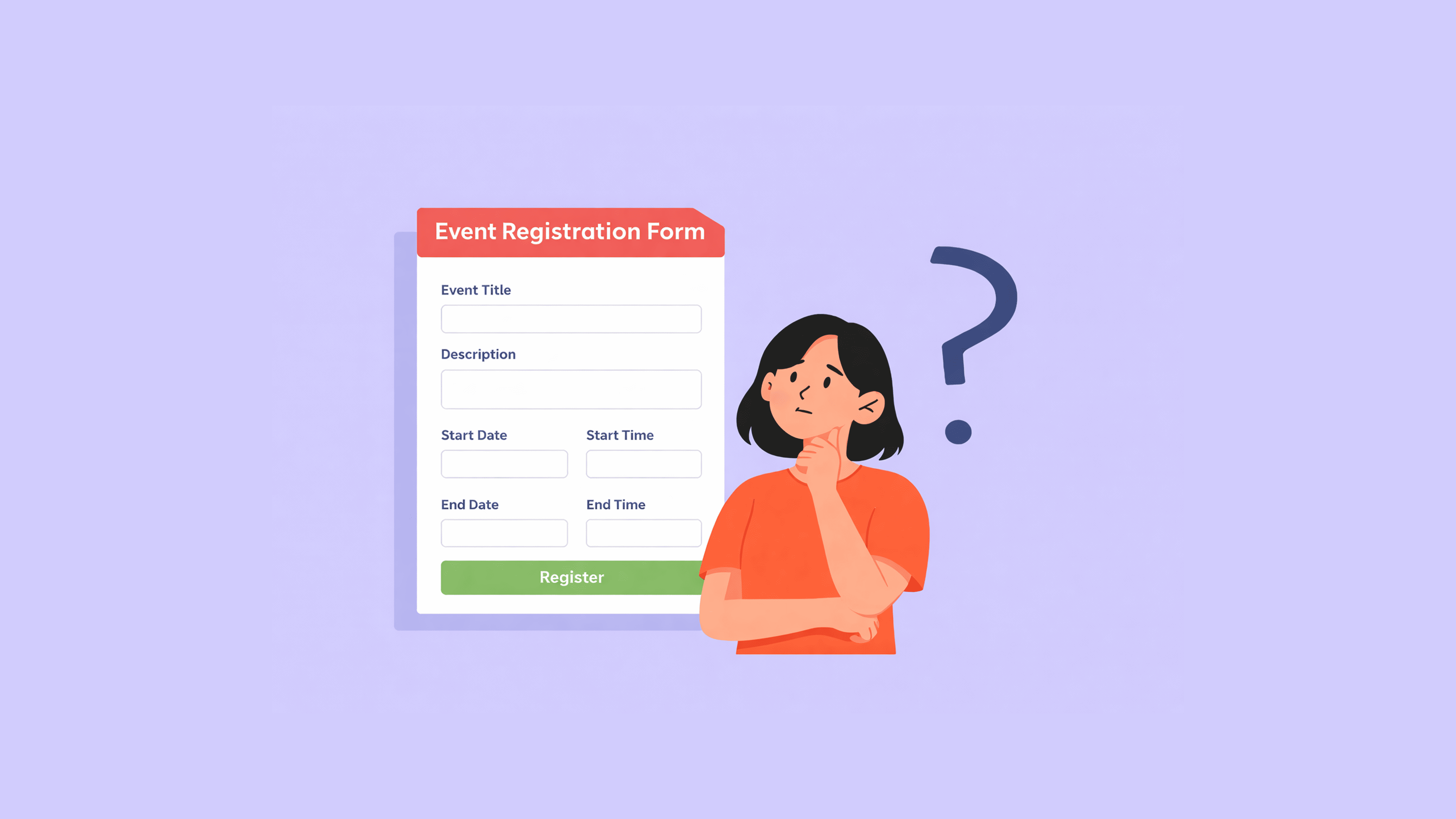
How to Set Up Summer Event Registration Forms
Ready to build? Start from a template or create your summer event form in minutes — try PlatoForms free →
Read More
Ready to build? Start from a template or create your summer event form in minutes — try PlatoForms free →
Read More
You click a registration link. The event looks interesting—maybe worth your evening.

Read More
If you’re collecting payments through an online form, the checkout experience matters. Customers who prefer PayPal—and there are a lot of them—are more likely to complete a transaction when PayPal is available as an option rather than card-only.
Read More
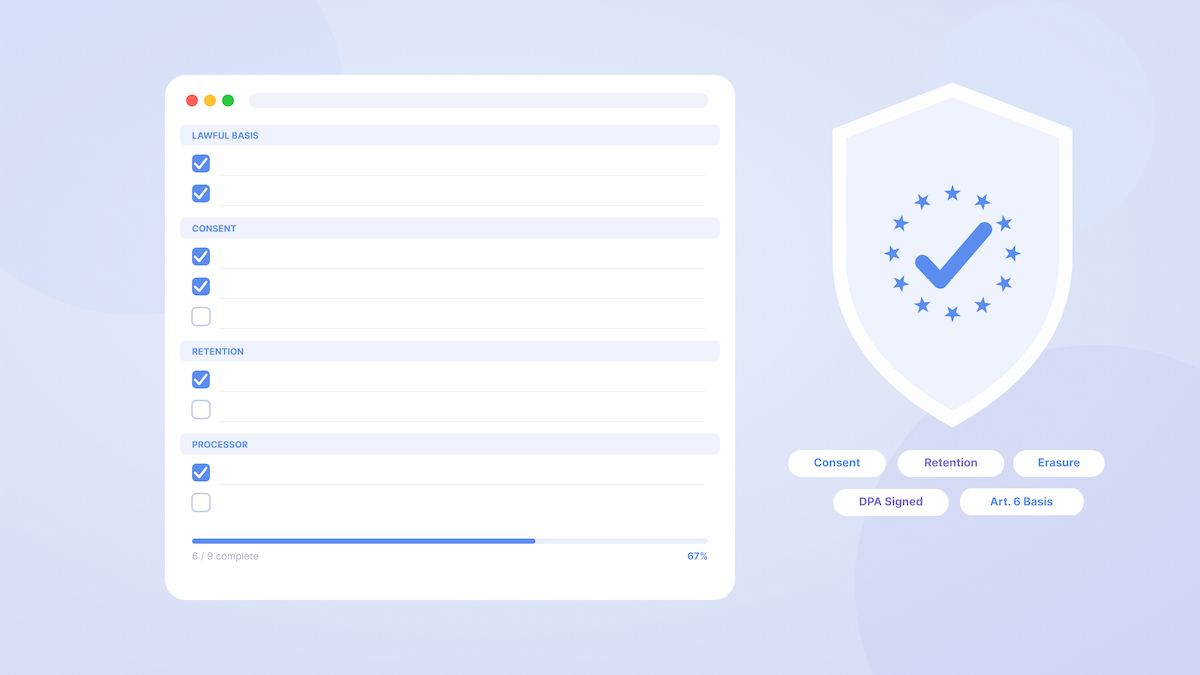
Google Forms is one of the first tools healthcare providers reach for when setting up patient intake forms, consent forms, or health surveys. It’s free, familiar, and quick to deploy. But the most important question—is it HIPAA compliant?—deserves a careful answer before any patient data flows through it.
Read More
If you manage paperwork for a business, you have likely experienced this exact scenario: You spend hours creating a fillable PDF form. You email it to a client. A few days later, you receive an email back. The client either printed the form, filled it out by hand, and sent a blurry photo of it, or they returned the digital file completely blank because their mobile device could not save the form fields.
Read More
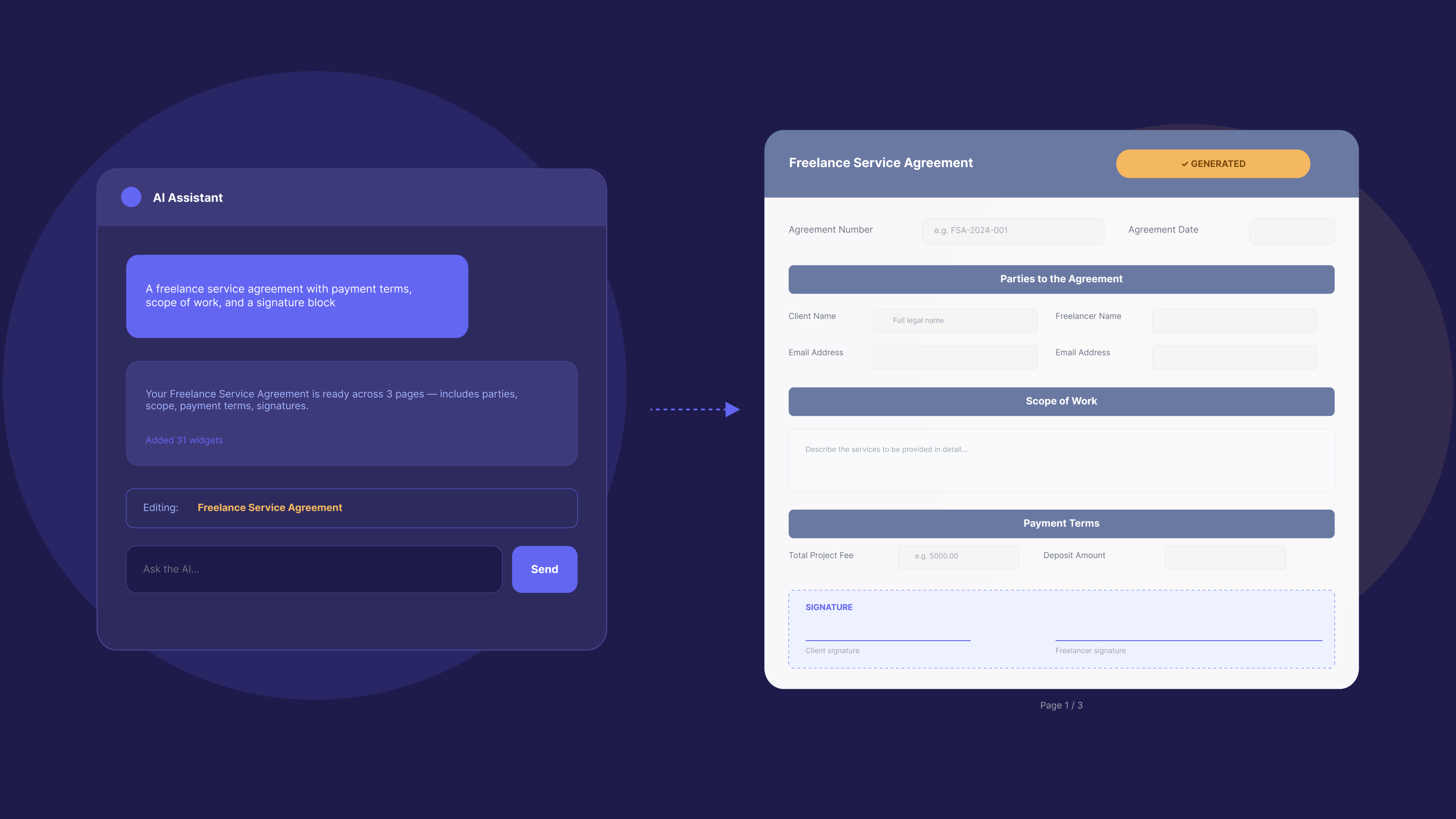
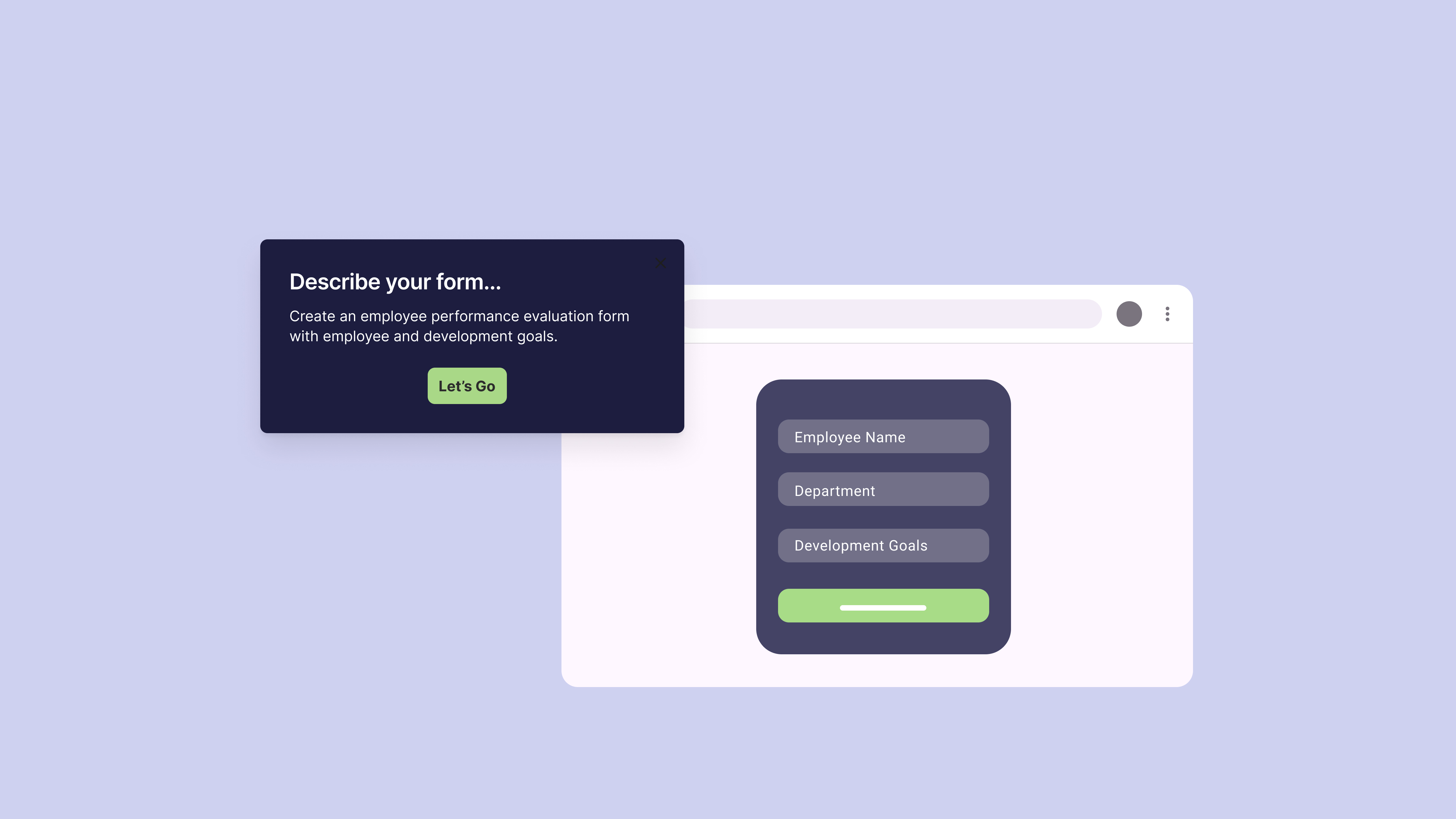
AI form functions reduce the time spent on manual form design by letting you create, convert, configure, and translate forms using natural language—instead of clicking through field-by-field. This guide covers every major AI form function category and shows exactly where each one lives in PlatoForms.
Read More
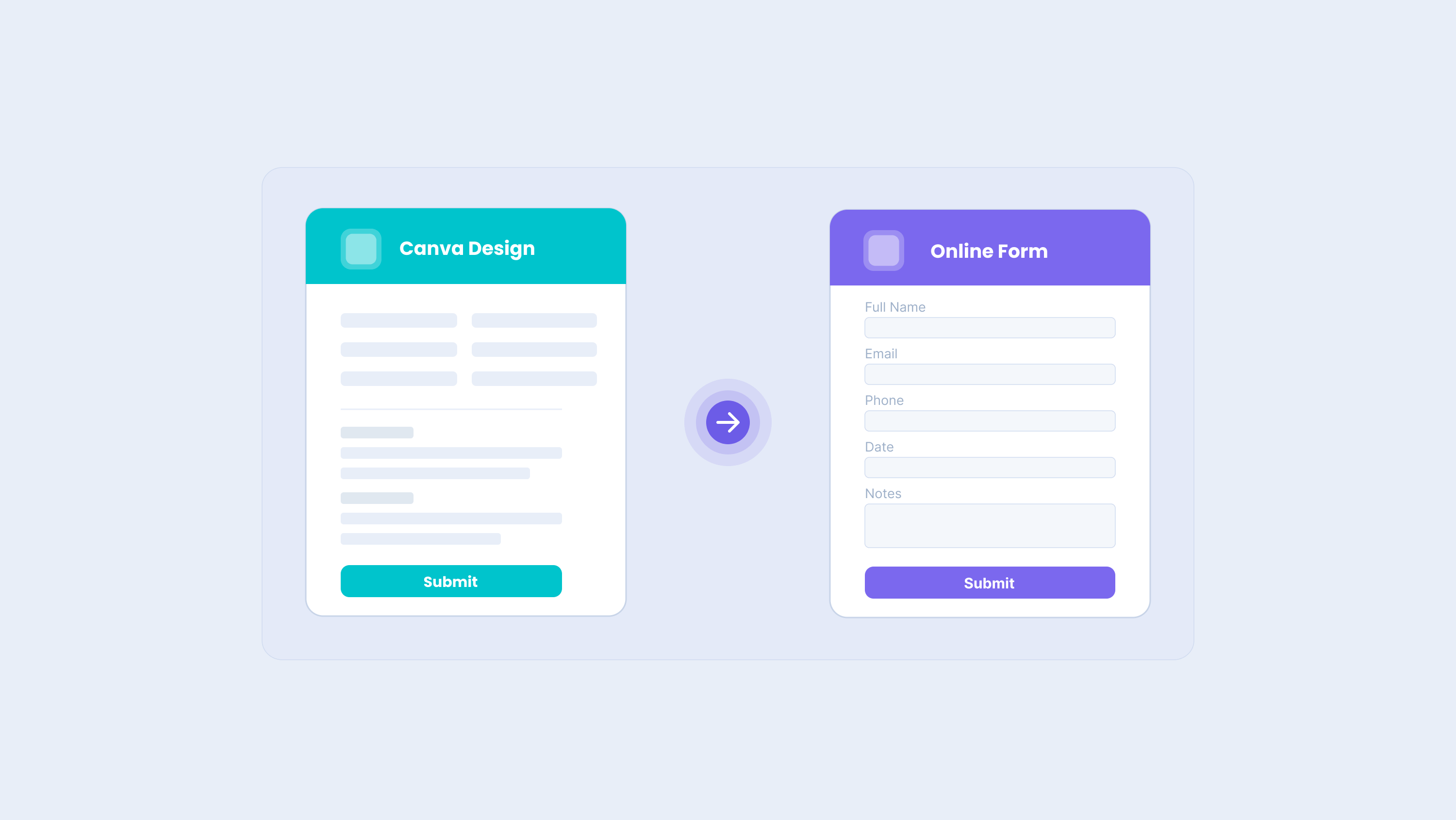
Many team forms begin in Canva. A marketing team designs a branded lead capture sheet. An event team prepares a registration layout. A service business creates a client intake form. An HR team drafts an onboarding checklist. Canva makes these forms easy to design, review, and polish before anyone shares them with customers, applicants, clients, or staff.
Read More
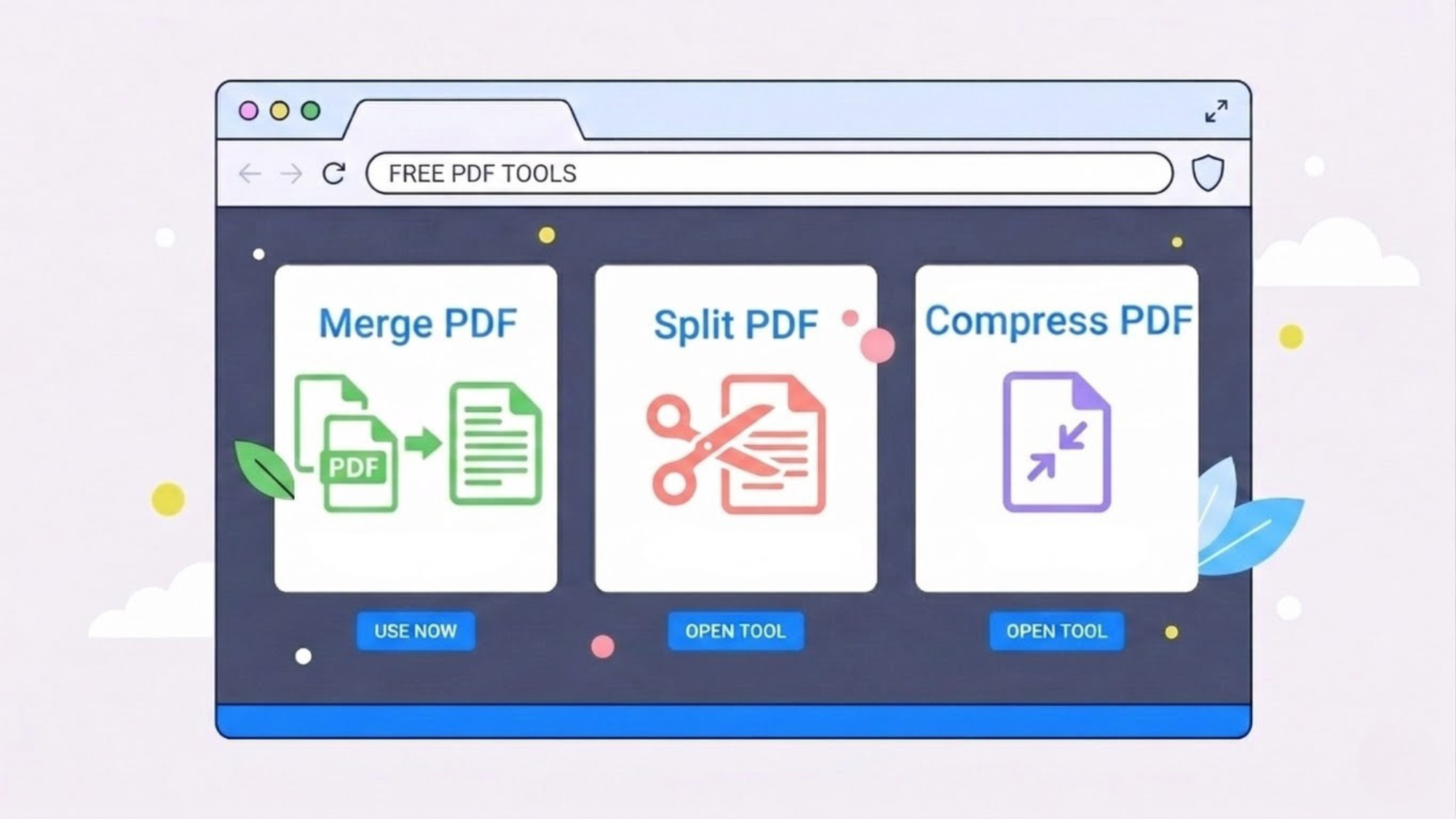
Many people assume that a browser-based tool is a private workspace. In reality, most online tools process files on remote servers you know nothing about.
Read More
In 2026, creating online forms is no longer a task reserved for developers. Whether you’re looking to build an online app form, set up an online register form, or make an order form online, there are now countless tools available that make it incredibly simple—even for beginners.
Read More
In the world of online form builders, Tally and PlatoForms represent two very different philosophies.
Read More
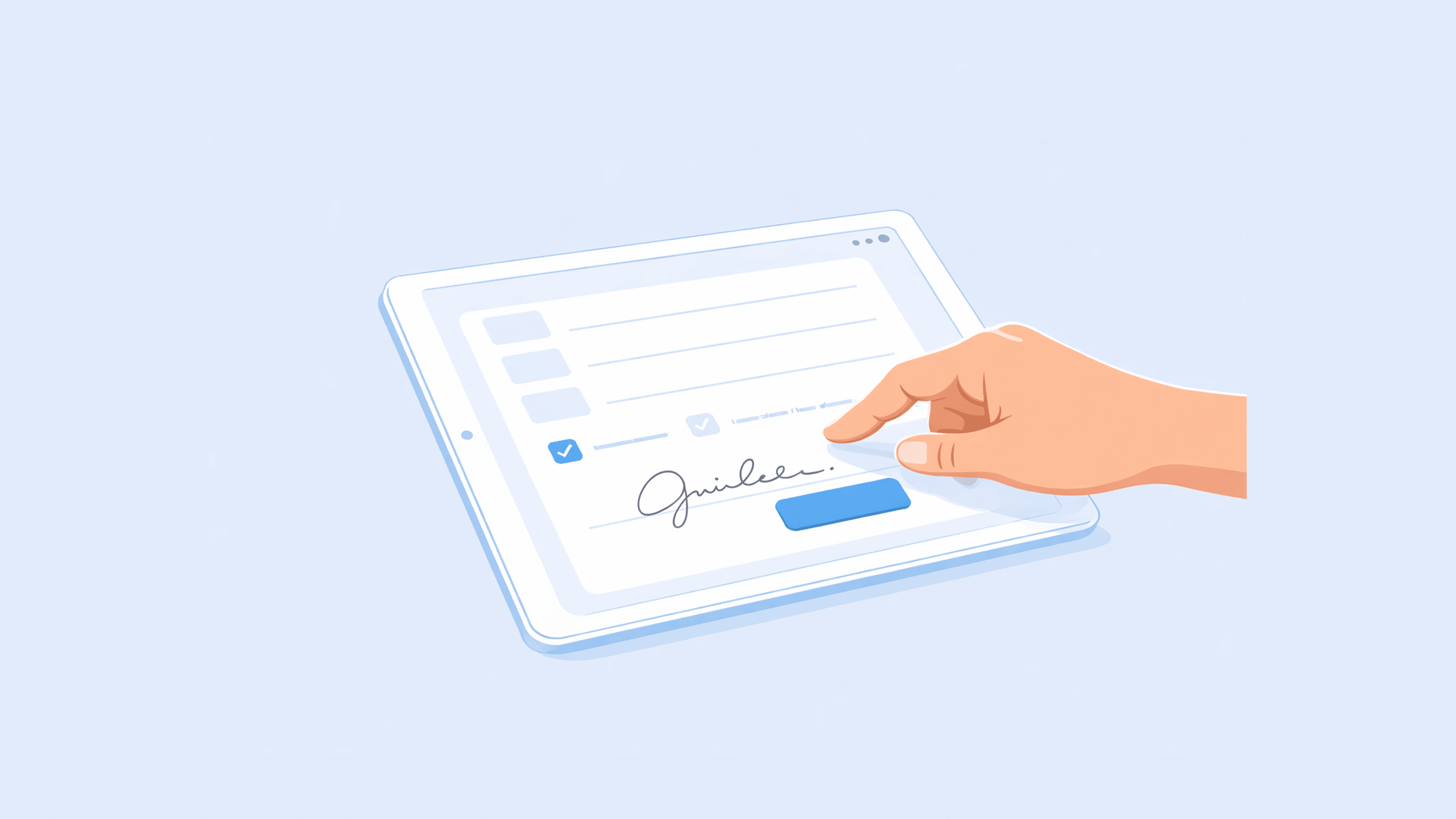
Paper waivers are a liability in more ways than one. They get lost, the handwriting is often illegible, and when you actually need to produce one—whether for an insurance claim or a dispute—it’s usually buried in a folder no one can find.
Read More
E-signature transactions have ballooned in just five years—from 89 million to 745 million. This rapid growth positions the e-signature market as one of the fastest-expanding sectors globally. More people are discovering the benefits of e-signature solutions, not only for business but also for personal use. As the demand for e-signature solutions increases and the world shifts toward digital documentation, the adoption of e-signatures continues to gain momentum. By 2026, the global digital signature market is projected to grow to $14.1 billion, growing at an impressive Compound Annual Growth Rate (CAGR) of 31.0%.
Read More
Google Forms is one of the most widely used form tools in the world — and for good reason. It’s free, easy to use, and integrates seamlessly with the rest of Google Workspace. But if you’ve ever tried to collect payments directly through Google Forms, you’ve probably run into a frustrating reality: Google Forms doesn’t support payments natively.
Read More
Using conditional logic in Google Forms makes surveys more efficient and reduces respondent fatigue, but the setup process can be tricky and limited. In this guide, we’ll walk through how to create conditional questions in Google Forms, explore its limitations, and show you how to build powerful dynamic forms with Platoforms.
Read More
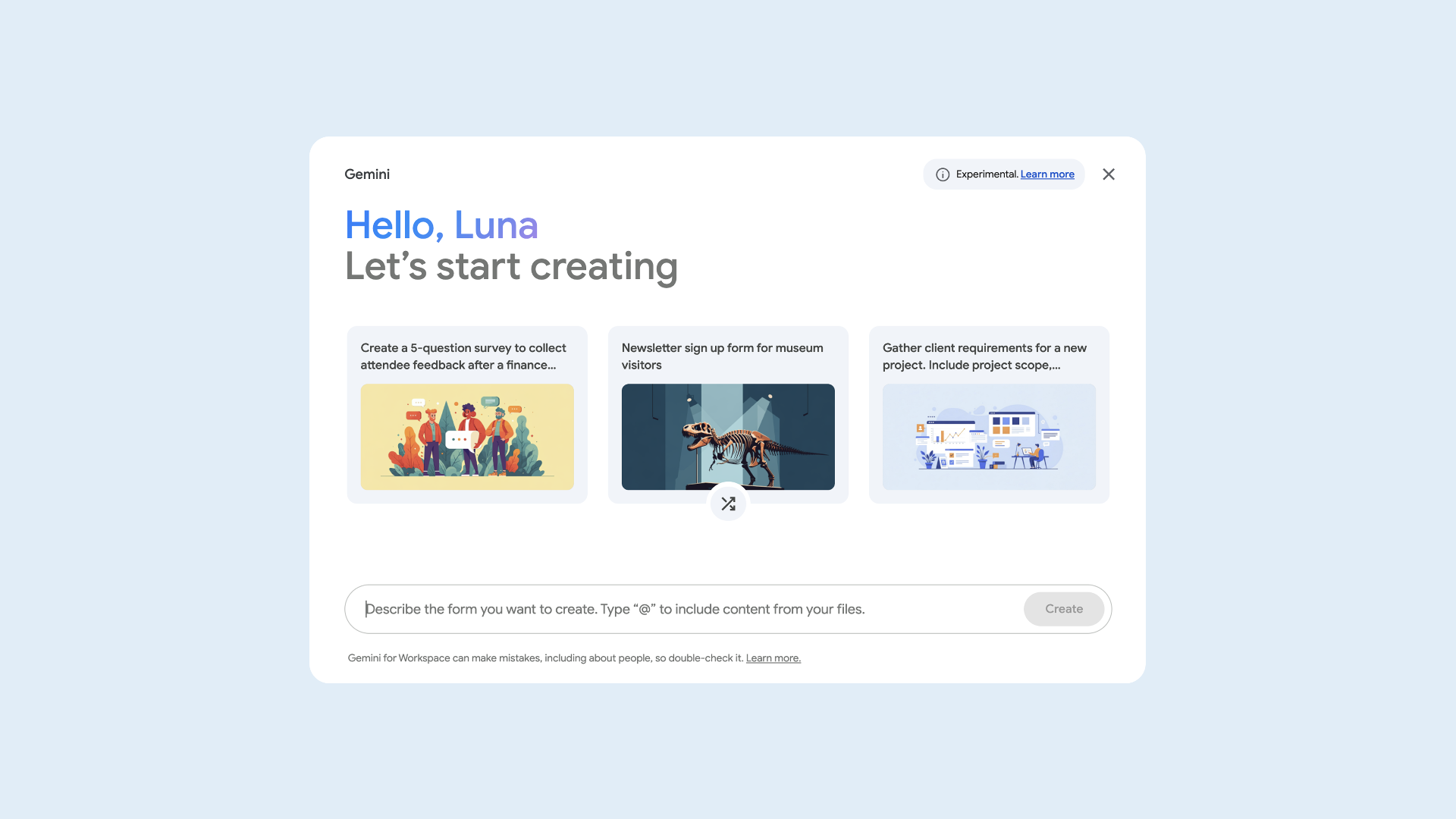
Google Forms has long been known for its simplicity. In mid-2025, Google took a major step forward by integrating Gemini AI, allowing users to generate forms using natural language prompts.
Read More
What we’ll cover: PDF forms in 2025: things has changed! Why choose online fillable forms? Make your website better with online forms How to start using online forms PlatoForms AI Feature: Enhancing Your Online Form Experience
Read More
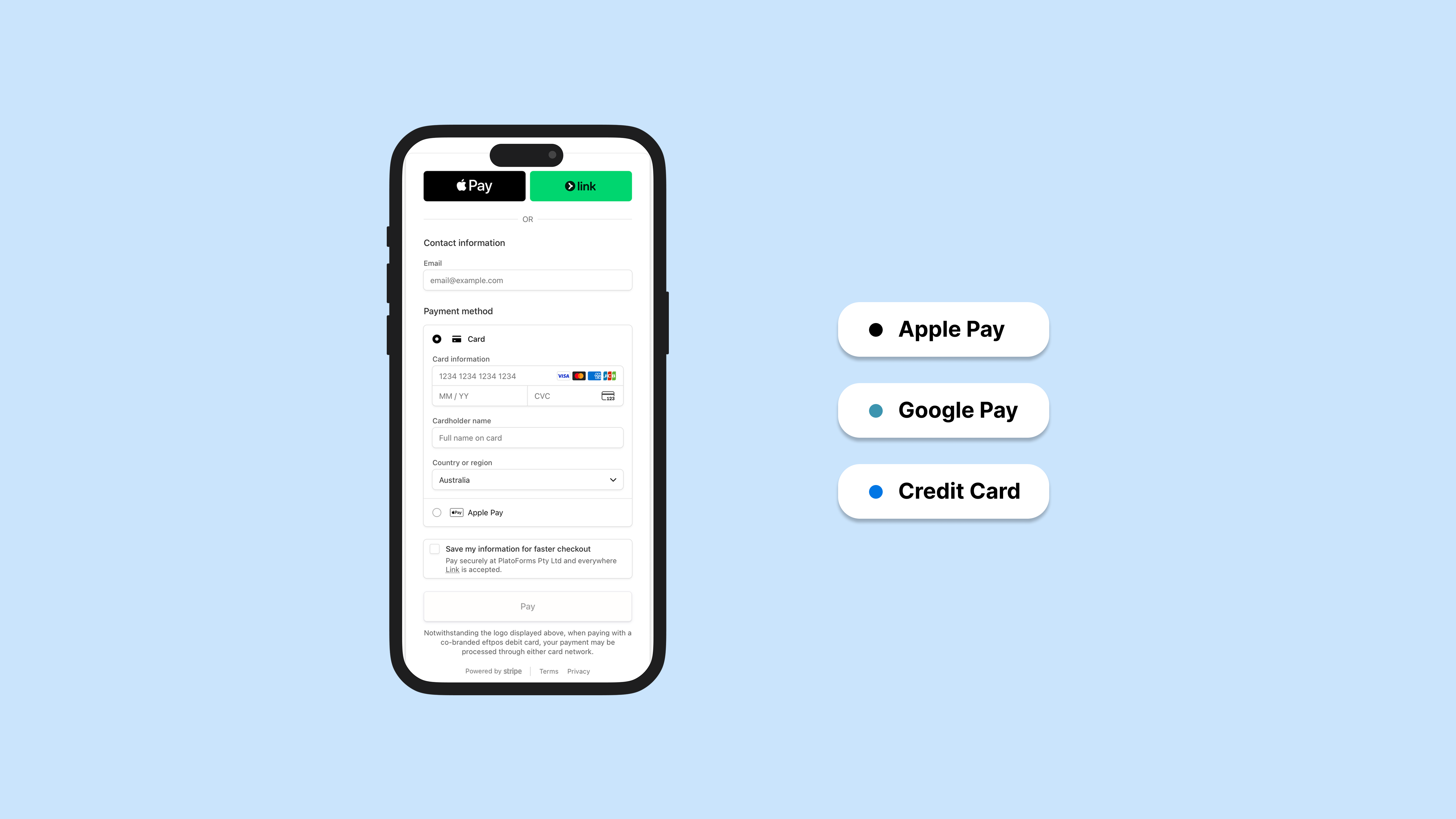
You’ve built your form. Now you need to collect payment. Simple enough—except you’re staring at a list of payment options and wondering: do I need all of these? Will my users even have Apple Pay? Is a credit card form enough?
Read More
According to a survey by the NewSchools Venture Fund in 2019, 65% of teachers use digital tools every day, while 53% said they’d prefer to use technology more often. This proves that using online tools contributes to the huge impact of students’ learning curve–making room for convenience and innovation while learning.
Read More
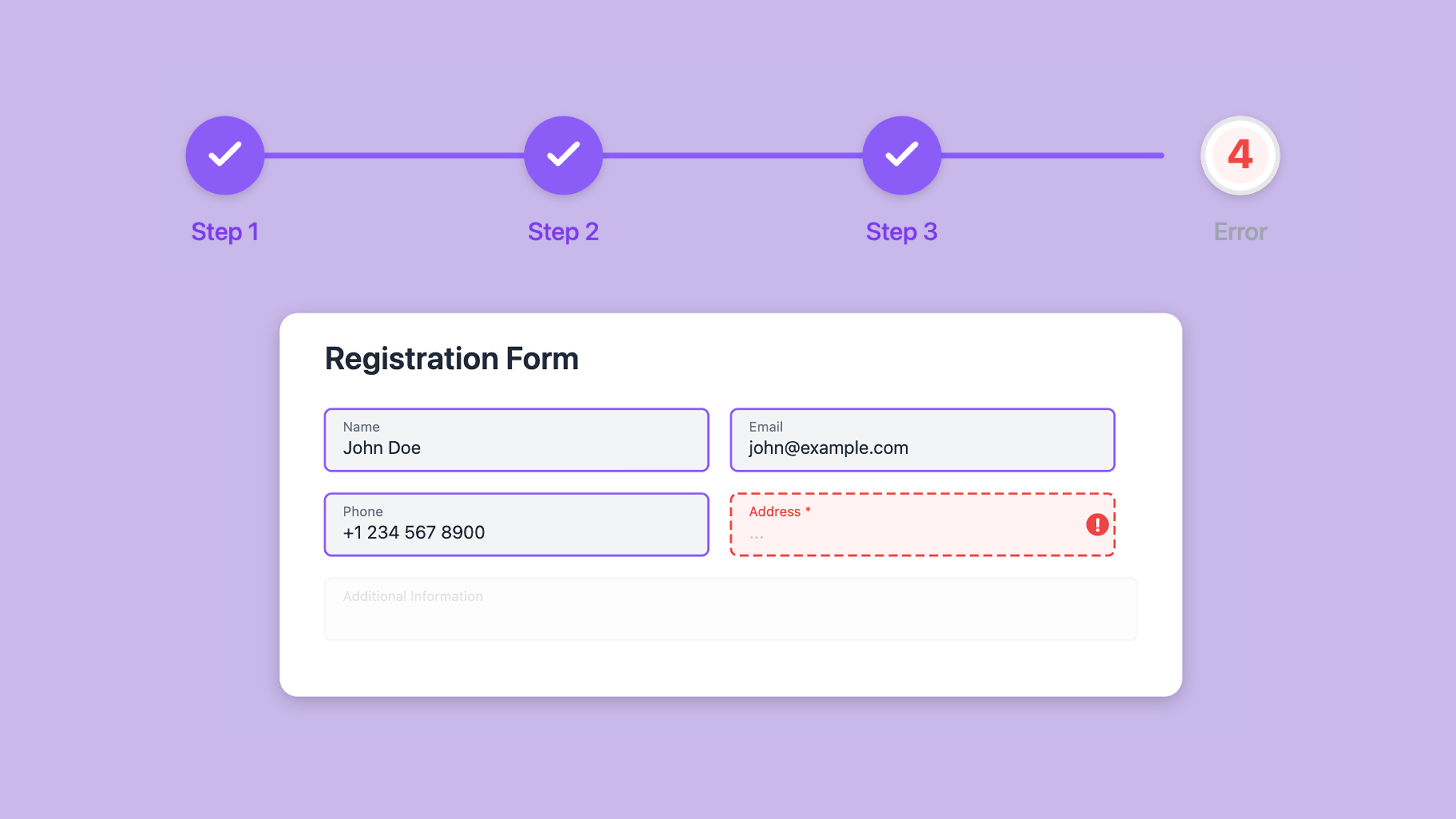
You spent time setting up your Google Form. You added sections, configured branching logic, and gave each step a clear title. In preview, it looked structured and clean.
Read More
Cyber threats are becoming more frequent and more sophisticated. That’s why securing your online fillable form isn’t just a nice-to-have—it’s essential. Whether you’re collecting sensitive information from clients, internal teams, or external partners, PlatoForms lets you choose from different types of protection to ensure that your form is accessed only by the right people.
Read More
“Continuous learning is the minimum requirement for success in any field,” says Brian Tracy.
Read More
Your online form is the most important conversation you’ll have with a potential customer. Yet, for most businesses, it’s a conversation that ends abruptly.
Read More
EXCLUSIVE: Create your Mother’s Day giveaway in just 5 minutes! Build your winning form now → Mother’s Day spending reached $34.1 billion in 2025, according to the National Retail Federation — and 2026 figures are expected to climb higher. A strategic giveaway doesn’t just generate buzz—it transforms casual browsers into loyal customers when executed properly.
Read More
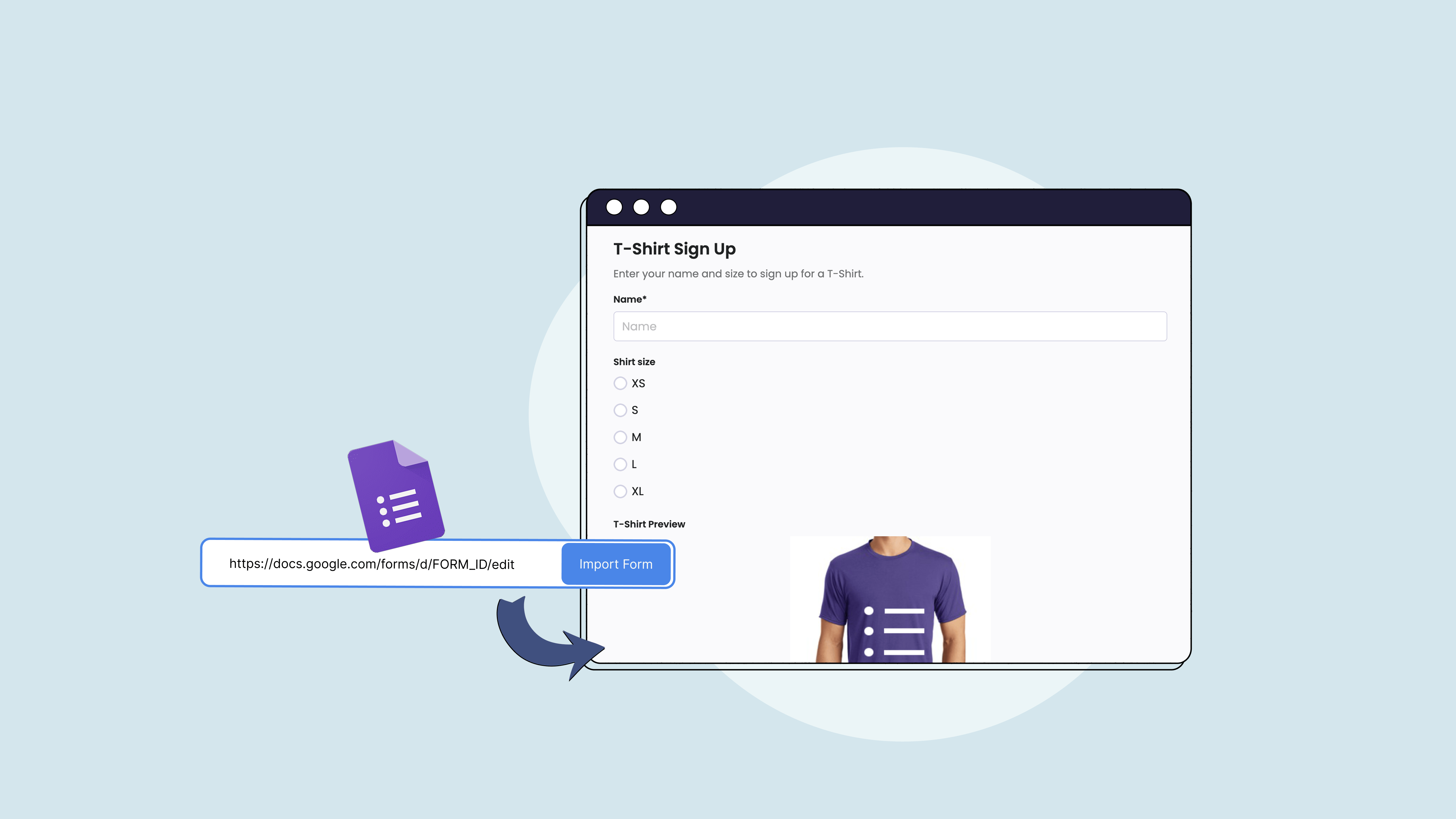
A PDF software and form builder with payment integration? Now, your online PDF forms can seamlessly receive payments from your clients whenever, wherever. In addition to converting PDFs to online forms, PlatoForms can now be also integrated with Stripe to take the hassle out of online payments. With our Stripe payment forms, turning PDFs into fillable forms and collecting payments through it is now possible in minutes.
Read More
Amid the heights of eCommerce and the lessening of brick-and-mortar stores, apps for online payments are here to stay. Adding up to convenience, paying online provides tons of advantages not just for businesses but also for consumers—from more efficient transactions to paperless processes (goodbye, mountain of receipts). Because of this, businesses need to choose an app for online payment that won’t just collect payments, but also a tool that can get the job (well) done. An ideal app for online payment would have to be easy to use, affordable, and of course, secure.
Read MoreMany team forms begin in Canva. A marketing team designs a branded lead capture sheet. An event team prepares a registration layout. A service business creates a client intake form. An HR team drafts an onboarding checklist. Canva makes these forms easy to design, review, and polish before anyone shares them with customers, applicants, clients, or staff.
Read MoreYou publish a form. Someone fills it out. Their name, email, maybe a date of birth or a medical condition, lands in a database somewhere.
Read MoreCanva is where a lot of forms are born. Client intake sheets, event registrations, waivers, feedback forms — the templates are great, the design tools are fast, and the output looks professional.
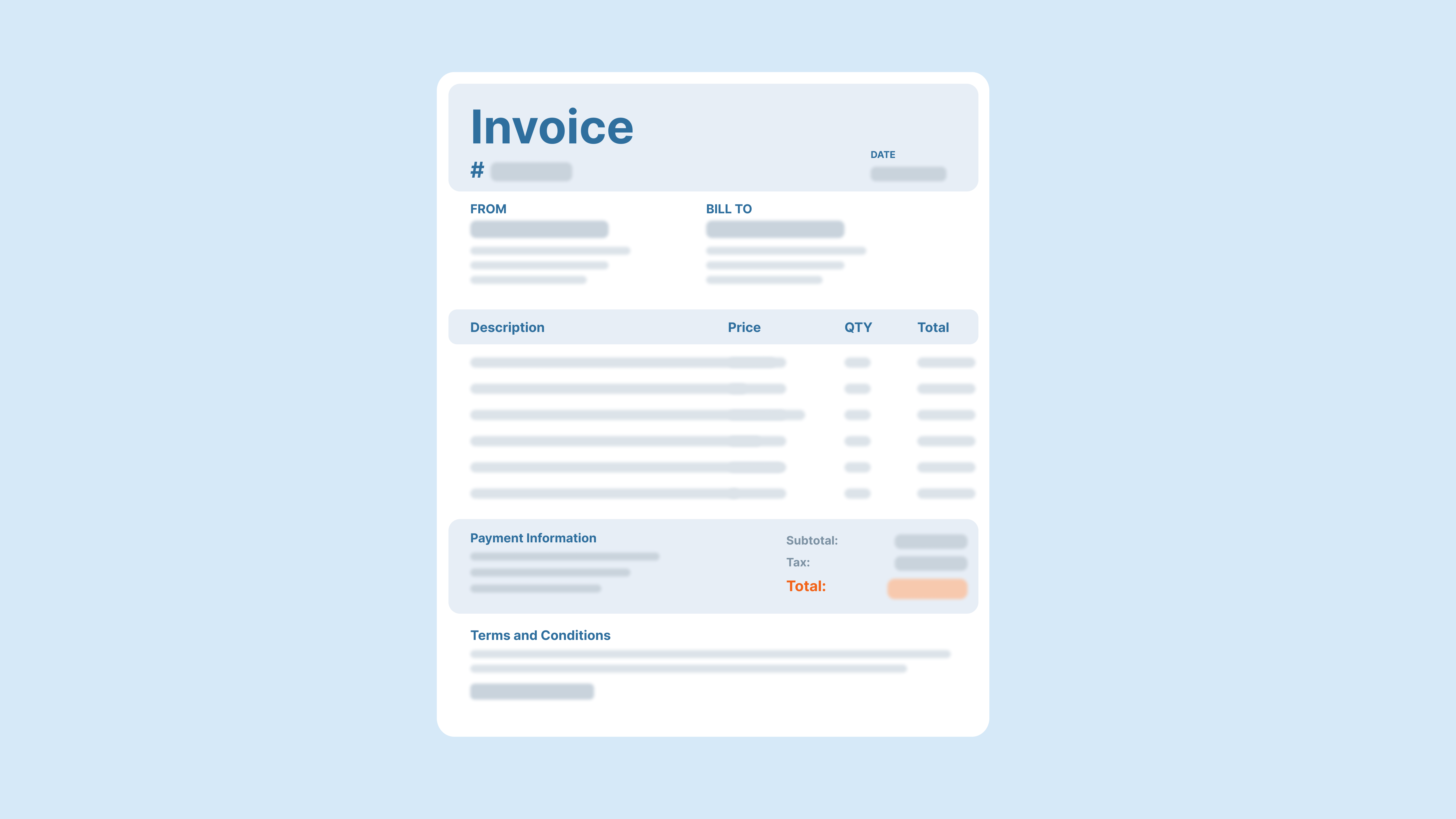
Read MoreMany businesses do not need a full ecommerce website to collect payments. They simply need a reliable way to ask the right questions, calculate the right amount, and let the customer pay securely. That is where an online payment form becomes valuable: it combines a form submission, customer details, order information, and payment into one workflow.
Read MoreA new hire’s first week says a lot about an organization. When the process is smooth—forms ready, accounts set up, the right people notified—it signals that the company is organized and takes the hire seriously.
Read MoreReady to build? Start from a template or create your summer event form in minutes — try PlatoForms free →
Read More