

AI form builders can generate a complete form — fields, labels, layout, logic — in seconds. That speed is the point. But speed also means you can publish a form collecting names, emails, health information, or payment details before you’ve had a chance to examine what was actually built.
Manual form builders have a known security surface. You add each field yourself, so you know what’s collected. AI-generated forms inherit a different risk profile: the model decides what fields to include, how they’re labeled, what’s required, and sometimes what’s hidden. If you describe “a patient intake form,” the AI might generate fields for date of birth, insurance provider, current medications, and primary complaint — all PHI under HIPAA — without flagging that those fields carry compliance obligations.
This checklist covers the specific things to verify before you publish any AI-generated form that collects personal or sensitive data.
This article is for informational purposes only and does not constitute legal advice. Consult a qualified data protection professional for guidance specific to your organization.
On this page
1. Audit what the AI actually generated
AI form generators are trained on large corpora of form templates. When you prompt “create an employee onboarding form,” the model draws on patterns from thousands of onboarding forms — which commonly include fields for national ID numbers, emergency contacts, bank account details, and health declarations. These fields may appear in the generated output whether or not you asked for them.
Open the form in the builder and read every field label, including fields that appear further down the page. Pay particular attention to any field that collects government ID numbers, financial information, health or medical data, demographic information (race, ethnicity, religion), or biometric data — these categories receive heightened protection under GDPR, HIPAA, CCPA, and most other privacy frameworks.
Delete any field you didn’t ask for and don’t have a lawful basis to collect. GDPR’s data minimisation principle (Article 5(1)(c)) is explicit: personal data should be “adequate, relevant and limited to what is necessary in relation to the purposes for which they are processed.” If you can’t articulate why you need a specific piece of data, don’t collect it.
The same applies if you used ChatGPT or another general-purpose AI to generate a form and are embedding the output. The model has no awareness of your compliance obligations — it generates fields based on what’s typical for that form type, not what’s appropriate for your specific context.
2. Watch for hidden fields and unnecessary data
Two specific patterns appear frequently in AI-generated forms and are easy to miss.
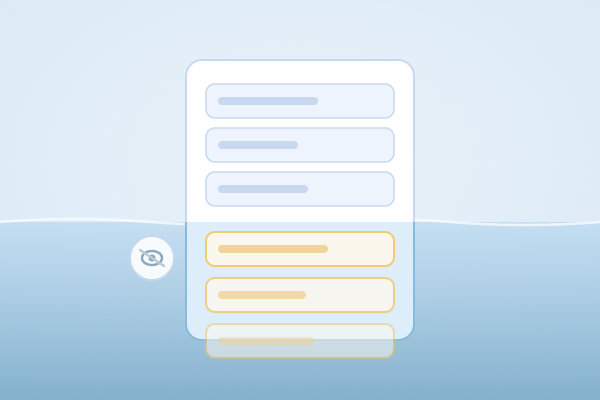
Hidden fields. Some AI builders generate hidden fields — fields that collect data but are not visible to the respondent. These are legitimate in many contexts (tracking codes, timestamps, dynamic pricing logic), but when an AI model generates them without explicit instruction, you may end up collecting data respondents don’t know about and haven’t consented to. In the form builder, switch to a view that shows all fields including hidden ones — most builders have a field list panel or a “show hidden fields” toggle. For each hidden field, confirm you know what value it collects, where that value comes from, and why it’s not visible.
Completeness bias. AI models optimize for completeness. A prompt like “create a contact form” might yield fields for name, email, phone, company, job title, country, and preferred contact time — because those fields commonly appear together in contact form templates. That’s more data than a contact form typically needs. Optional fields that collect sensitive data deserve the same scrutiny as required fields: users frequently fill them in, and the data is collected either way.
Review the form from the perspective of a respondent who completes every field. What does the full submission contain? Is that proportionate to the stated purpose?
3. Confirm where the AI processed your prompt
When you describe what you want to an AI form builder, your prompt is sent to a language model for processing. Depending on the platform architecture, that model may be hosted by the platform itself or by a third-party AI provider — and the data handling implications differ significantly.
If your prompt contains sensitive information — “create a patient intake form for a cardiology clinic collecting history of heart disease, current medications, and last ECG date” — that prompt may be transmitted to and processed by a third-party AI provider whose data handling terms you haven’t reviewed. Consumer-facing AI tools often retain prompts for safety review or model improvement. Enterprise API access (from providers like OpenAI, Anthropic, and Google) typically does not retain prompts by default, but the specific terms depend on the contract tier and whether data processing agreements are in place. If the prompt contains information about real individuals, retention under any terms is a compliance issue worth confirming explicitly.
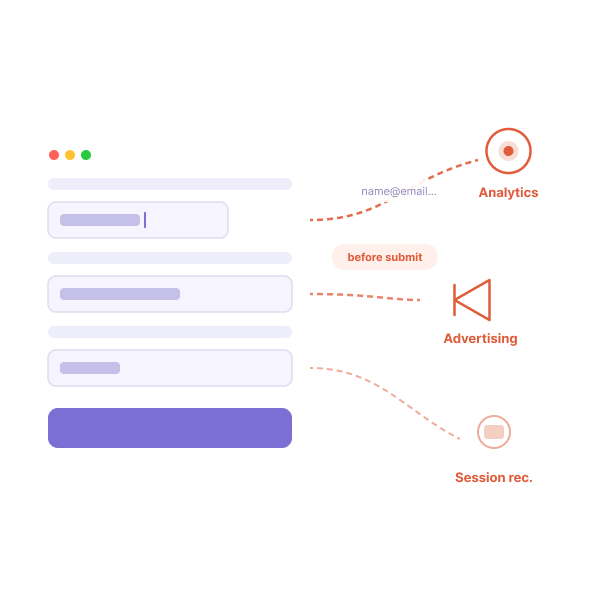
A few things worth checking: which AI provider powers the platform’s generation features (look for this on the privacy policy, security page, or trust center — for example, PlatoForms lists its infrastructure sub-processors at /security, though for AI-specific processing details, contacting the platform directly is the more reliable path); whether the platform’s DPA covers AI processing — not just form submission data, but the prompt and generation pipeline; and whether HIPAA mode, if available, extends to AI features or only to form submission storage.
As a general rule, avoid putting real personal data in AI prompts. Use placeholder descriptions (“a form for collecting patient intake information”) rather than actual patient names, records, or case details.
4. Check whether the platform’s data protections cover AI features
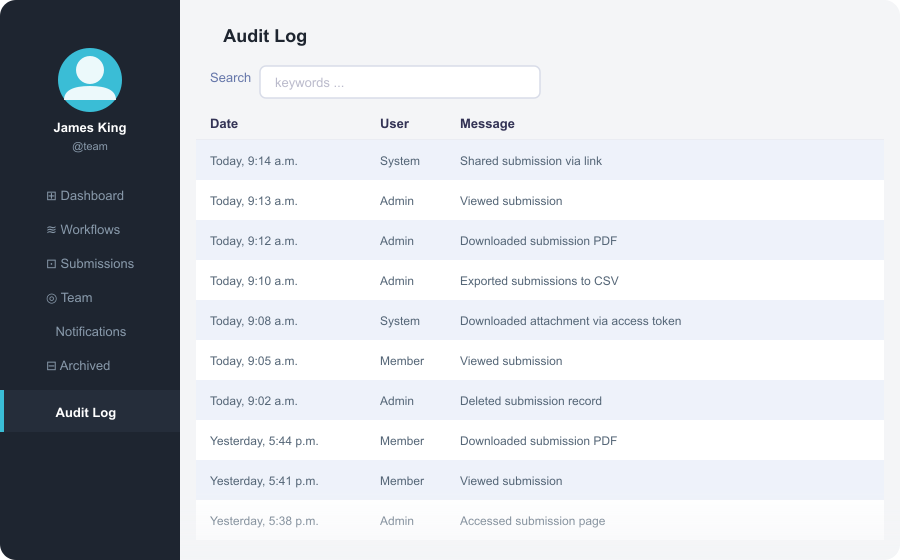
A form platform may have strong protections for submission data — encryption at rest and in transit, configurable retention, audit logs, HIPAA BAA — without those protections extending to the AI generation pipeline. These are separate data flows and may be governed by different parts of the platform’s terms.
Read the platform’s DPA and privacy policy with this question in mind: does the DPA explicitly cover AI-assisted features, or only form submission data? If it’s ambiguous, ask directly.
For GDPR specifically: confirm that the sub-processor list disclosed in the DPA includes any AI providers used for form generation. Under GDPR Article 28(4), processors must impose the same data protection obligations on sub-processors as apply in the main DPA. An AI provider processing your prompts is a sub-processor — it needs to appear on that list. A DPA that covers only submission storage, with AI generation handled by an undisclosed third party, does not satisfy this requirement.
For a broader review of what a form platform’s security stack should include, see 7 Signs Your Online Form Builder Is Not Safe for Sensitive Data.
5. Fill out the form yourself before publishing
The final check is the simplest and the most frequently skipped: fill out the form yourself before publishing.
This catches things that are easy to miss in the builder view — fields the AI generated that are visible and confusing or intrusive to respondents; validation rules that block legitimate input (a phone number field requiring a format not used in your target market); required fields that respondents may not be able to complete (an employee ID field on a public-facing form); and submission behavior that wasn’t explicitly configured.
AI generation is a starting point, not a finished product. The review step is about applying the same editorial judgment you’d apply to any form before it goes live.
A pre-publish checklist
Before publishing any AI-generated form that collects personal data:
- Read every generated field — including fields further down the page and any described as optional
- Check for hidden fields and confirm the purpose of each one
- Remove any field you don’t have a lawful basis or operational reason to collect
- Avoid putting real personal data in AI generation prompts
- Verify which AI provider processes your prompts and review their data retention terms
- Confirm the platform’s DPA covers AI features, not just form submission data
- If collecting PHI, confirm HIPAA mode covers the AI generation pipeline, not just submission storage
- Fill out the form yourself before sharing the link
How PlatoForms handles this
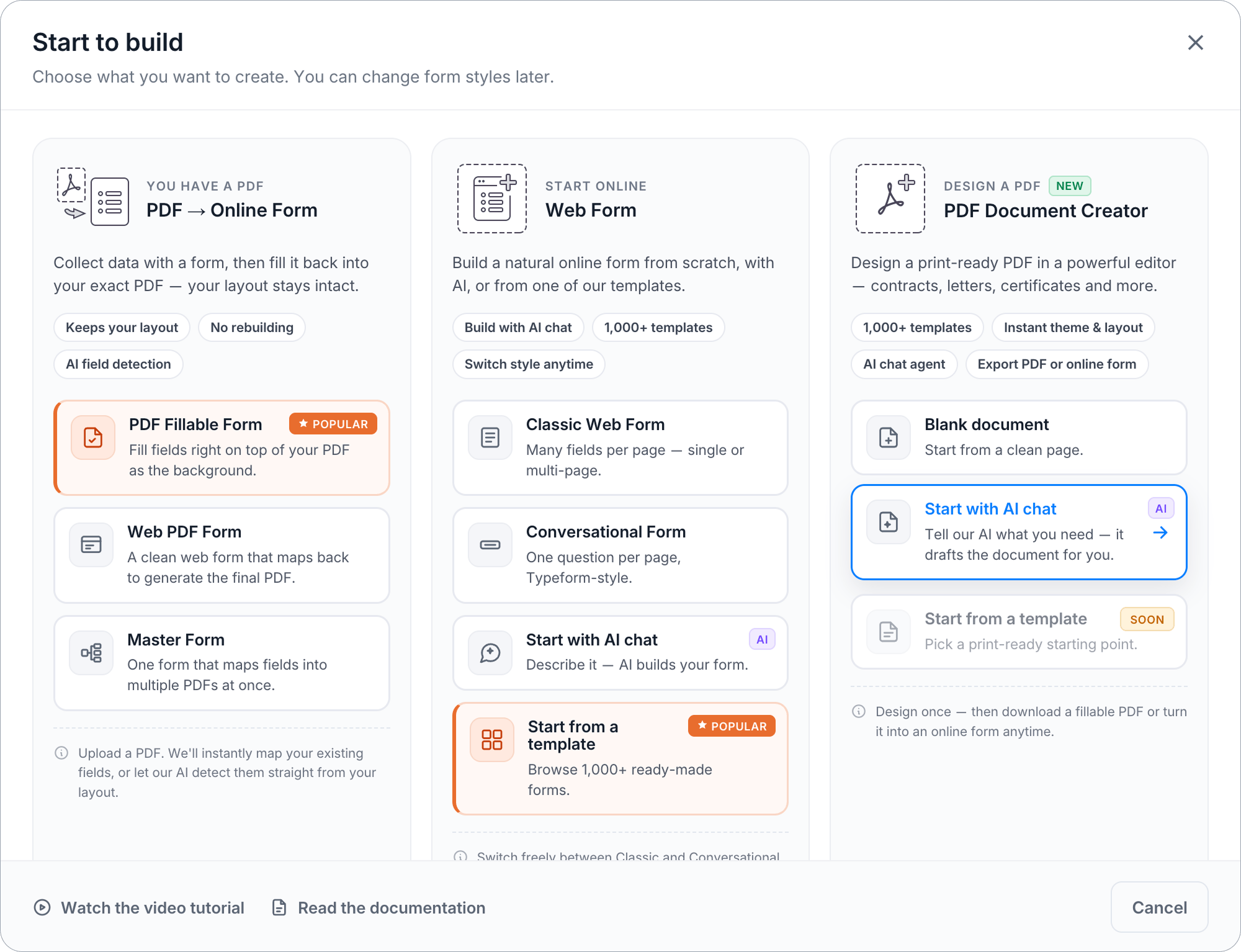
PlatoForms’ AI features — AI Form Generator and PDF Document Creator — let you build forms from text prompts or create documents using AI, then convert them into online forms. For submission data, the platform’s security controls include:
- Encryption at rest (AES-256) and in transit (TLS 1.2+)
- HIPAA compliance mode available on Silver and Gold plans, with a signed BAA and team audit log for Team Admins
- A DPA available for GDPR-covered organizations on Silver and above
- Configurable data retention at the form level, including 0-day retention for accounts using cloud drive export
For questions about how AI generation specifically is handled — which provider processes prompts and under what terms — contact PlatoForms directly or review the Trust Center.
Related reading: 7 Signs Your Online Form Builder Is Not Safe for Sensitive Data · GDPR Compliance for Online Forms: A Practical Checklist · HIPAA-Compliant Online Forms: A 2026 Guide · Data Security for Online Forms: What Every Business Should Know