Connect PlatoForms in Canva
Open your completed Canva design, find PlatoForms under Apps, then connect and authorize your account.

C PlatoForms for Canva
Export a Canva form design to PlatoForms. Keep the original layout as a PDF Fillable Form, or rebuild it as a mobile-friendly Web PDF Form.
Requires a paid PlatoForms plan · Canva Pro not required

How it works
Open your completed Canva design, find PlatoForms under Apps, then connect and authorize your account.
Choose Export and Convert Design. When processing finishes, click Open Form, then Continue.
Select PDF Fillable Form or Web PDF Form. Let AI detect possible fields, then review and correct them.
Prefer a visual walkthrough? See the step-by-step Canva export tutorial ↗
See the product
See where the Canva export begins and what happens after the design reaches PlatoForms.
▶ Watch the 2-minute conversion demo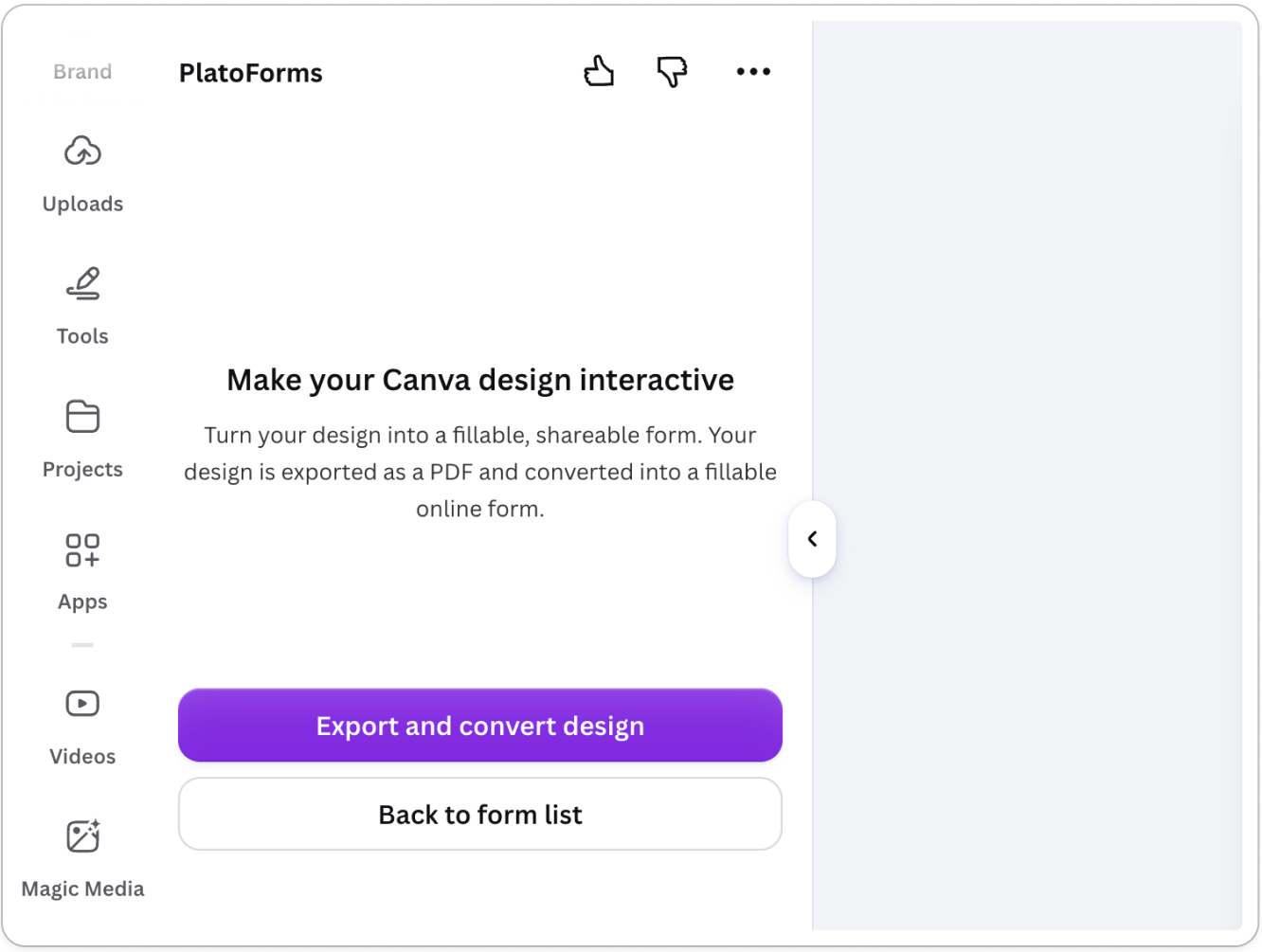
One design, two ways to fill
Let people fill in fields on your original Canva design, or rebuild the questions as a mobile-friendly web form.
PDF Fillable Form
Add fields people can fill in directly on the exported design, without changing its original layout.
Web PDF Form
Create a mobile-friendly web form that places each submission into a completed PDF based on your design.
More than a conversion
Detect common form fields and create a first draft for you to review.
Place fields people can fill in over the exported Canva design when its layout matters.
Rebuild the questions as a web form that is easier to complete on a phone.
Place submitted answers into a completed PDF for each response.
Add signature fields and collect a deposit or fee when the form requires them.
Show different questions based on answers and route submissions to the right people.
Common questions
Yes. Open the design in Canva and export it through the PlatoForms app. In PlatoForms, choose PDF Fillable Form to keep the original layout, or Web PDF Form for a mobile-friendly form that generates a completed PDF.
Yes. After publishing the form, share its link or embed it on a webpage that supports embed code. Support for embedded forms depends on the website or course platform.
No. Canva Pro is not required. You need a Canva account and a paid PlatoForms plan.
Choose PDF Fillable Form to let people fill in fields on the original design. Choose Web PDF Form for a mobile-friendly web form that generates a completed PDF.
No. AI detects possible fields and creates a first draft. Review the fields, correct them when needed, and test the form before publishing.
Your Canva design can do more
Follow the setup guide to turn your Canva design into a working form.
Follow the Canva setup guide ↗