







Integrate with Canva
On this page
This guide explains how to convert a Canva design into a fillable online form with the PlatoForms Canva app. Install the app, export the design as a PDF, then use AI field recognition to create a first draft of the fields for review.
Prerequisites
- A Canva account
- A paid PlatoForms plan
- A Canva design with a form layout (text fields, checkboxes, signature lines, etc.)
Install the PlatoForms app in Canva
-
Open any design in Canva.
-
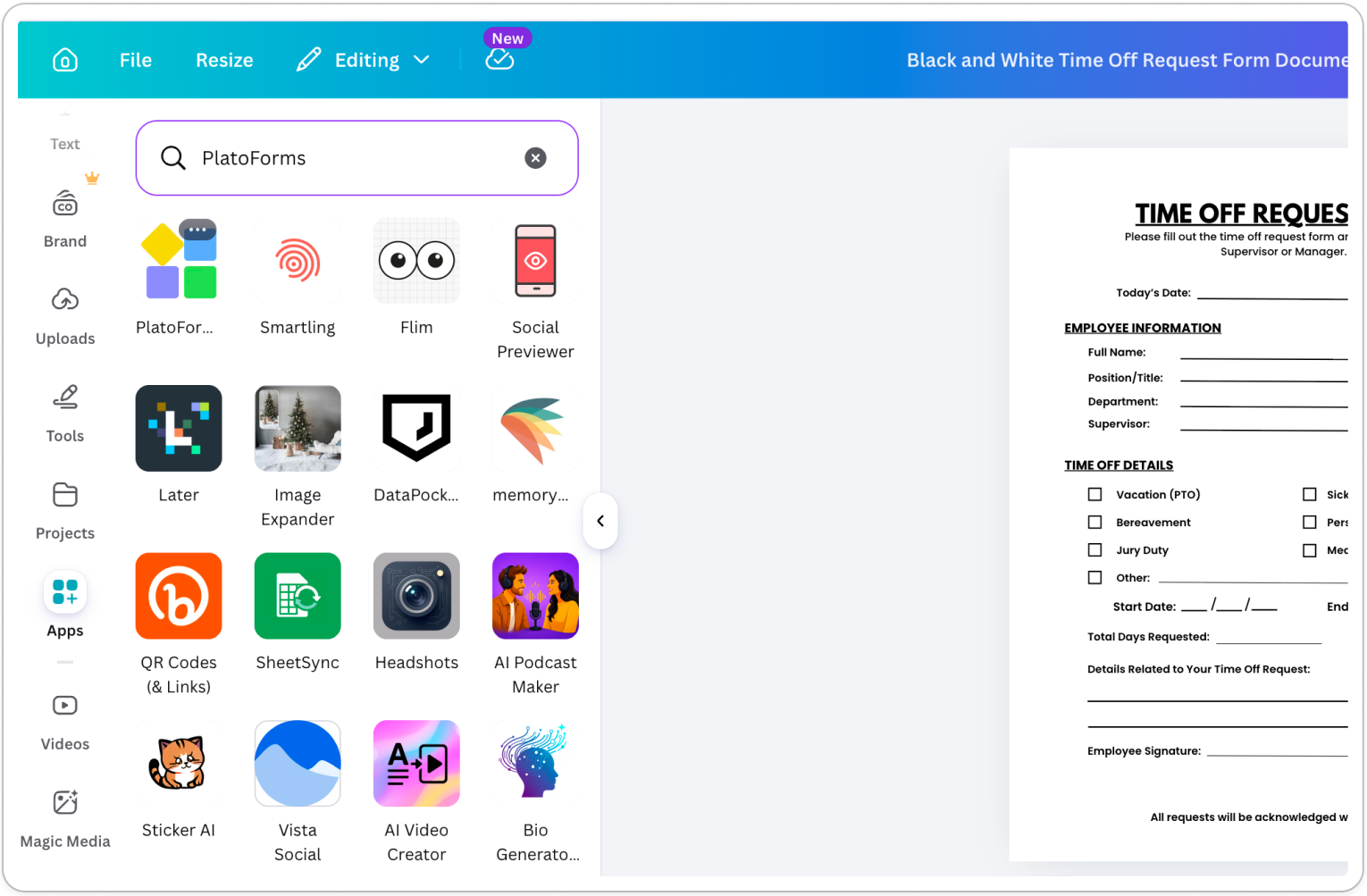
Click Apps in the left toolbar, search for PlatoForms, and click to install.
-
Click Connect and authorize PlatoForms in the popup.
Export your design
-
Open the design you want to convert.
-
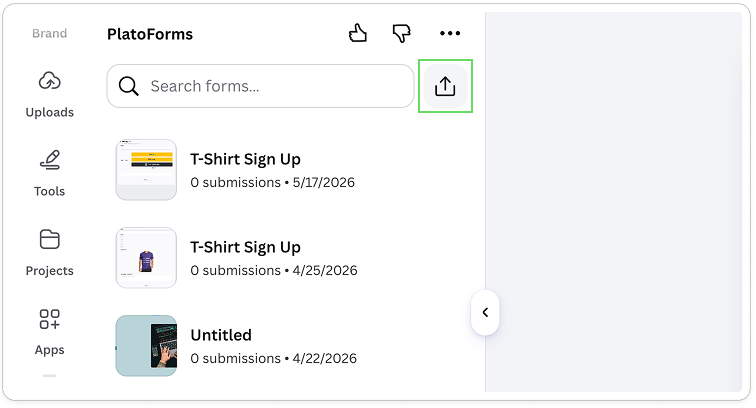
In the PlatoForms panel, click the export icon in the top right.
-
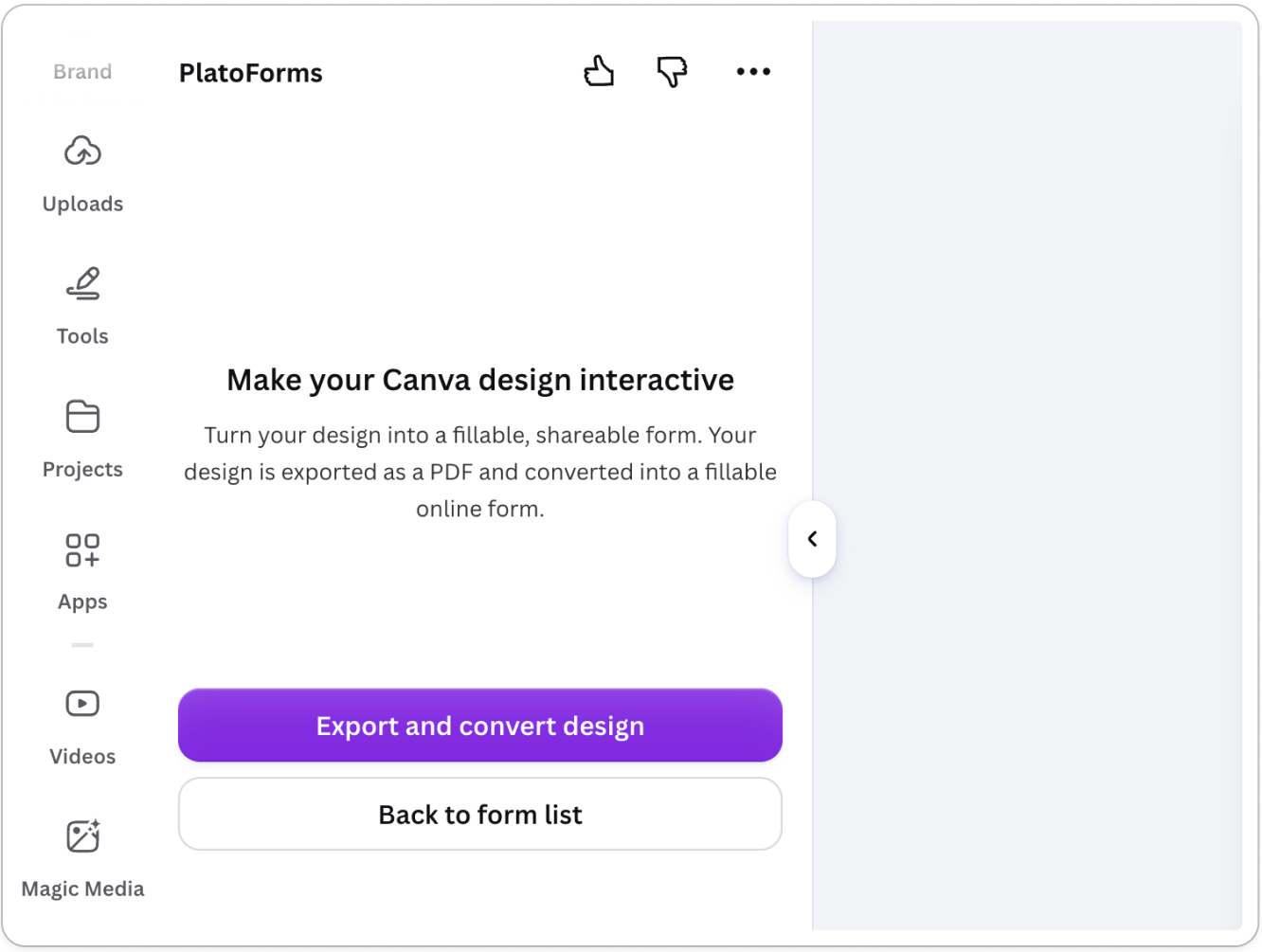
Click Export and convert design.
-
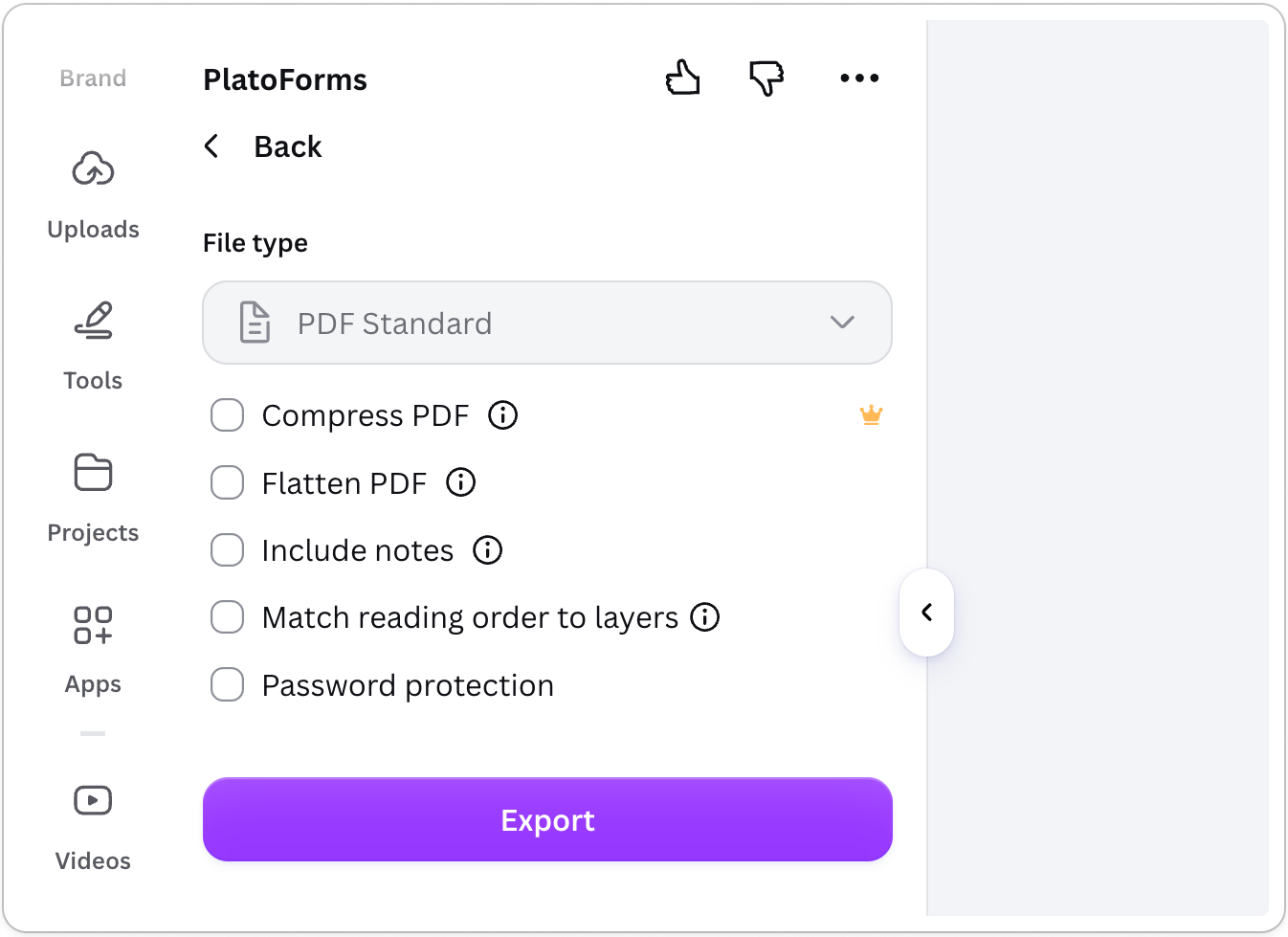
Review the PDF export settings and click Export. The default settings work for most cases.
 Note
NoteOptions marked with a crown icon (such as Compress PDF and Flatten PDF) require a Canva Pro plan. They are not needed for the conversion — leave them unchecked unless you have a Pro plan and specifically want them.
-
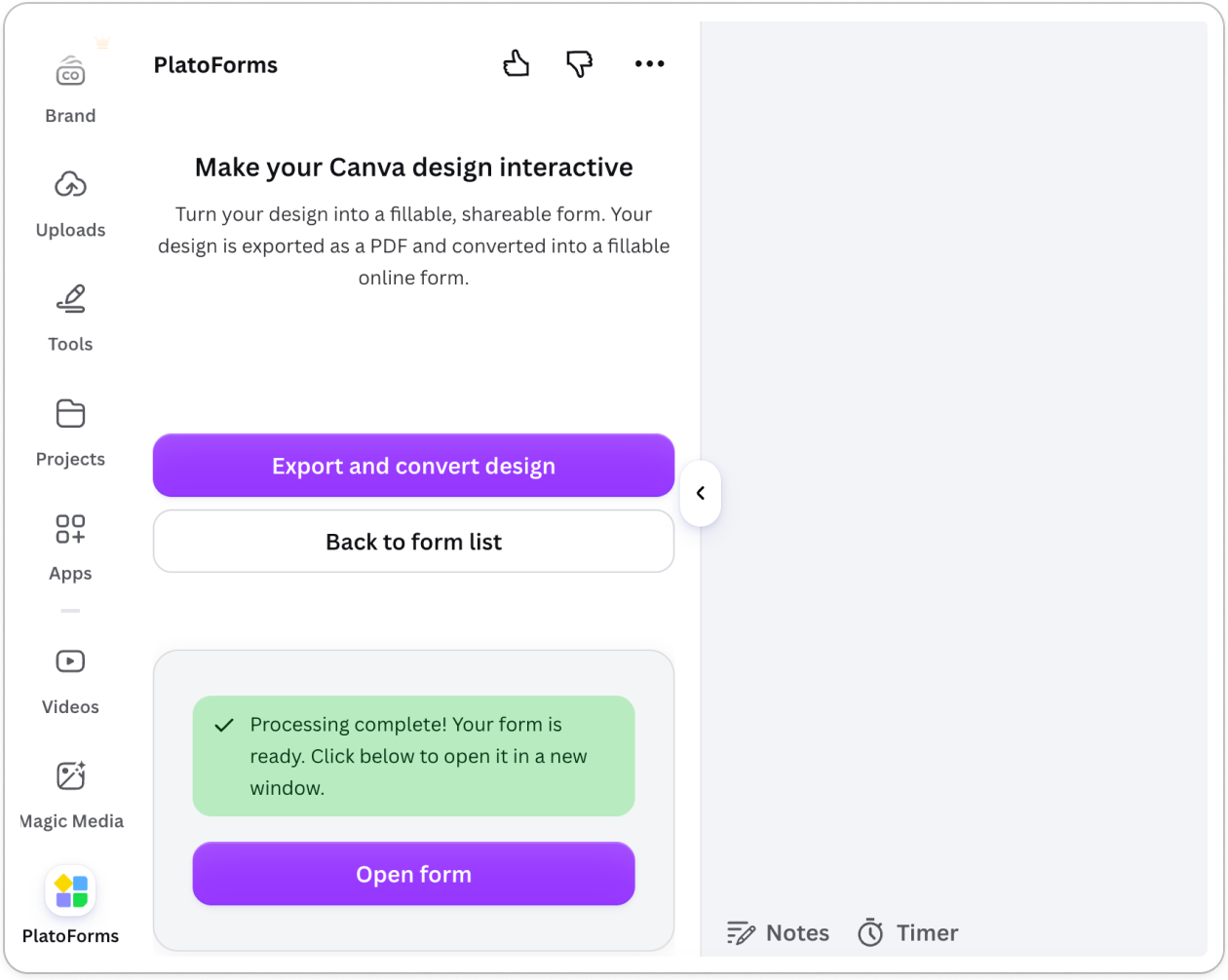
When processing is complete, click Open form > Continue.
Choose your form type
PlatoForms will ask you to choose how your form is built:
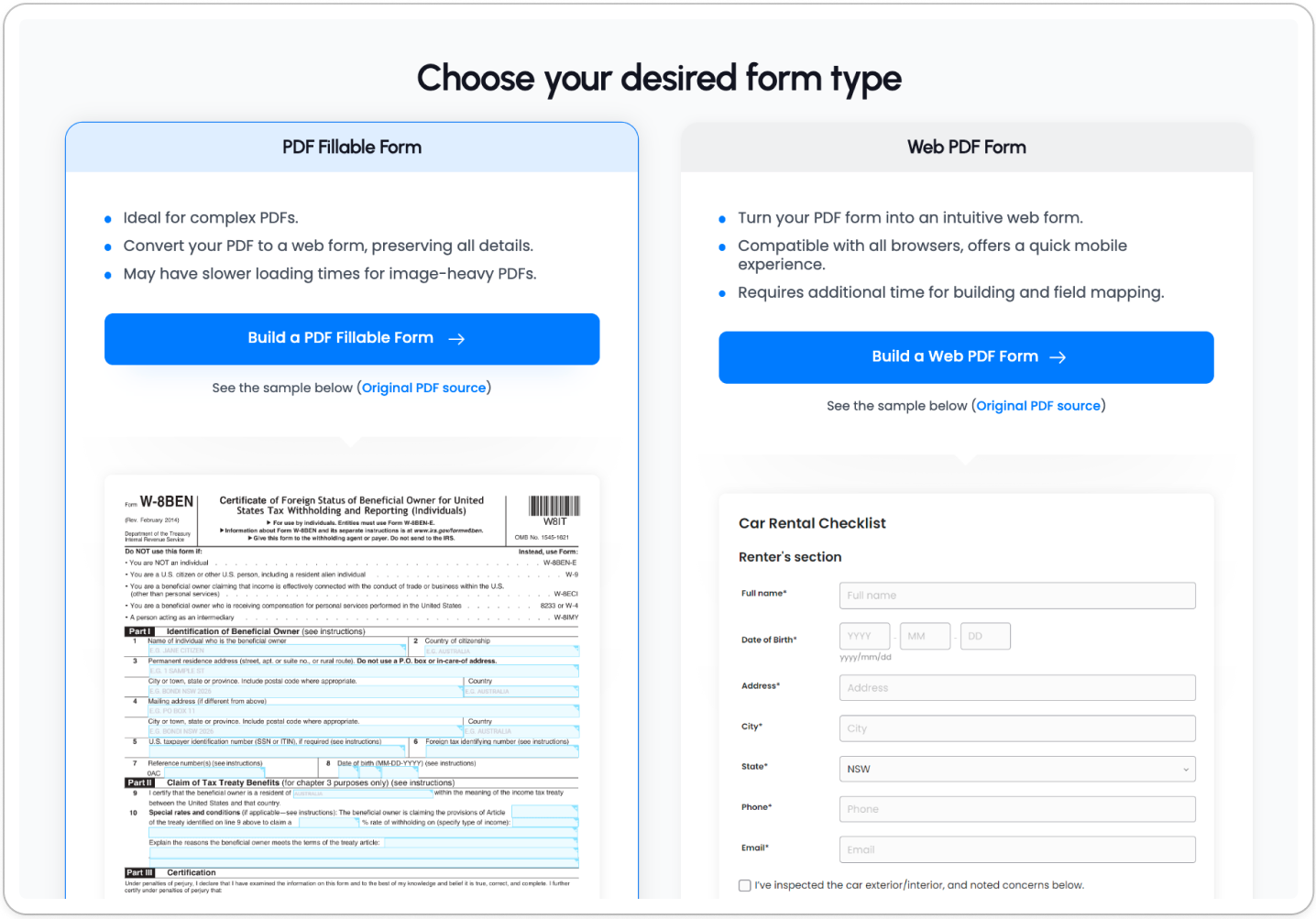
| PDF Fillable Form | Web PDF Form | |
|---|---|---|
| Appearance | Preserves your Canva design visually | Rebuilds as a web form |
| Best for | Keeping the original look and feel | Better mobile experience |
| Field editing | Fields mapped directly on the PDF | Editable field panel with full customization |
For more details, see Form types.
If keeping your Canva design’s visual style matters, choose PDF Fillable Form. If you need a better mobile experience or want to reorder fields freely, choose Web PDF Form.
Run AI field recognition
Once your form opens in the PlatoForms editor:
-
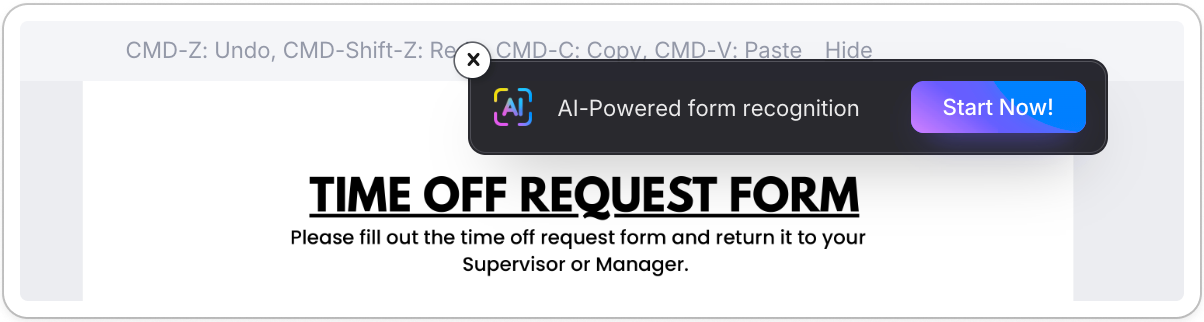
Click Start Now on the AI-Powered form recognition banner at the top.
-
Wait while AI scans your design — this may take a moment.
-
When ready, click Load Form to apply the detected fields.
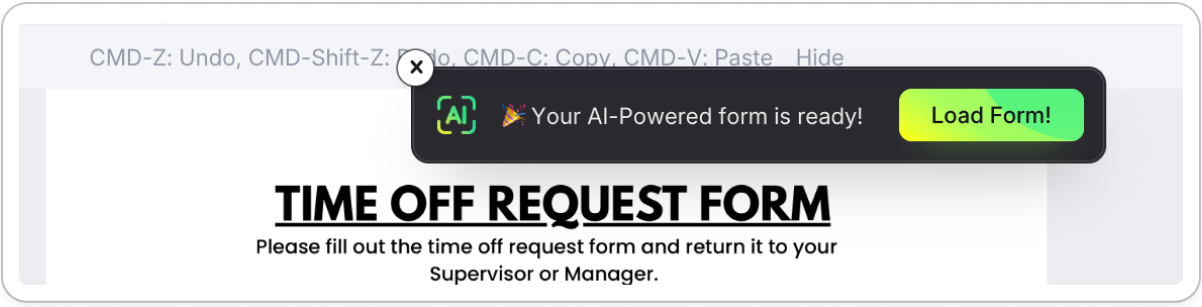
Your fields are now mapped. Review them in the editor and make any adjustments before publishing.