










Check the activity log
On this page
The Activity Log is a feature that allows you to track emails PlatoForms sends about submissions, submission deletions (from the Submissions page, the API or an AI assistant) and data retention events. This guide explains how to access and use the Activity Log, as well as the details it records.
The Activity Log is the team’s record of what our system did. What waits on you personally is in your Inbox.
Access the activity log
Click Activity log in the left navigation, under Inbox. The entry is shown to the team owner and to members with Activity log viewer access.
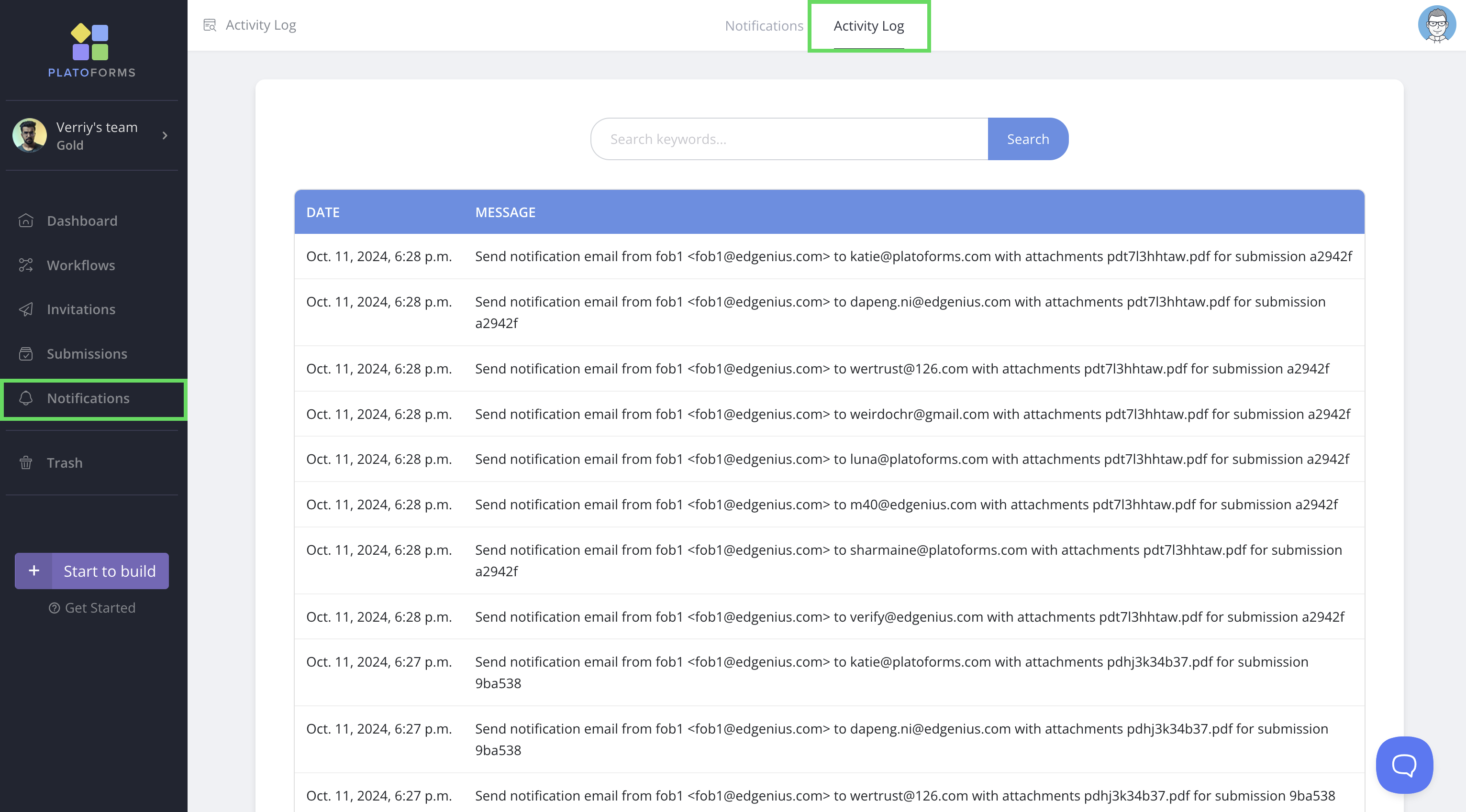
You can search for specific entries using the search bar at the top.
On a HIPAA team the same page shows the full audit log, including who opened which submission.
Enable viewer access
If you’re a team admin, you can enable your team members to view the activity log:
-
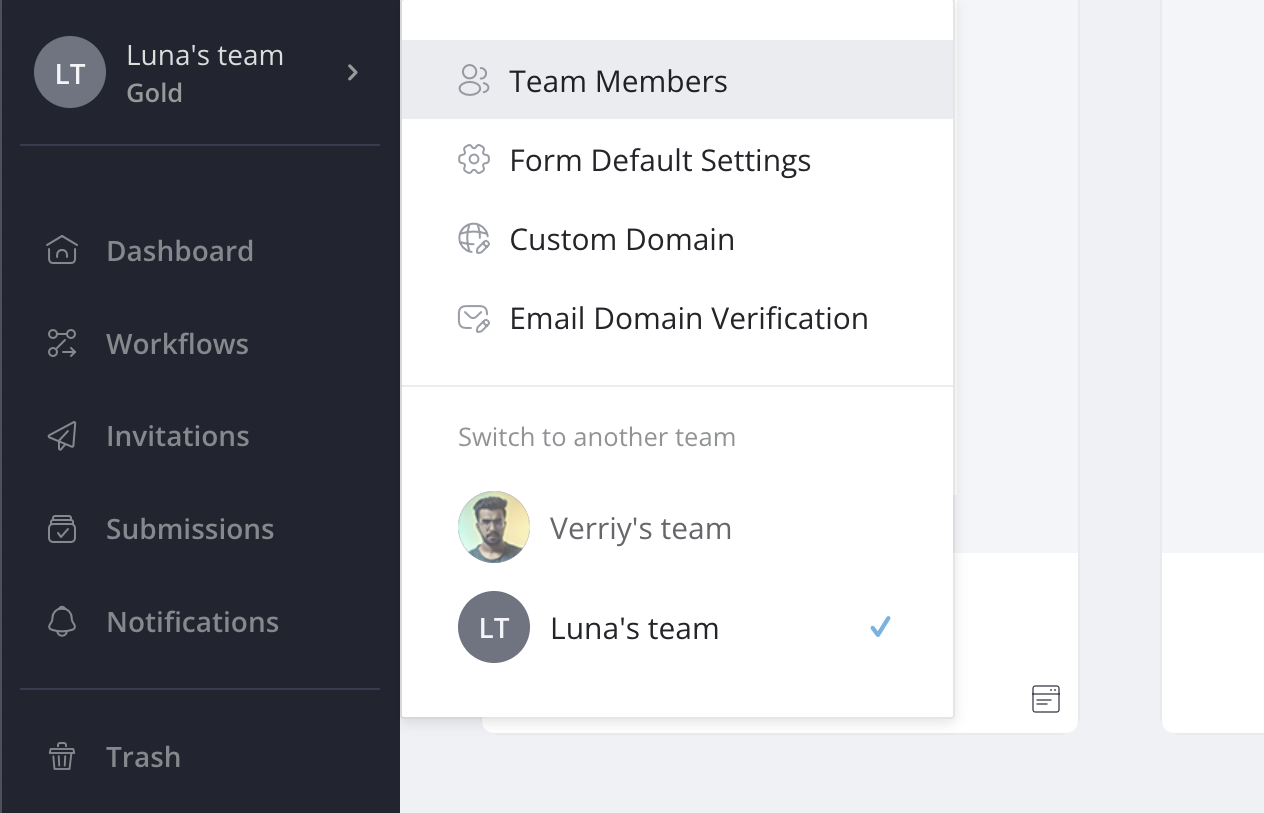
Click on your team name at the top of the left navigation, and select Team Members.
-
Open the member’s card with Manage access, and turn on Activity log viewer.

Understand the activity log
The Activity Log records:
-
Form notification email log: Shows a line for every notification and reminder email PlatoForms tried to send, including:
- Email path: Indicates whether the email was sent from the default or custom domain.
- Email addresses: Displays the recipients based on the settings in the Notification settings (the Email To field).
Emails that were skipped and never sent, for example because of an email limit, held content or an unverified owner email, leave no line.
-
Other emails: document request and renewal emails, and workflow step and completion emails.
-
Submission deletion log: Records when a submission is deleted from the Submissions page, and when a single submission is deleted through the API or an AI assistant (the line ends with “(API)”). Bulk deletes and Erase all submissions are recorded too.
-
Data retention: Each time the data retention policy removes old submissions, a line per form says how many expired submissions were purged. Changes to the data retention period are logged too.
-
Permanent deletes on HIPAA teams: For teams with HIPAA compliance enabled, forms and PDF documents deleted permanently from Trash are logged.