
People
Tabs
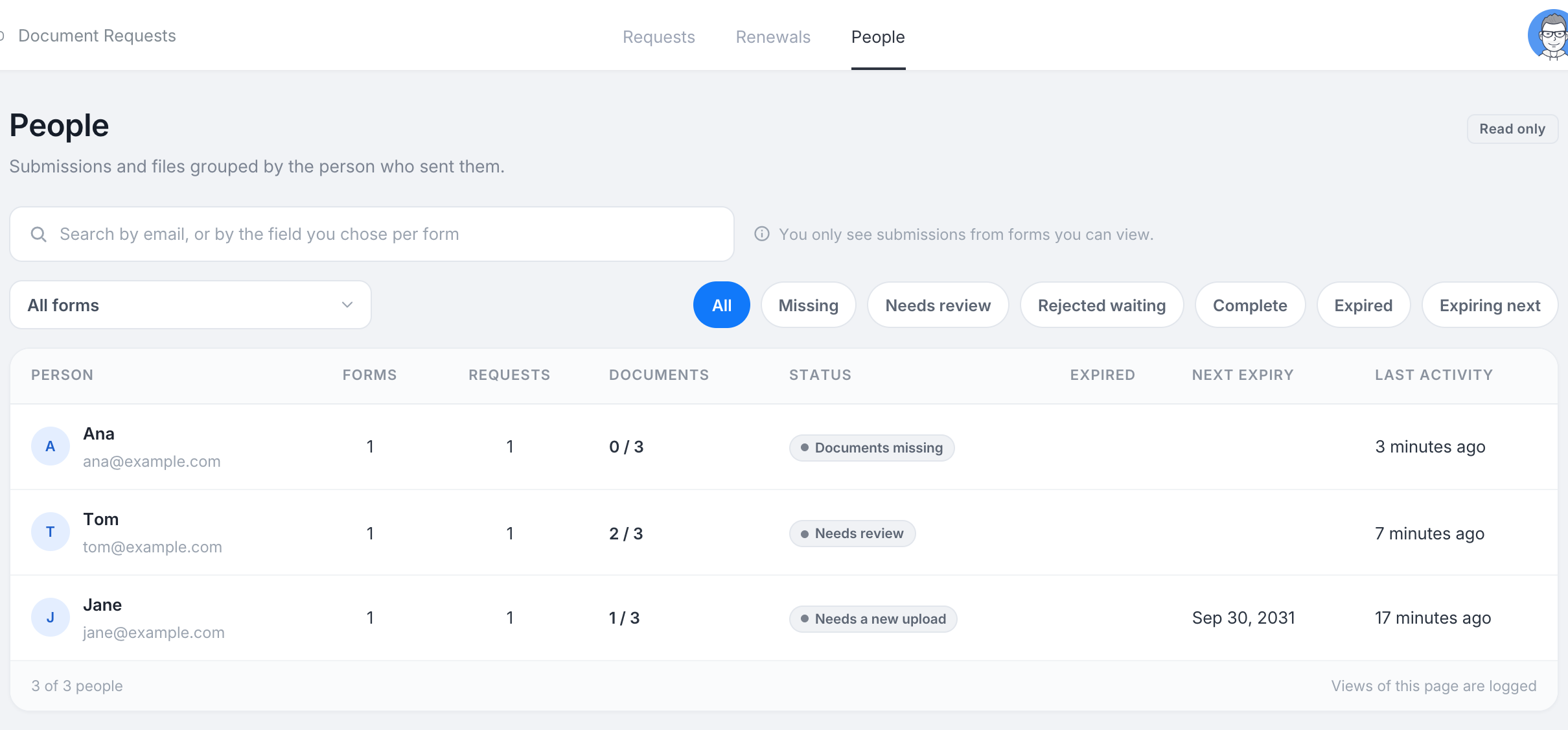
The People tab of Document Requests groups submissions and files by the person who sent them, across all the forms you can view. It is on Silver and above, and it is read only.
Who counts as one person
Each form identifies people by the first source you chose under Who gets the link, usually the email field. The same address on two forms is one person here. Search looks at that field, not at every answer, and a form with no field chosen does not appear in People.
The table
One row per person: their name and email, how many forms and requests they have, documents received against documents asked for, the overall status, how many of their documents have expired, the next expiry date and the last activity. Search by person, narrow to one form, or use the status chips: Missing, Needs review, Rejected waiting, Complete, Expired and Expiring next.
One person
Click a row to open the person’s panel:
- The summary: forms, requests, files received, and expired documents.
- Download all documents: one zip with every current document for this person, in a folder per form.
- Submissions: each submission with its checklist items and their status. Open takes you to that submission’s Documents drawer.
- Renewals for this person, forms and documents, with what has been sent.
Views of a person’s panel are written to the activity log.