


A customer drops off their car. Your technician diagnoses the problem, orders parts, does the work. Then comes the paperwork — a handwritten invoice, a carbon copy, maybe a spreadsheet someone filled in later from memory.
It works until it doesn’t. A disputed charge six months later means digging through a filing cabinet. A customer claims the warranty covered that part — but there’s no signed record of what was actually agreed.
This guide covers what a well-designed digital invoice should contain, what features matter in practice, and how to build a workflow around it — including a free template to start from.
On this page
Why paper invoicing breaks down at scale
The auto repair industry has one of the more complex invoicing environments of any service business. A single job can involve multiple labor lines, variable parts costs, tax treatment differences between parts and labor, warranty documentation, and customer authorization requirements — all of which need to be captured accurately and in a retrievable form.

A few numbers that frame the problem:
- Industry benchmarks tracked by shops using ASA resources show average repair orders ranging from $400 to over $800, depending on shop type and service mix — high enough that a single disputed line item can cost a customer relationship. Research also suggests that repair orders authorized digitally average 50% higher than traditional paper estimates, making the invoicing experience itself a revenue factor.
- Consumer protection rules vary by state, but the direction is consistent: the FTC’s Auto Repair Basics guidance recommends a written, signed estimate before work begins, and several states go further with formal authorization requirements. Verbal agreements are hard to enforce in a dispute, regardless of jurisdiction.
- Independent shops handling 10–15 repair orders per day can accumulate over 3,000 paper records per year — none of them searchable. As transaction value, regulatory requirements, and record volume increase together, the cost of missing or incomplete documentation grows disproportionately.
The most common failure modes in paper-based repair invoicing:
| Problem | What it looks like | What it costs |
|---|---|---|
| Illegible handwriting | Disputed charge; customer claims a different amount was quoted | Refund or lost customer |
| Manual arithmetic errors | Wrong subtotal on parts + labor; tax applied incorrectly | Revenue leakage or overcharge dispute |
| No warranty documentation | Customer returns 60 days later; no record of what was covered | Free redo or legal exposure |
| Lost authorization records | State regulator asks for proof of pre-work sign-off | Fine or license issue |
| Unsearchable history | Returning customer; technician can’t pull up prior service records | Repeated data entry; errors |
For a shop doing fewer than five jobs a day, these issues are manageable. As volume grows — or when a dispute actually escalates — the gaps become expensive. Avoiding these failure modes starts with the invoice itself — it needs to capture a complete and structured record of each job.
What to include: field-by-field
A well-designed invoice form captures the complete record of a job. Below is a field-by-field breakdown, with notes on what each is for.
Customer and vehicle information
| Field | Notes |
|---|---|
| Customer name | Legal name for the invoice; separate from a display name |
| Phone / email | For sending the PDF and follow-up reminders |
| Vehicle make, model, year | Required for any warranty claim or warranty lookup |
| VIN | Most reliable vehicle identifier; use for warranty documentation |
| Odometer reading | Documents mileage at time of service; useful for warranty and maintenance tracking |
| License plate | Useful for cross-referencing records if VIN is unavailable |
Work performed
This section is the core of the invoice. Each line should be its own entry rather than a single free-text field — it makes the invoice readable and enables automatic totaling.
| Field | Notes |
|---|---|
| Service description | Clear, plain-language description of what was done |
| Parts list (itemized) | Part name, part number if applicable, quantity, unit price, line total |
| Labor description | What work was performed; keep it specific for warranty and audit purposes |
| Labor hours + rate | Itemized so the customer can verify against any quoted rate |
| Subtotal / tax / total | Should calculate automatically — manual addition is where most errors occur |
In PlatoForms, calculation logic handles arithmetic automatically as the technician enters line items.
Authorization and signatures
Many shops collect authorization twice: once on the initial estimate, and again on the final invoice. Both should be digital and timestamped.
| Field | Notes |
|---|---|
| Pre-work customer authorization | “I authorize the repair shop to perform the described work at the quoted price” |
| Estimate total at time of authorization | Documents what the customer agreed to, separate from the final amount |
| Final invoice signature | Customer acknowledges the completed work and final charges |
| Date and time of each signature | Timestamped automatically; a clear record if the work or charges are later disputed |
Why two signatures matter: California’s Bureau of Automotive Repair, for example, requires customer authorization before work begins — written, oral, or electronic — and a final invoice with an itemized breakdown once the job is done. Oral authorization is technically allowed, but a timestamped electronic signature leaves a clearer record of what was agreed. Requirements vary by state, so check the rules where you operate. A digital form covers both steps in one workflow.
Warranty documentation
| Field | Notes |
|---|---|
| Parts warranty | Duration and coverage; e.g., “12 months / 12,000 miles on parts” |
| Labor warranty | Separate from parts; typically shorter |
| Warranty exclusions | What isn’t covered; important for limiting future disputes |
| Customer acknowledgment of warranty terms | Signature or checkbox; creates a documented record |
This section is often omitted from paper invoices and then becomes the center of a dispute. A digital form can make it required.
Technician notes (internal)
A field for internal comments — diagnostic observations, work that was declined, recommendations for next service — that doesn’t appear on the customer-facing PDF. Useful for the next technician who works on the same vehicle.
In PlatoForms, you can configure which fields appear on the PDF output template and which are kept internal. The customer copy shows clean invoice data; the shop copy includes technician notes.
Recommended services
A section for documenting what else was noticed during the inspection: brake pads at 30%, air filter overdue, tire rotation recommended. This is both a service to the customer and a record that the shop disclosed the issue.
Building it in PlatoForms
At this point, the goal is not just to digitize the invoice, but to structure it so that data is captured consistently, calculations are automatic, and every authorization is recorded.
Start from the existing template
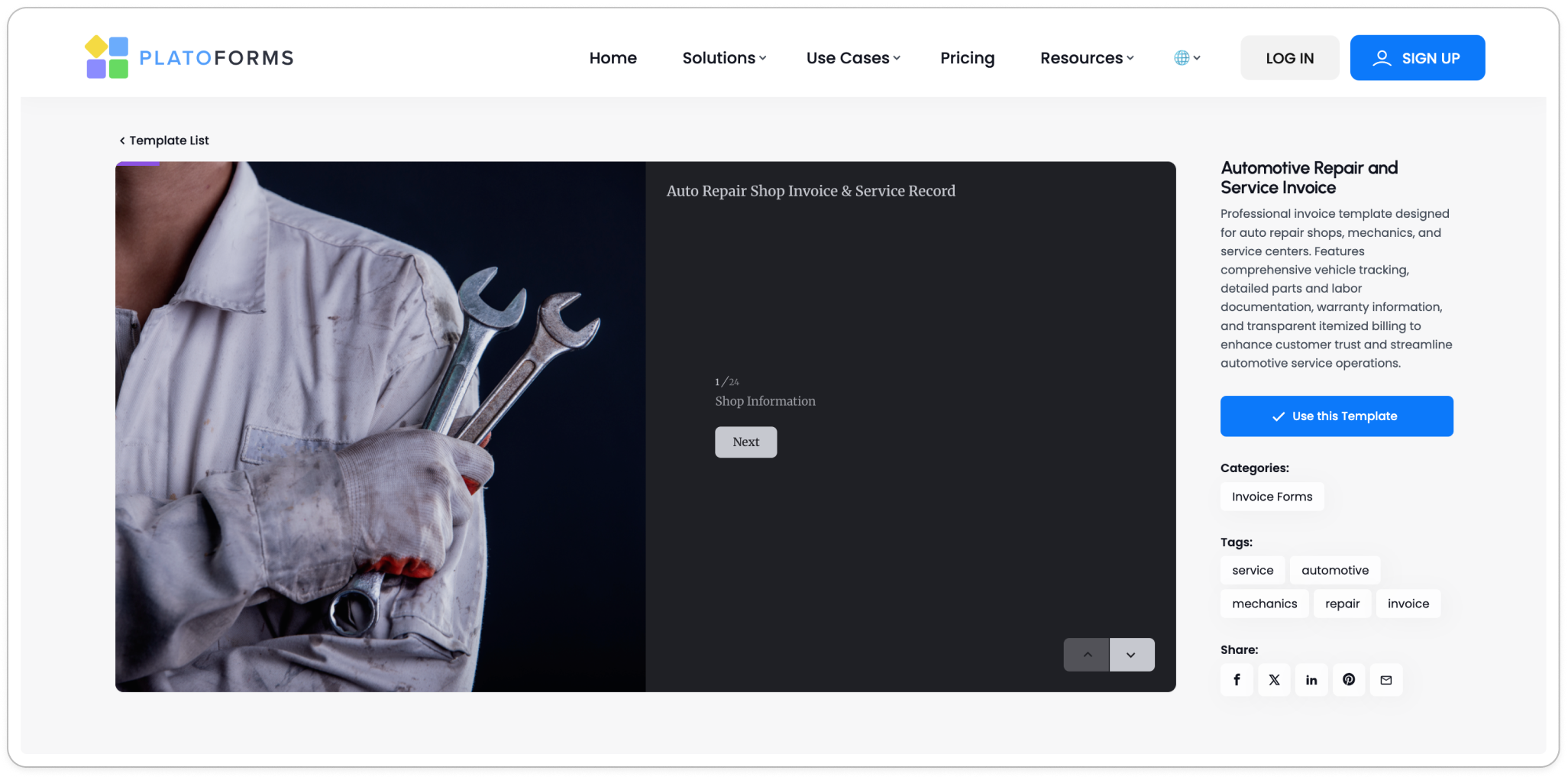
PlatoForms’ Automotive Repair Service Invoice template covers all the fields above out of the box. To open it: go to the Templates page, search “automotive”, and click Use this template. It creates a copy in your account that you can customize — add your shop name, adjust the labor rate field, change the warranty language to match your standard terms.
Migrate your existing PDF invoice
If you’ve been using the same invoice format for years and don’t want to start over, you don’t have to. Upload your existing PDF invoice and use AI field recognition to detect and map all fields automatically. For a standard repair invoice, AI typically identifies customer info, parts tables, labor lines, and signature fields with minimal manual setup. You keep your original layout; the form just becomes instantly fillable and digital.
You can trigger this during the initial upload, or run it directly inside the builder:
Form Editor → More (⋯) → AI Recognition Form
Add automatic calculation
Use calculation logic to reduce manual math. Labor is the easiest place to start: since labor rates are usually fixed per shop (or per a small set of service categories), set up a rule that multiplies labor hours by the rate and writes the result into a labor total field. For parts — where each line’s quantity and price vary — set the subtotal and grand total fields to calculate automatically from the entered line totals, plus labor and tax. Even if each part’s line total is entered manually, the totals at the bottom of the invoice are always correct and consistent.
Set up conditional sections
Not every job involves warranty-covered parts. Use conditional logic to show the warranty documentation section only when the technician selects “new parts installed.” For jobs that are labor-only (diagnostics, adjustments), the warranty section stays hidden and the form stays clean.
Similarly: the recommended services section can be conditional on vehicle mileage — appearing automatically for vehicles over 60,000 miles.
Configure the PDF output
The form submission can generate a highly customized PDF document based on who is looking at it. For instance, you can design a layout where the customer receives a clean invoice with their details, charges, and signatures, while keeping internal technical notes hidden. Use the PDF Template editor to control the layout, choose which fields appear, and add your shop’s logo and contact information.
Find it at: Form Editor → More (⋯) → PDF Template
If you’d rather design a branded invoice layout from scratch than adapt an existing one, PDF Document Creator is the starting point. Describe the fields and layout you need — shop logo, labor lines, parts table, warranty section, signature blocks — and AI generates a professional invoice document ready to customize. Once the design is finalized, export it as a static PDF or publish it as a fillable form your technicians can complete on any device.
Collect signatures on the spot
Add a Signature field for the pre-work authorization and a second one for the final invoice. For a broader look at how e-signatures hold up legally and operationally, see The Pros and Cons of E-Signatures. Customers can sign on a tablet at the counter or on their phone if the form is sent by text or email. When the form is sent through a tracked invitation or a workflow step with the certificate turned on, PlatoForms adds a signature certificate that records when and how each signature was made. A form opened from its public link, such as on a tablet at the counter, has no certificate.
Beyond the invoice: connecting the workflow
Once the invoice form is in place, the same infrastructure handles the rest of the service workflow.
Sending estimates before work begins
Build a separate estimate form with the same structure — customer info, proposed work, parts list, authorization signature. When the technician submits the estimate, a logic-based email notification sends it to the customer automatically for approval. When the customer signs and returns it, you have documented pre-work authorization. No fax, no phone call follow-up.
Routing large jobs for manager approval
For engine replacements or bodywork above a cost threshold, the estimate may need internal sign-off before work is confirmed. Conditional email routing sends the estimate to a shop manager automatically when the total exceeds a set amount. The manager approves; the customer gets their copy. All in the same workflow.
Payment at invoice delivery
With Stripe, PayPal, or Square connected to the invoice form, customers can pay online as soon as the PDF is sent, if payment integration is enabled. If you’re new to collecting payments through a form, How to Sell Services Online Without a Website Using Just a Form and PayPal walks through the full setup. The form handles payment collection; you don’t need a separate checkout. For shops that text or email invoices before the customer returns to pick up the vehicle, this significantly reduces time-to-payment.
Dynamic pricing means the total on the payment step matches what was on the invoice — no surprises, no “the amount looks different than I expected.”
Pre-filling for returning customers
Returning customers shouldn’t have to re-enter their vehicle information every visit. Bulk pre-fill via CSV lets you send a personalized form link with name, vehicle make/model/year, and VIN already filled in. The customer just verifies and signs. Reduces intake time and data entry errors.
Mobile use for field technicians
Mobile mechanics and roadside assistance technicians fill in forms on a phone. Conversational mode presents one field at a time — significantly easier to complete accurately on a small screen than scrolling through a long form. The submitted data is the same; the experience is much better.
Before you publish: a checklist
If your invoice workflow meets the conditions below, it is likely to be reliable in both day-to-day operations and dispute scenarios.
Content
- VIN field is present and labeled clearly — required for warranty lookup and cross-referencing
- Parts and labor are on separate line items, not combined
- Calculation formulas verified: line totals, subtotal, tax, grand total all compute correctly
- Two signature fields: pre-work authorization + final invoice acknowledgment
- Warranty section present and required when new parts are installed
- Technician notes field is excluded from the customer-facing PDF
Routing and output
- Customer receives their PDF copy automatically on submission
- Shop copy (with internal fields) routes to the correct email or storage
- Payment link is included if you’re collecting online
Usability
- Form has been tested on a phone (many customers will sign on mobile)
- Conditional logic tested: warranty section appears/disappears correctly
- A technician unfamiliar with the form can complete it in under 5 minutes
Frequently asked questions
What should an auto repair invoice include?
At minimum: customer name and contact, vehicle make/model/year and VIN, itemized parts list with quantities and prices, labor description and hours, subtotal/tax/total, and two signatures — one for pre-work authorization and one acknowledging the final charges. Warranty terms and technician notes are best practice.
How do I create a digital invoice for my repair shop?
The fastest route is the Automotive Repair Service Invoice template — it covers all the required fields out of the box. If you already have a PDF invoice you use, upload it and let AI detect the fields automatically.
Can customers sign an invoice on their phone?
Yes. PlatoForms signature fields work on any device. Send the form link by text or email; the customer signs on their phone and the signature is timestamped and attached to the PDF.
How do I collect payment with an auto repair invoice?
Connect Stripe, PayPal, or Square to the invoice form. When the customer receives their PDF, a payment button is included. They pay online before picking up the vehicle — no separate checkout needed.
Do I need a VIN on a repair invoice?
It’s not legally required in most jurisdictions, but it’s strongly recommended. VIN is the most reliable vehicle identifier for warranty lookups, cross-referencing service history, and defending against disputes about which vehicle was serviced.
Get started
The Automotive Repair Service Invoice template is free to use and covers the fields above out of the box. Customize the branding, adjust the warranty language, connect a payment method, and it’s ready to use.
If you already have a PDF invoice format you prefer, upload it and let AI detect the fields automatically — no rebuilding needed.


