










Product
Guides, ideas, and updates selected for this topic.
111 articlesChoose a category
Articles

How to Analyze Survey Data: 5 Steps with Examples
Getting answers is the easy part. The harder part is working out what they actually tell you. A pile of 400 responses isn’t useful until you can say something like “most customers are happy, but people on our cheapest plan aren’t, and pricing is why.”
Read More
How to Add an Approval Workflow to Google Forms: 3 Ways
Google Forms has no approval step: each response is stored, and nobody is asked to approve it. To add approvals, install a third-party approval add-on, use Google Drive approvals if what needs approving is a file, or import the form into a form builder with approval workflows, such as PlatoForms.
Read More
How to Analyze Google Forms Responses: Charts, Sheets and Reports
To analyze Google Forms responses, open the form’s Responses tab: Summary shows a chart for each question, and Question and Individual show the answers one question or one submission at a time. To filter, compare groups or build pivot tables, link the form to Google Sheets. For drop-off data, metric-based alerts or reusable shareable reports, use a reporting tool.
Read More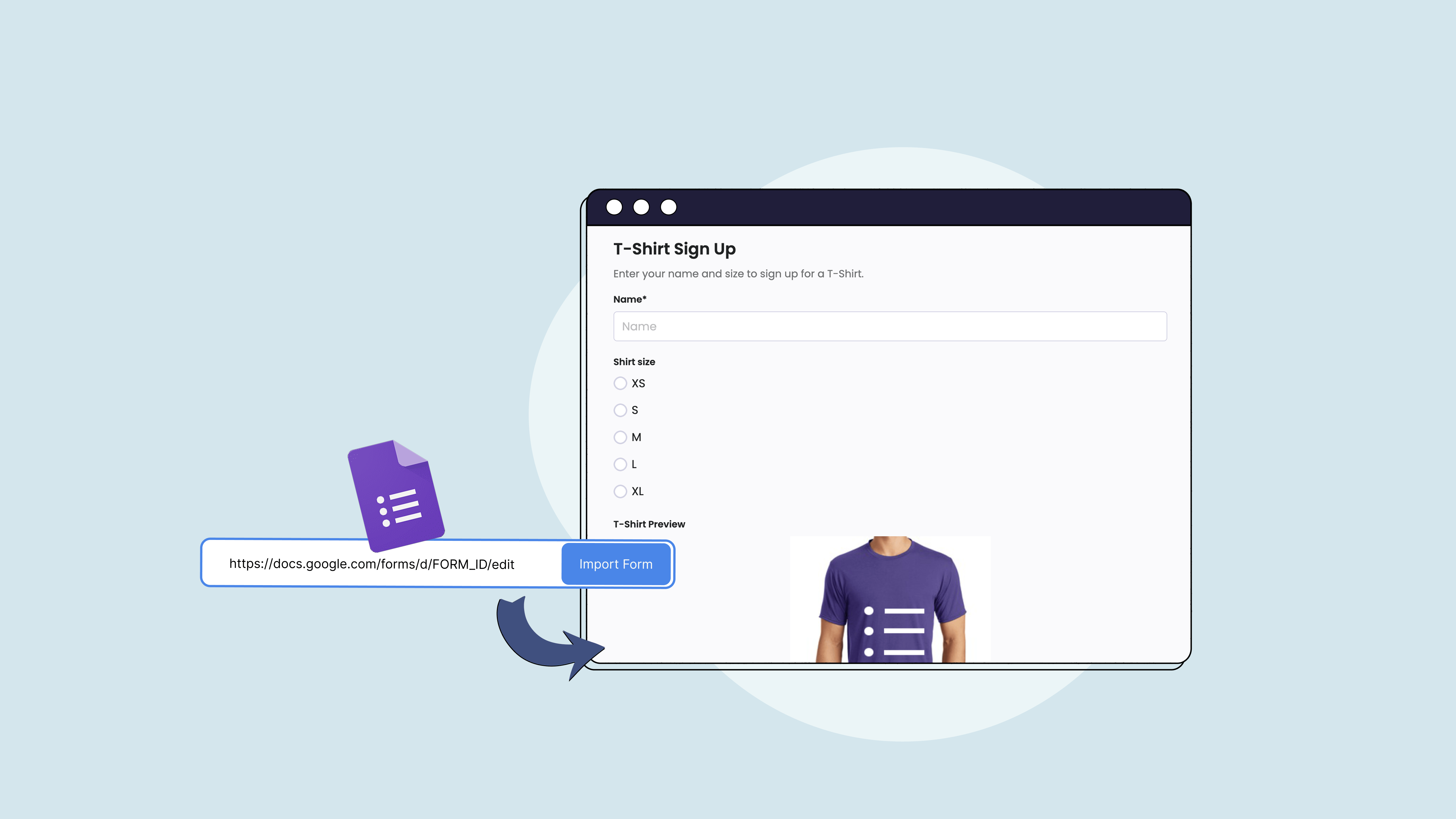
How to Add a Signature to a Google Form: 3 Ways
Google Forms has no signature question type, so you can’t add a signature field to a Google Form on its own. To collect signatures, install a third-party add-on, use eSignature in Google Docs or Drive to get a document signed, or import the form into a form builder with a Signature field, such as PlatoForms.
Read More
How to Send a PDF for Signature and Get Multiple Signatures
To send a PDF for signature, make it a fillable form with a Signature field and send it to the signer by invitation. They sign in their browser, and you get the signed PDF back. When several people need to sign the same PDF, send it through a workflow so every signature lands on one document.
Read More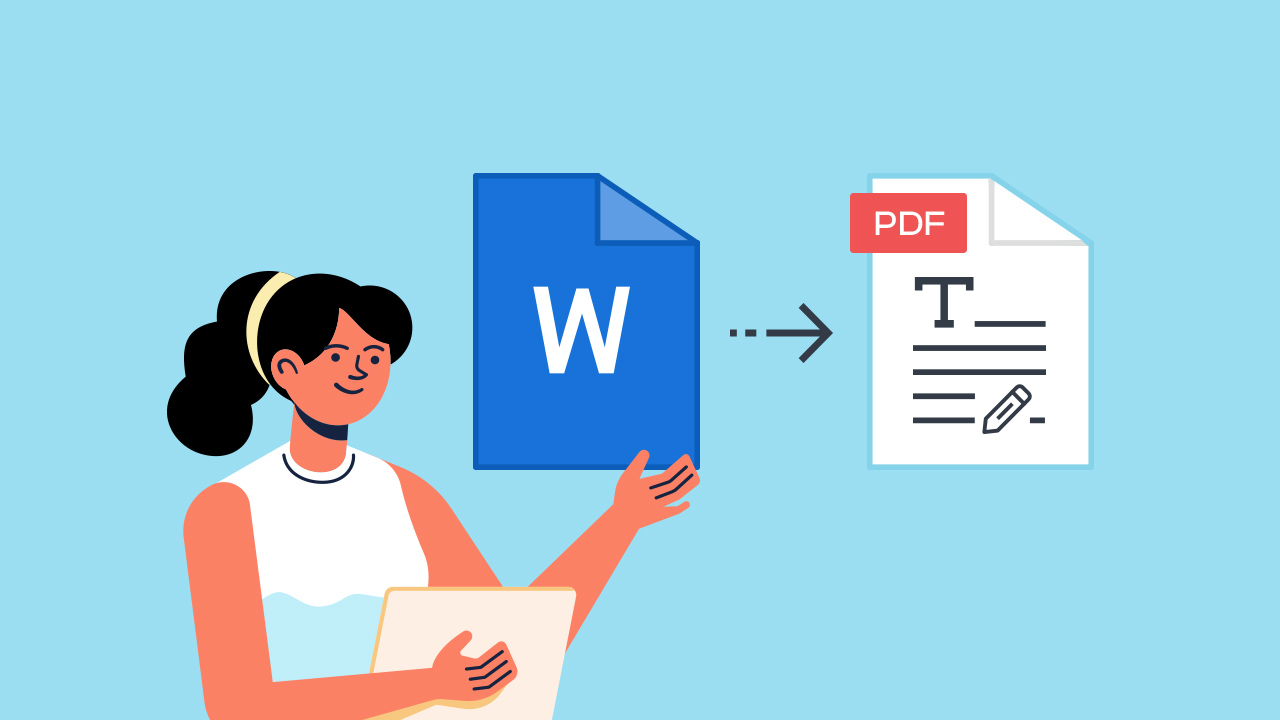
How to Convert a Word Document to a Fillable PDF
Word doesn’t publish directly to a fillable, browser-ready PDF. The fastest path: export your Word document as a regular PDF, then upload that PDF to PlatoForms to make the PDF fillable with form fields — no Adobe Acrobat required.
Read More