










Product
Guides, ideas, and updates selected for this topic.
111 articlesChoose a category
Articles
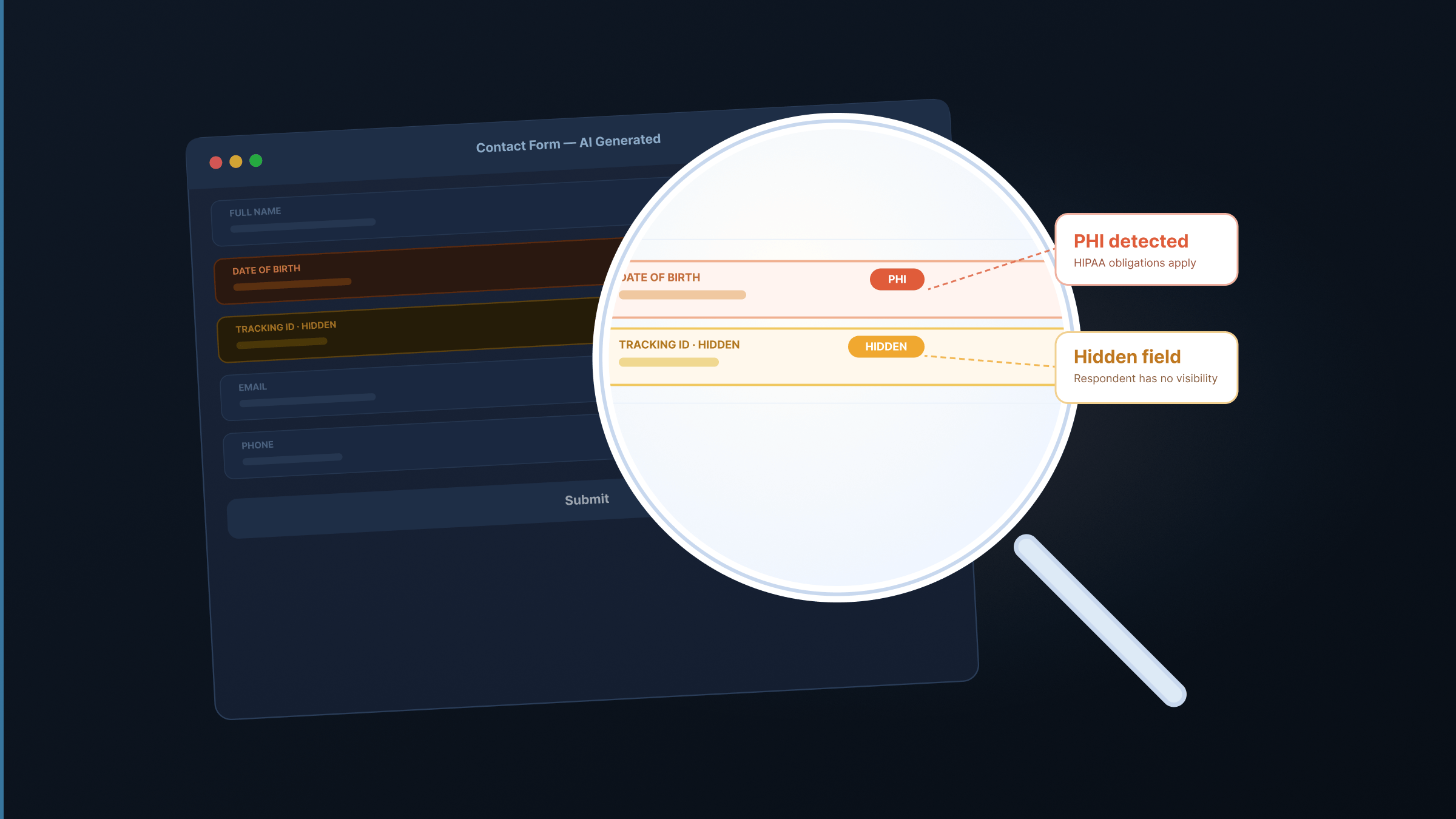
AI Form Builder Security: What to Check Before You Publish
AI form builders silently add hidden fields, collect PHI, and route prompts to undisclosed providers. A 5-point checklist before you publish.
Read More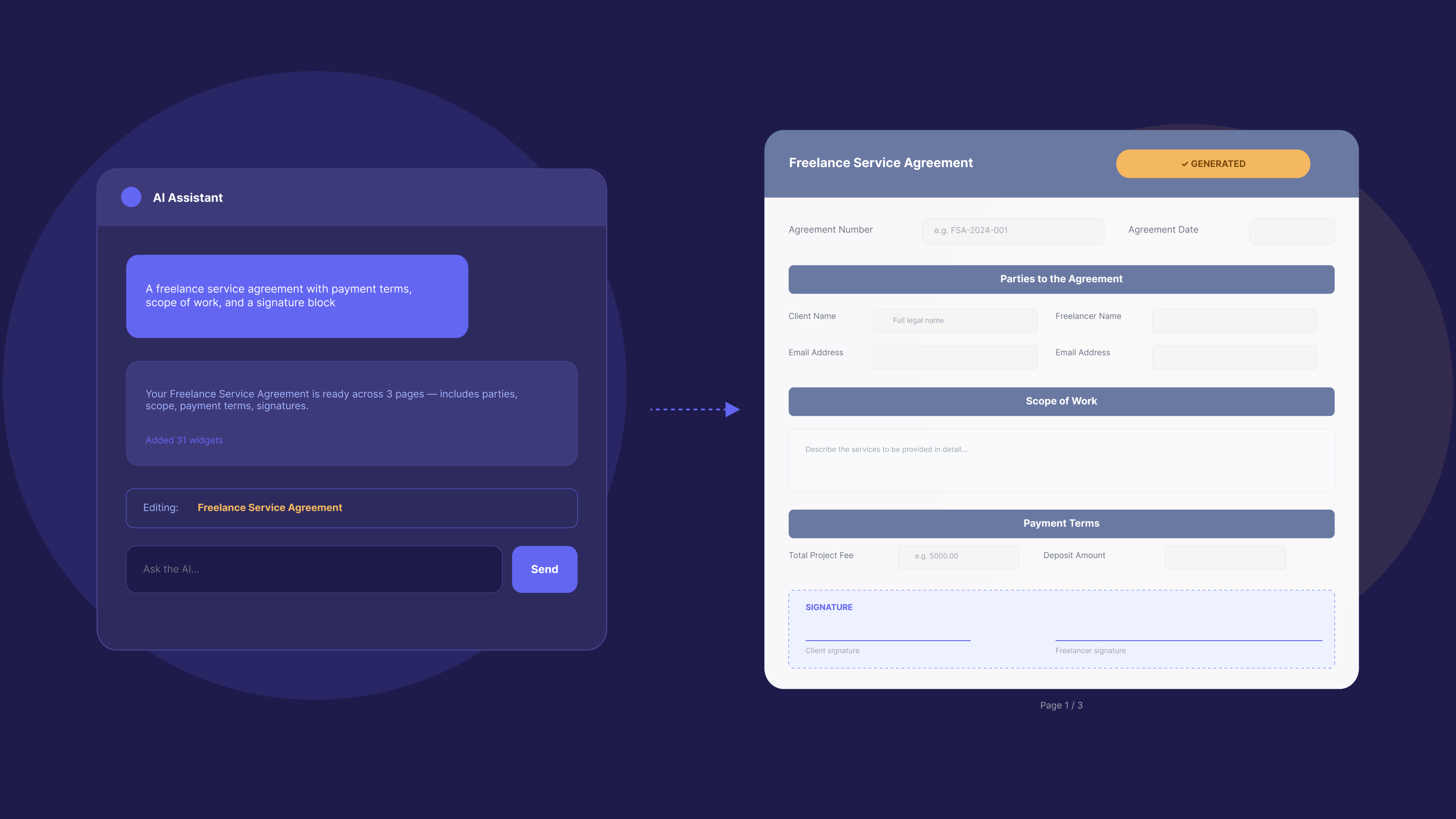
AI PDF Maker — Create, Sign & Export Documents
Most document workflows involve at least three tools. You write in Word or Google Docs. You convert to PDF. You upload to a signature tool, send it out, chase the response, download the signed copy, and file it somewhere.
Read More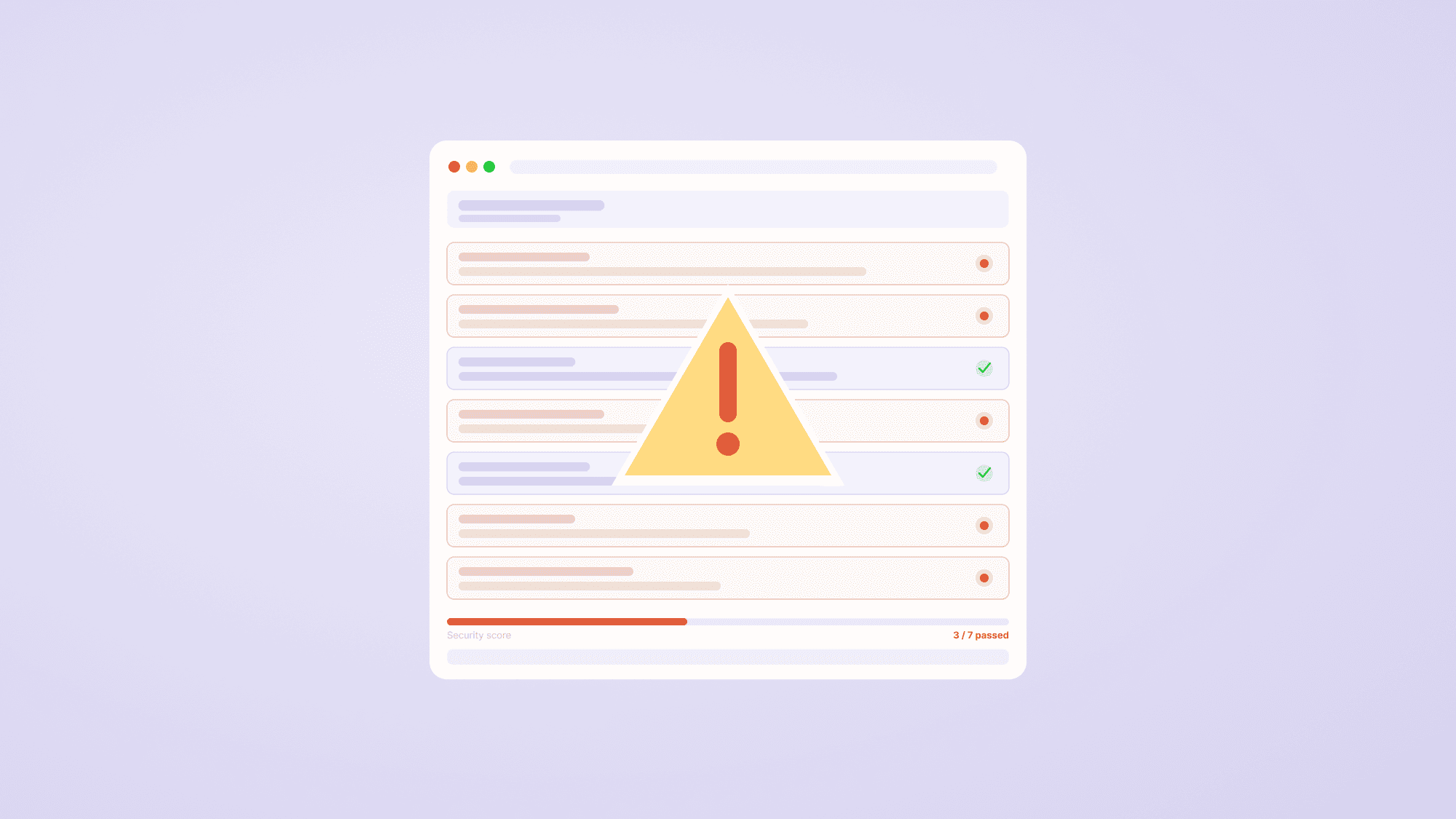
7 Signs Your Online Form Builder Is Not Safe for Sensitive Data
Most form builders look similar from the outside. A drag-and-drop editor, a publish button, email notifications on submission. Nothing in that interface tells you whether the data is encrypted, who can access it, or where it goes after collection.
Read More
GDPR Compliance for Online Forms: A Practical Checklist
Most GDPR guides explain the regulation in the abstract. This one focuses on something more specific: what GDPR actually requires when you collect data through online forms, and what you need to check before you publish one.
Read More
Typeform Alternative Comparison: Better Branding at a Lower Cost
When you share an online form with a client, it is often their first point of interaction with your business. The design, the domain, and the overall experience serve as your digital storefront. A form plastered with a third-party logo and hosted on a generic URL sends the wrong message. It tells your customer that you are borrowing someone else’s platform rather than owning your brand experience. If you are starting with an existing PDF, that brand consistency also means keeping its original design in the completed document.
Read More
Data Security for Online Forms: What Every Business Should Know
You publish a form. Someone fills it out. Their name, email, maybe a date of birth or a medical condition, lands in a database somewhere.
Read More