










Product
Guides, ideas, and updates selected for this topic.
111 articlesChoose a category
Articles
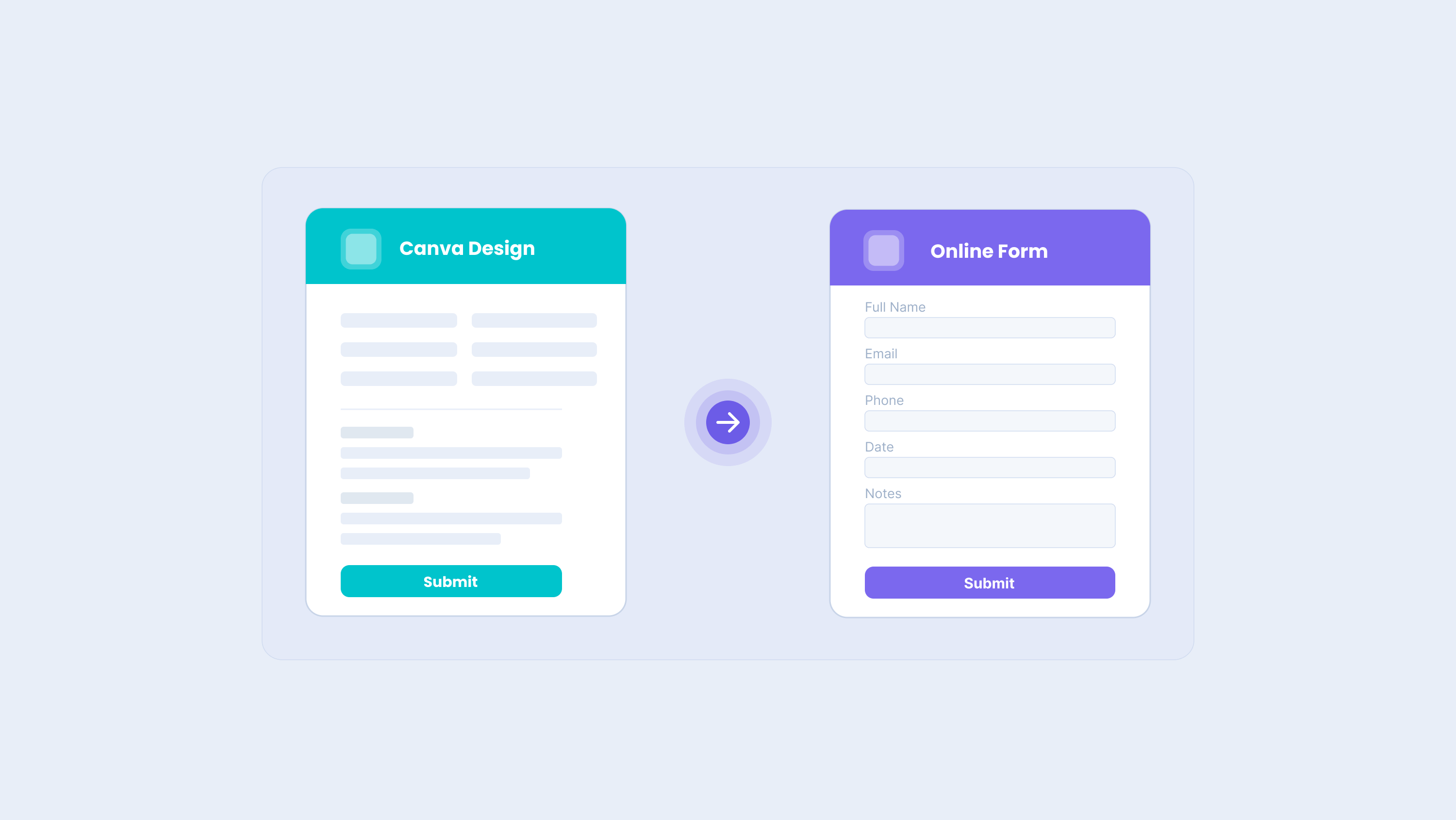
How to Export a Canva Design as an Online Form with PlatoForms
You can export a Canva design directly to PlatoForms with the PlatoForms Canva app. After exporting the design, choose PDF Fillable Form or Web PDF Form, then use AI field recognition to create a first draft of the form fields for review.
Read More
HIPAA-Compliant Online Forms: A 2026 Guide for Healthcare Providers
This article is for informational purposes only and does not constitute legal advice. Consult a qualified healthcare compliance attorney for guidance specific to your organization.
Read More
Adobe Acrobat Alternative for PDF Forms: PlatoForms Compared
Quick answer PlatoForms is an Adobe Acrobat alternative for teams that need to create forms, collect responses, and manage the resulting documents together. You can design a new PDF in PDF Document Creator, convert an existing PDF into an online form, or build a new web form. Paid plans add e-signatures with signature certificates, Workflow, and automatic PDF delivery, with multiple team members included in the subscription.
Read More
AI Form Functions: A Complete Guide to What PlatoForms Can Do
AI form functions reduce the time spent on manual form design by letting you create, convert, configure, and translate forms using natural language—instead of clicking through field-by-field. This guide covers every major AI form function category and shows exactly where each one lives in PlatoForms.
Read More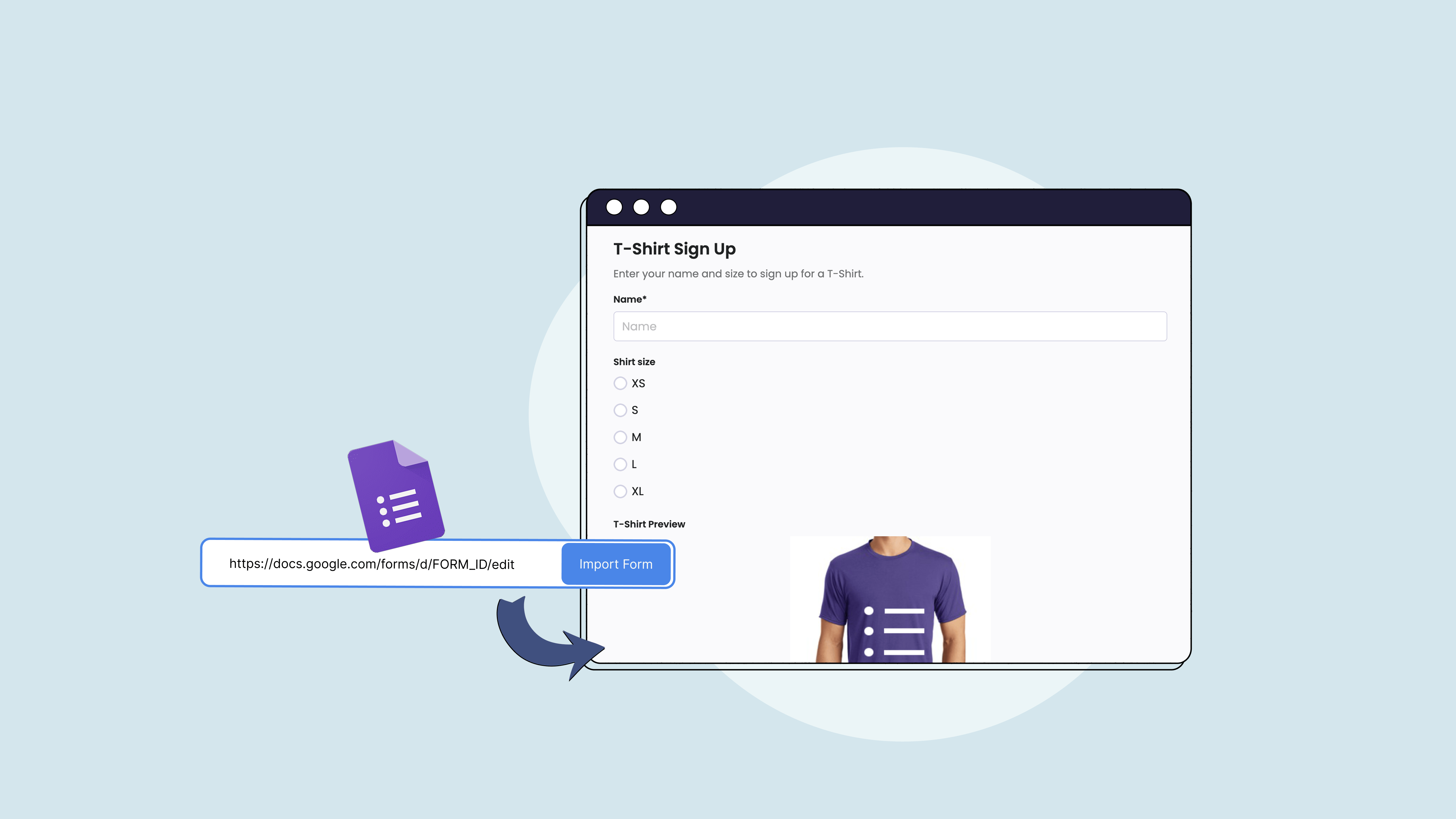
How to Import Google Forms to PlatoForms (Step by Step)
If you’ve built a form in Google Forms and want to move it to PlatoForms — to add PDF output, e-signatures, payments, or conditional logic — you don’t have to rebuild it from scratch.
Read More
Jotform Alternative for PDF Forms: PlatoForms vs Jotform
Quick answer Jotform and PlatoForms both support online form building, PDF conversion, and approval workflows. Jotform combines a broad form builder with Smart PDF Forms and approval tools. With PlatoForms, you can turn an existing PDF into an original-layout online form or a responsive web form that fills the PDF, create a new web form, or design a downloadable fillable PDF. For online collection, add signatures, staff review steps, and automatic delivery of completed PDFs to cloud storage. When several documents need the same information, Master Forms lets users enter those details once.
Read More