










Product
Guides, ideas, and updates selected for this topic.
111 articlesChoose a category
Articles

Docusign Alternative for PDF Intake: PlatoForms Compared
Quick answer PlatoForms is a Docusign alternative for application and enrollment processes that combine online answers, PDF documents, signatures, and staff review. Start with existing PDFs, build a web form, or create a new document in PDF Document Creator. Add Master Forms when several PDFs share answers, and Workflow when the process needs additional entries, approvals, or signing steps.
Read More
pdfFiller Alternative for PDF Intake: PlatoForms vs pdfFiller
Quick answer PlatoForms is a pdfFiller alternative for teams that repeatedly collect supplier applications, review the answers, and file completed PDF records. Convert existing paperwork into an online form or create a new document in PDF Document Creator. Add Approval steps for purchasing review and configure cloud-drive delivery for generated PDFs.
Read More
Sejda Alternative for PDF Forms: PlatoForms vs Sejda
Quick answer PlatoForms is a Sejda alternative for creating fillable documents and collecting form responses online. Use PDF Document Creator to design a new PDF for download, or turn existing paperwork into an online form. For online collection, your team can manage submissions, export PDF and CSV records, and add review steps and automatically upload generated PDFs to cloud storage.
Read More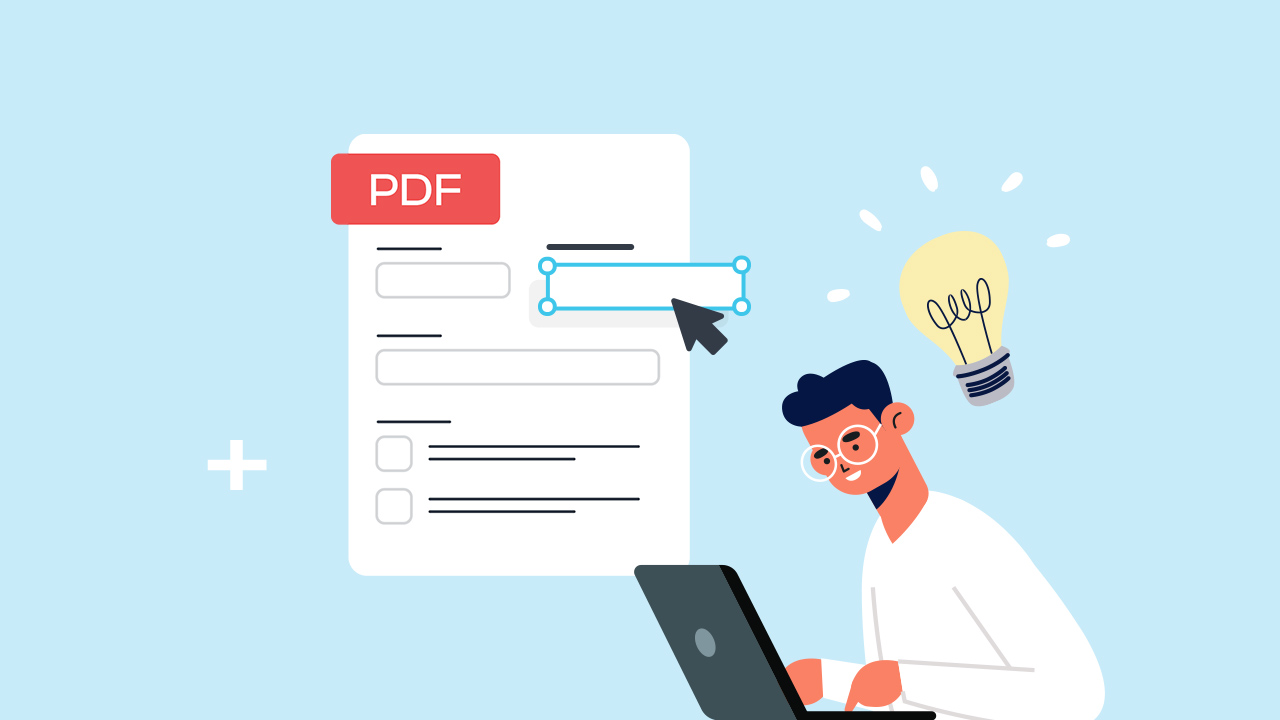
How to Create a Fillable PDF Form
If you already have a PDF, you can make it fillable without rebuilding it. Add text fields, checkboxes, dates, signatures, and other fields in the places where people need to enter information.
Read More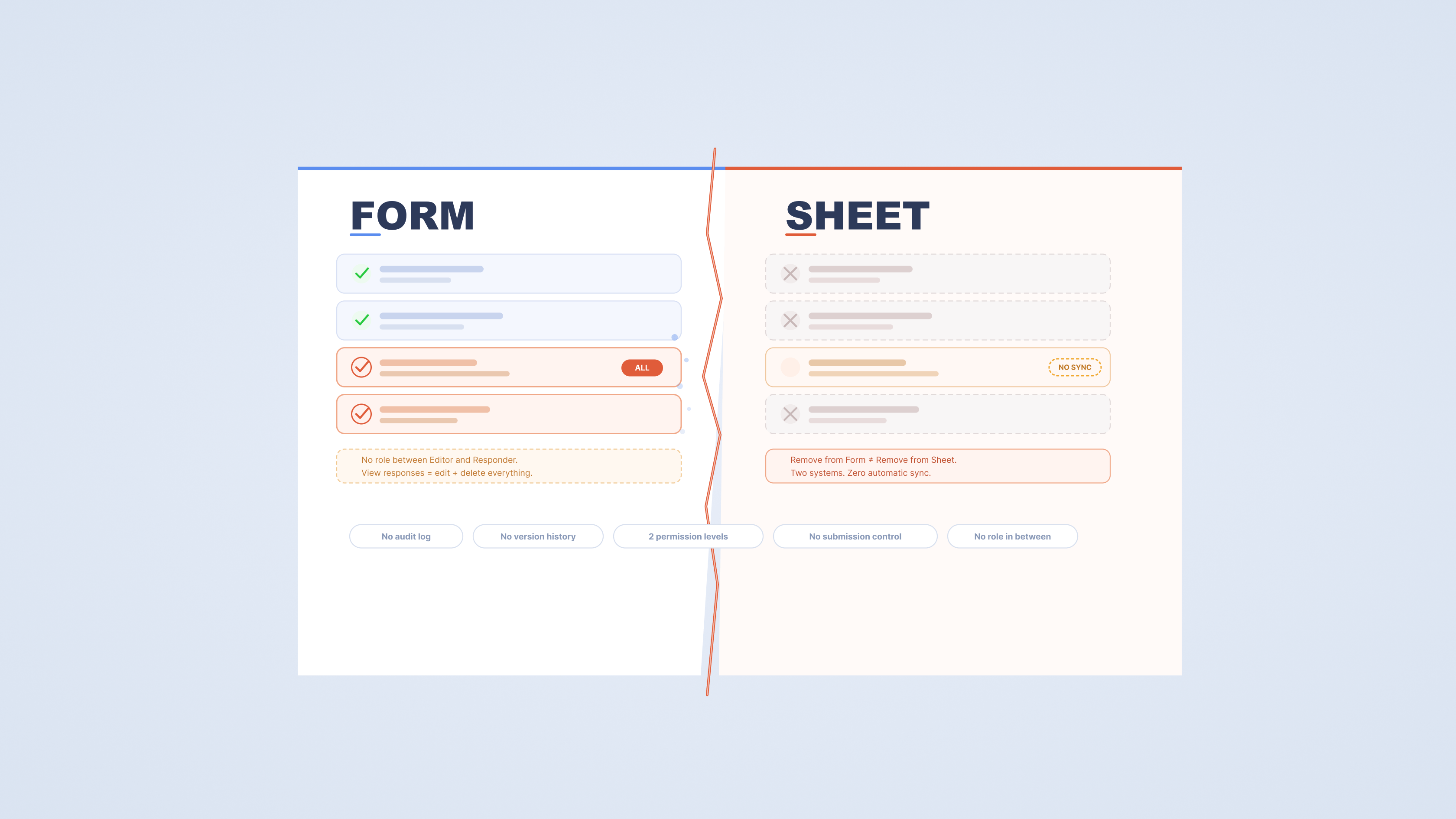
Google Forms Team Collaboration: 5 Limitations That Matter
Google Forms works well when one person owns the form. When a team gets involved — multiple editors, different roles, sensitive response data — the friction starts to show up in specific, predictable ways.
Read More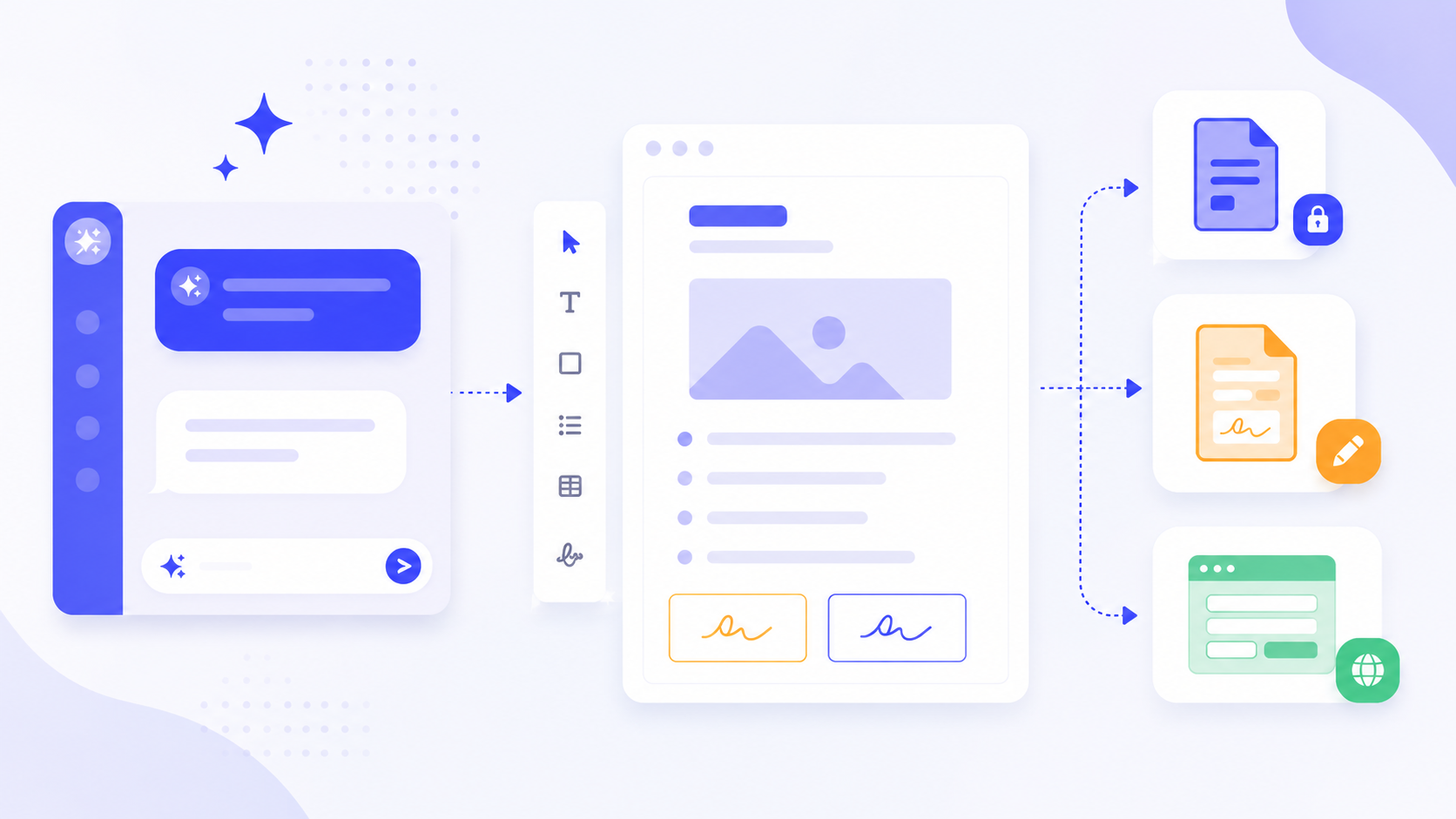
From One Prompt to a Customizable PDF with AI
Creating a professional PDF document usually starts with a frustrating choice: stare at a blank page in a word processor and build everything from scratch, or spend hours searching for a template that almost fits your needs, only to break the formatting when you try to modify it.
Read More