|
|
|
|
|
|
|
|
|
NEW · PLATOFORMS VF
Fill forms by speaking.
|
|
|
|
|
|
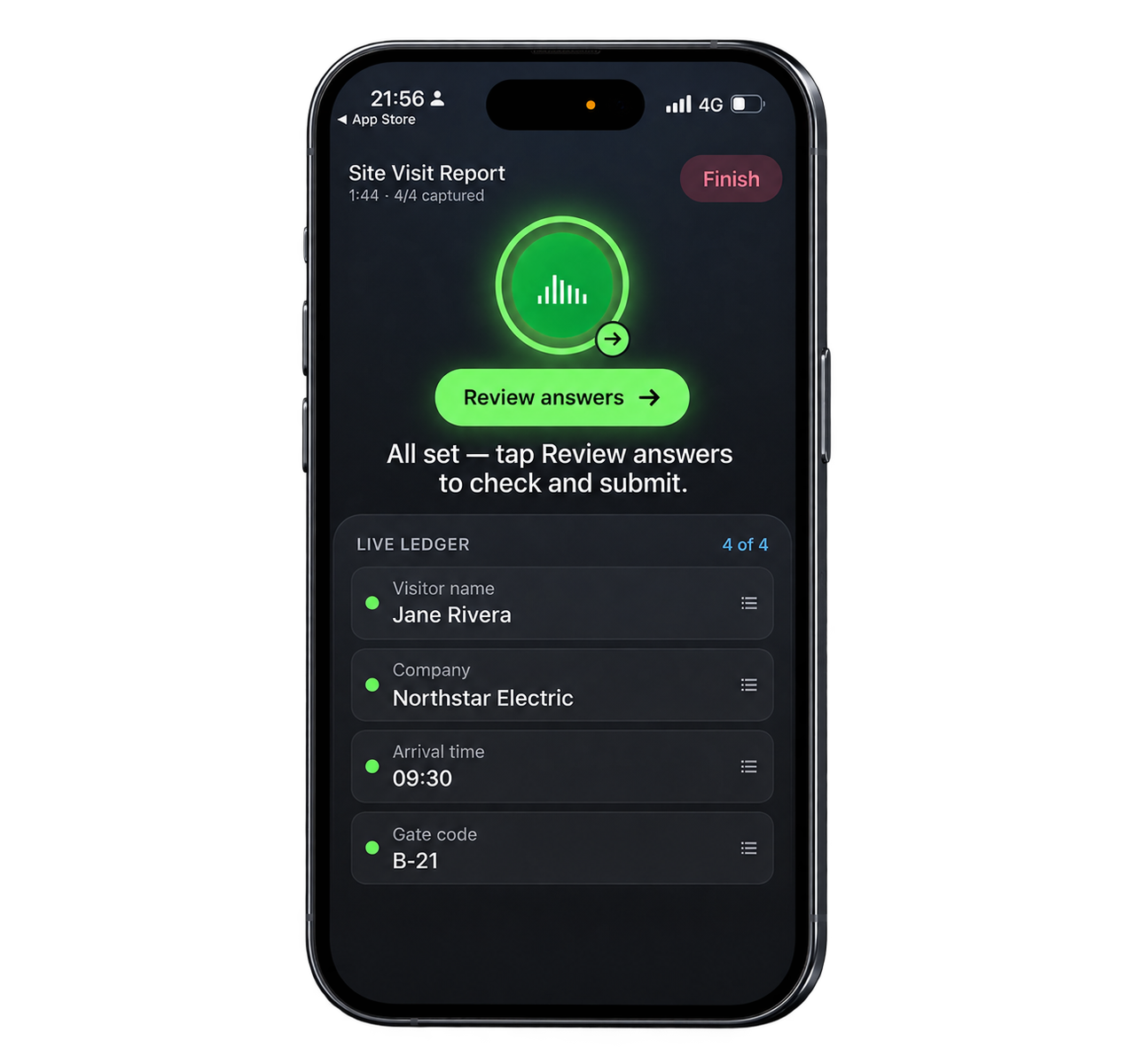
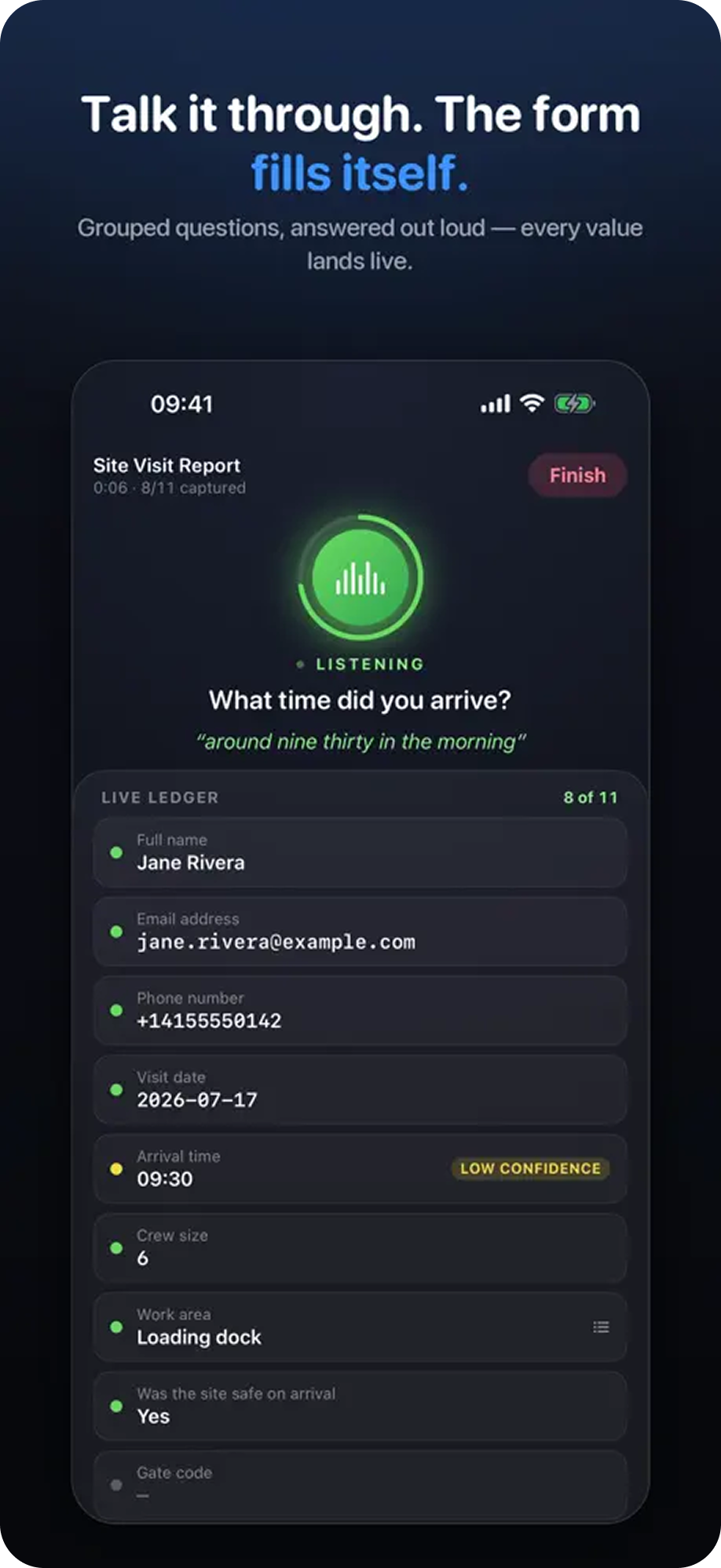
Turn a conversation into form fields, review every answer, and submit when everything looks right. |
|
|
|
|
| | |
| |
Use the same published PlatoForms form—there is no separate voice form to build. |
|
|
|
|
|
|
|
|
|
|
|
|
|
|
|
A SIMPLER WAY TO COMPLETE FORMS
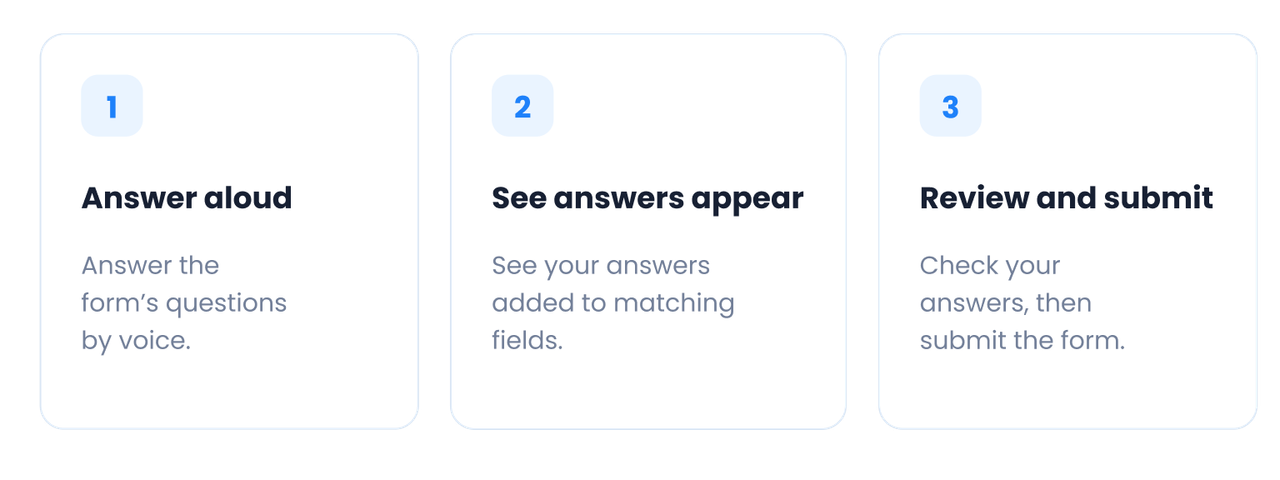
Speak · Review · Submit
|
|
|
PlatoForms VF helps people capture answers without stopping to type every field. |
|
|
|
|
|
|
|
|
|
|
|
|
SEE WHAT WAS CAPTURED
Stay in control of
every answer.
|
|
|
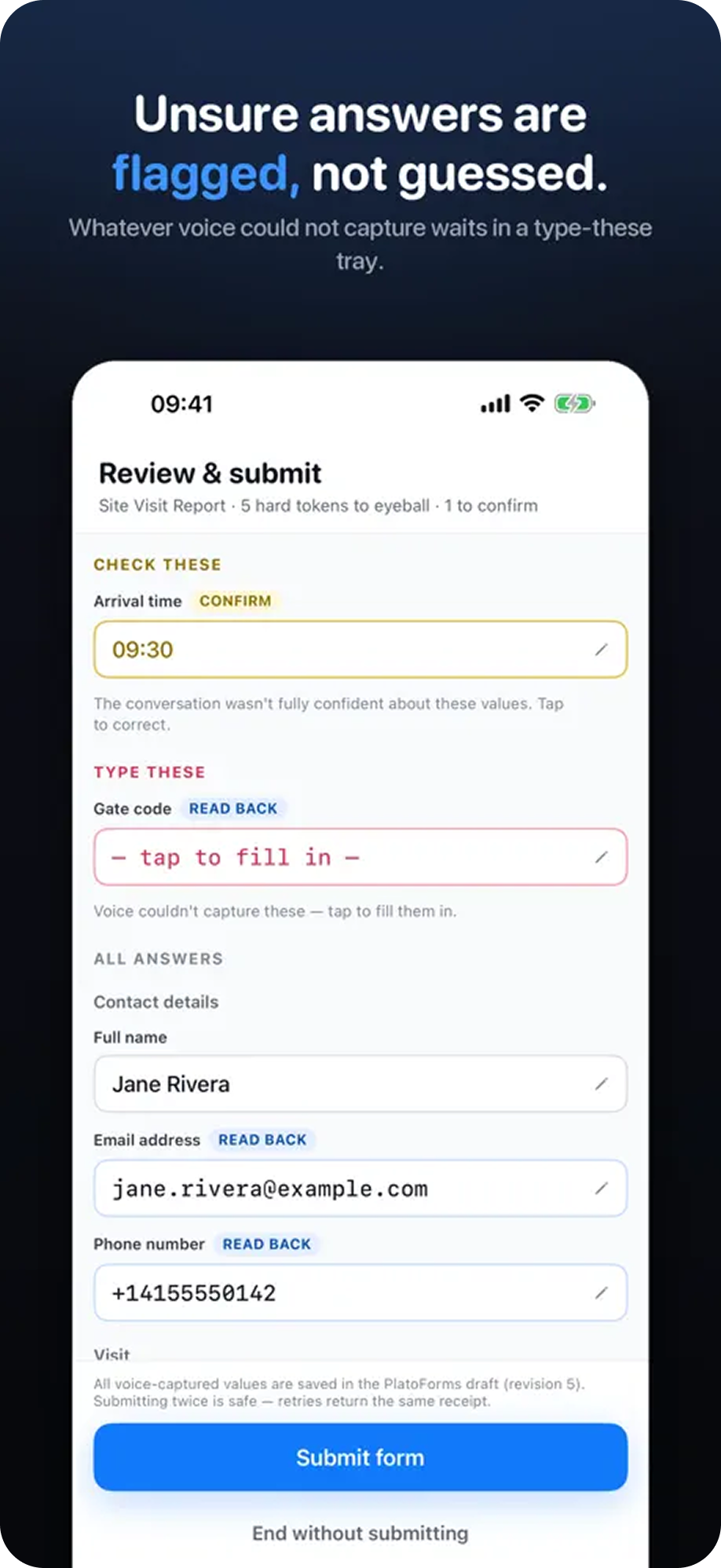
Follow-up questions add context. Uncertain values can be checked, skipped answers can be completed later, and the final review stays with the person filling the form. |
|
|
|
|
|
|
MADE FOR WORK IN MOTION
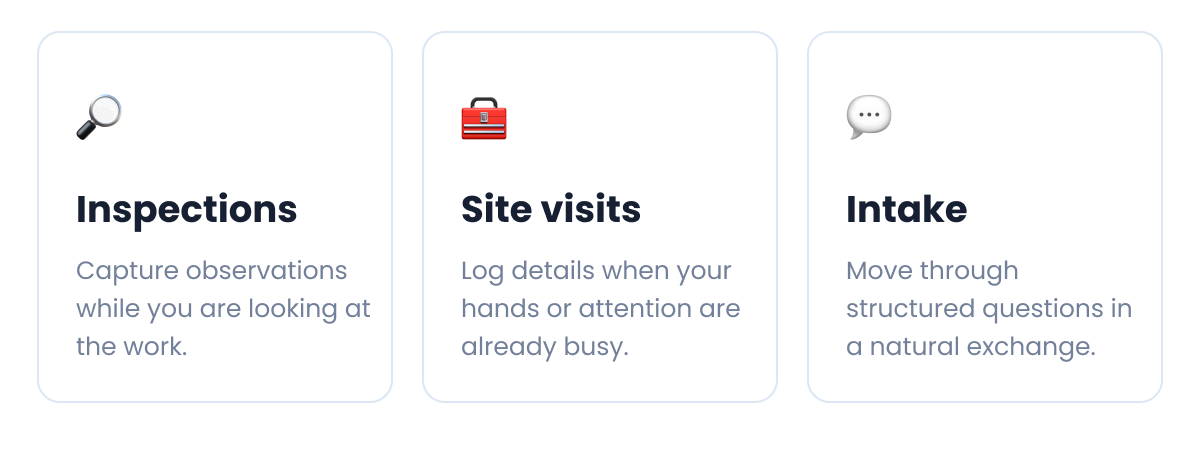
When typing gets in the way.
|
|
| |
|
FOR FORM OWNERS
Enable it on a published form.
|
|
|
|
|
|
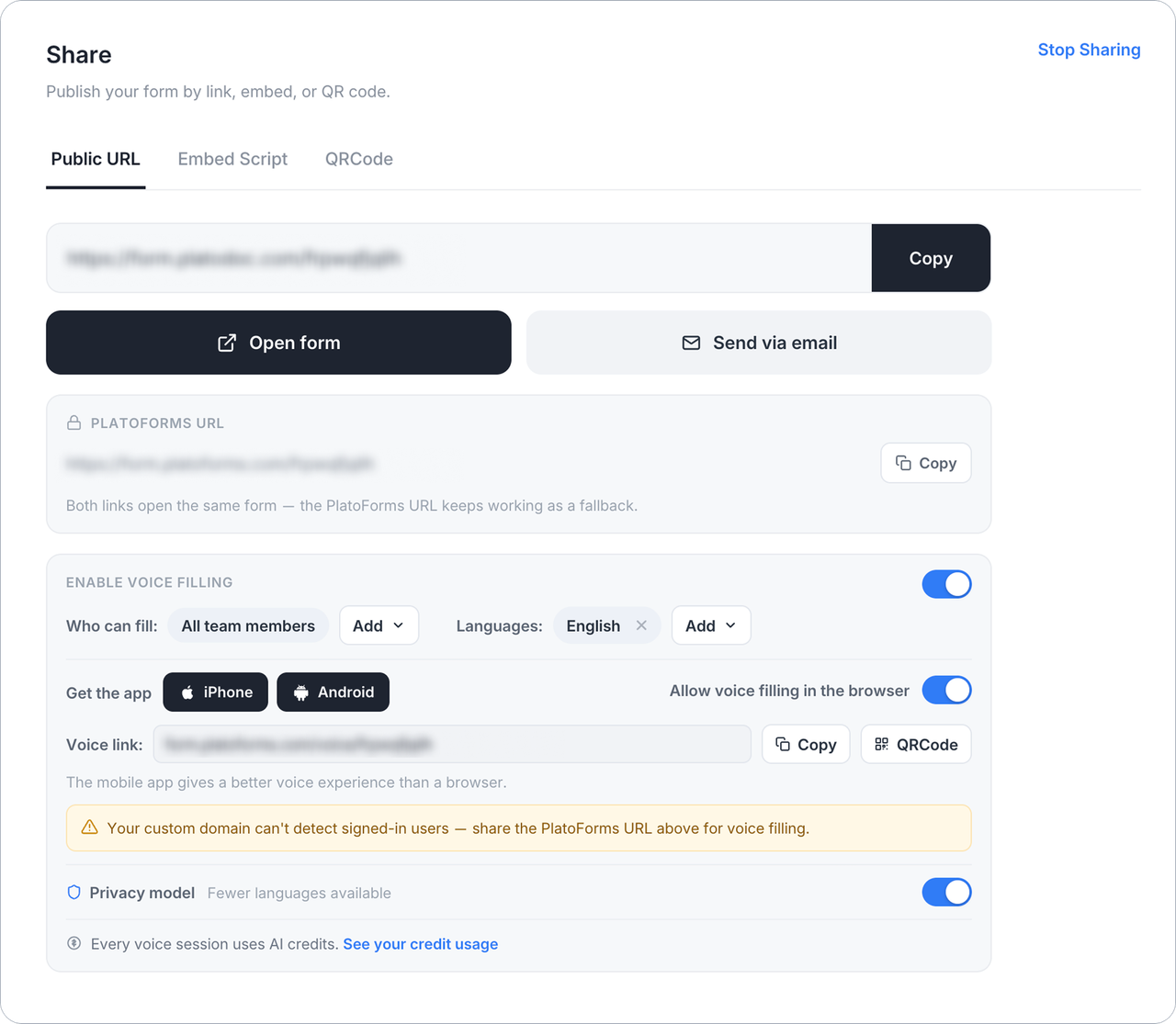
Open the form’s Share page, turn on Voice Filling, choose who can use it and which languages to allow, then share the voice link or QR code. |
|
|
|
|
| |
|
Watch the walkthrough
From spoken answer to final review.
|
|
|
|
|
|
|
|
|
| |
|
Say more. Type less.
Sign in with your existing PlatoForms account and open a voice-enabled form. |
|
| |
| |
Before you enable Voice Filling: Voice sessions use your team’s AI credits. Voice Filling is off by default for HIPAA-enabled teams, and data sent through it is not covered by the PlatoForms Business Associate Agreement. Review the setup guide for privacy and sensitive-data guidance. |
|
|
|
|
|
|
|
|