


Aqui está a questão sobre construir software de formulários em 2025: todos estão perseguindo o mesmo sonho. Formulários bonitos e simples que qualquer um pode preencher.
Mas continuamos ouvindo uma história diferente de nossos clientes: “Temos 500 PDFs. Eles não são bonitos, mas são o que usamos. Você pode nos ajudar com a conversão de PDF para formulário online sem perder nosso layout?”
Então, este ano, não apenas tornamos os formulários mais bonitos. Focamos em algo mais difícil: tornar os fluxos de trabalho existentes realmente digitais. Veja como isso se desenrolou.
O Problema Central que Estamos Resolvendo
A maioria dos construtores de formulários assume que você está começando do zero. Escolha um modelo, arraste alguns campos, compartilhe. Pronto.
Mas negócios reais nem sempre funcionam assim. Eles têm:
- Formulários governamentais de 1987 que ainda precisam ser preenchidos
- Contratos legais que seus advogados passaram anos aperfeiçoando
- Formulários específicos da indústria que eles não podem simplesmente “redesenhar”
- Fluxos de aprovação que envolvem pessoas reais dizendo sim ou não
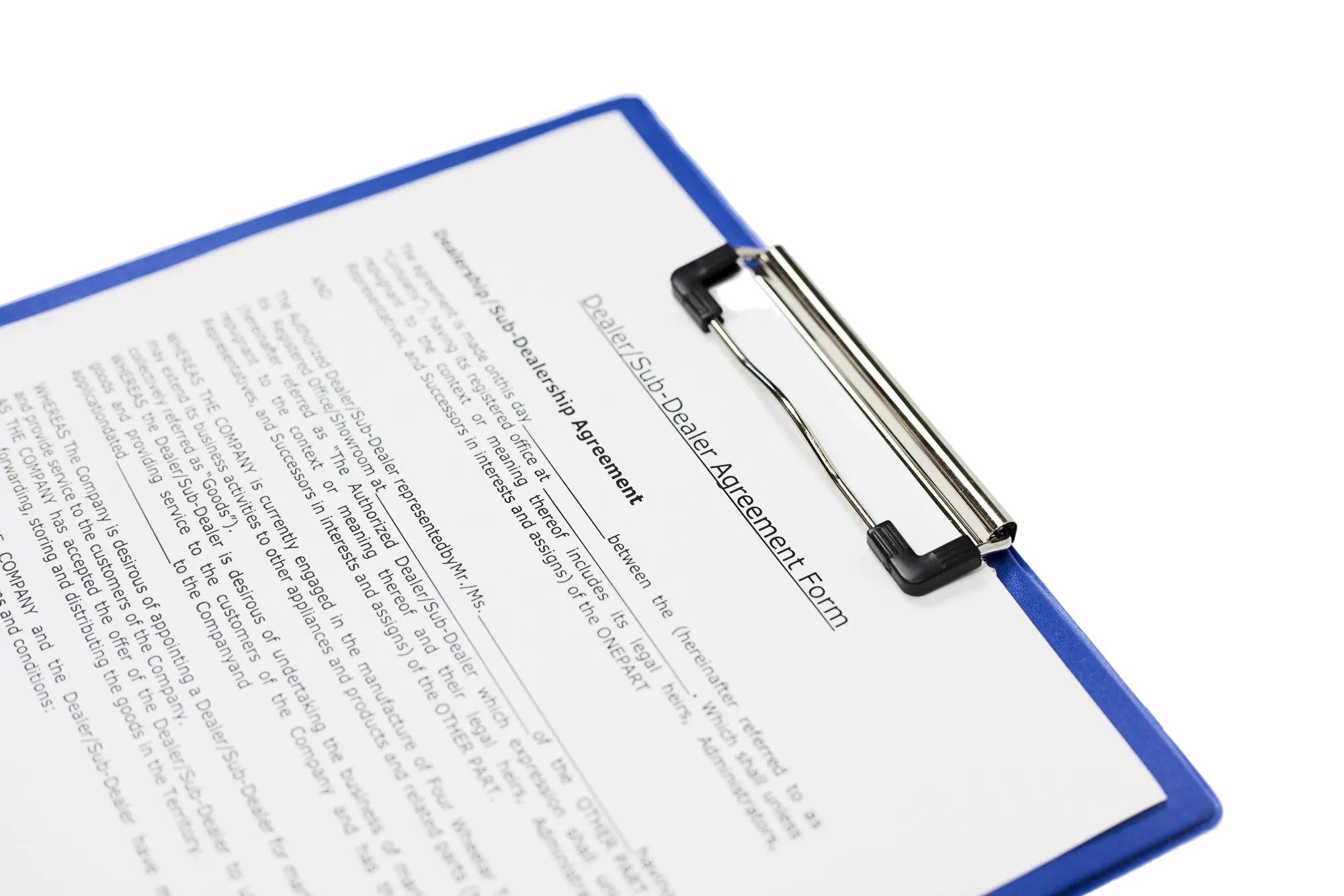
Essa é a lacuna que estamos preenchendo. Não “crie qualquer formulário que você quiser”, mas “pegue os formulários que você já tem e faça-os funcionar em 2025.”
Tudo o que construímos este ano segue essa linha.
Ato 1: Tornando Mais Fácil Começar
Reconhecimento de PDF por IA
A maior barreira não era projetar formulários. Era converter os que as pessoas já tinham.
Envie um PDF. Qualquer PDF. Formulário governamental, contrato, aplicação. Nossa IA analisa e identifica os campos automaticamente.
É perfeito? Não exatamente. Mas leva você 90% do caminho sem dizer uma palavra. O que costumava levar 45 minutos agora leva cerca de cinco.
Um cliente achou que digitalizar todos os seus formulários levaria meses. Com o reconhecimento por IA, tornou-se um projeto de semanas.
Por que isso importa: Você não pode digitalizar seu fluxo de trabalho se o primeiro passo demora uma eternidade. Removemos essa fricção.
Ato 2: Dando Controle Quando Você Precisa
Customização com JavaScript
Às vezes, você precisa que seu formulário faça algo específico. Realmente específico.
Talvez seja um calculador de empréstimos que atualiza em tempo real. Talvez seja uma validação personalizada que verifica seu banco de dados interno. Talvez seja apenas… estranho.

Então, permitimos que você escreva JavaScript real em seus formulários. Não widgets. Não plugins. Código real.
Por que isso importa: A maioria dos construtores de formulários força você a escolher entre “fácil mas limitado” ou “poderoso mas complicado.” Queríamos ambos. Use o construtor visual para 90% do seu formulário, depois entre no código para aquela coisa especial.
Quatro Formas de Incorporar
Formulários não vivem isolados. Eles vão para sites. E cada site é diferente.
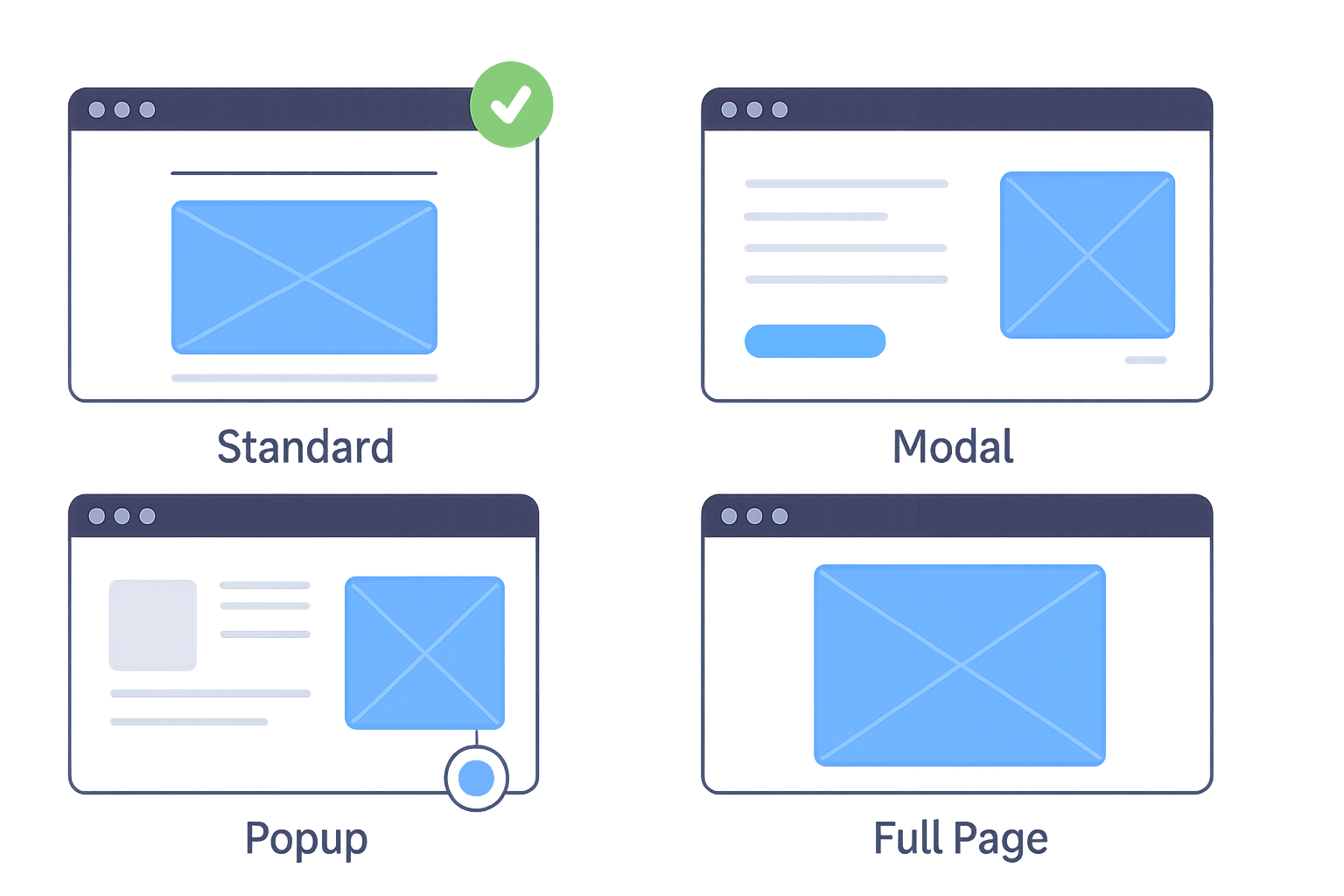
Então, adicionamos quatro modos de incorporação:
- Padrão: Incorporação clássica de iframe
- Modal: Popup ao clicar no botão
- Popup: Botão flutuante no canto
- Página Completa: Ocupa uma seção inteira
Salve seu estilo uma vez, reutilize em qualquer lugar.
Por que isso importa: Seu formulário não deve brigar com seu site. Deve se encaixar naturalmente, onde quer que você precise.
Ato 3: Lidando com a Complexidade do Mundo Real
Campos Repetidos
A vida real é bagunçada. Formulários pedem “até 5 membros da família”, mas alguém tem 7. Ou “empregadores anteriores” quando alguém teve 12 empregos.
Campos Repetidos permitem que os usuários adicionem quantas cópias de uma seção precisarem. Clique em “Adicionar Outro”, nova seção aparece.
Por que isso importa: A alternativa é fazer 20 cópias dos mesmos campos ou dizer aos usuários “desculpe, apenas 5 permitidos.”
Níveis Múltiplos de Senha

Nem todos os formulários precisam da mesma segurança. O RSVP para o churrasco da empresa é diferente dos formulários de admissão de pacientes.
Adicionamos três níveis de senha:
- Abrindo o formulário
- Acessando progresso salvo
- Visualizando submissões compartilhadas
Misture e combine conforme necessário.
Gerenciamento de Fuso Horário
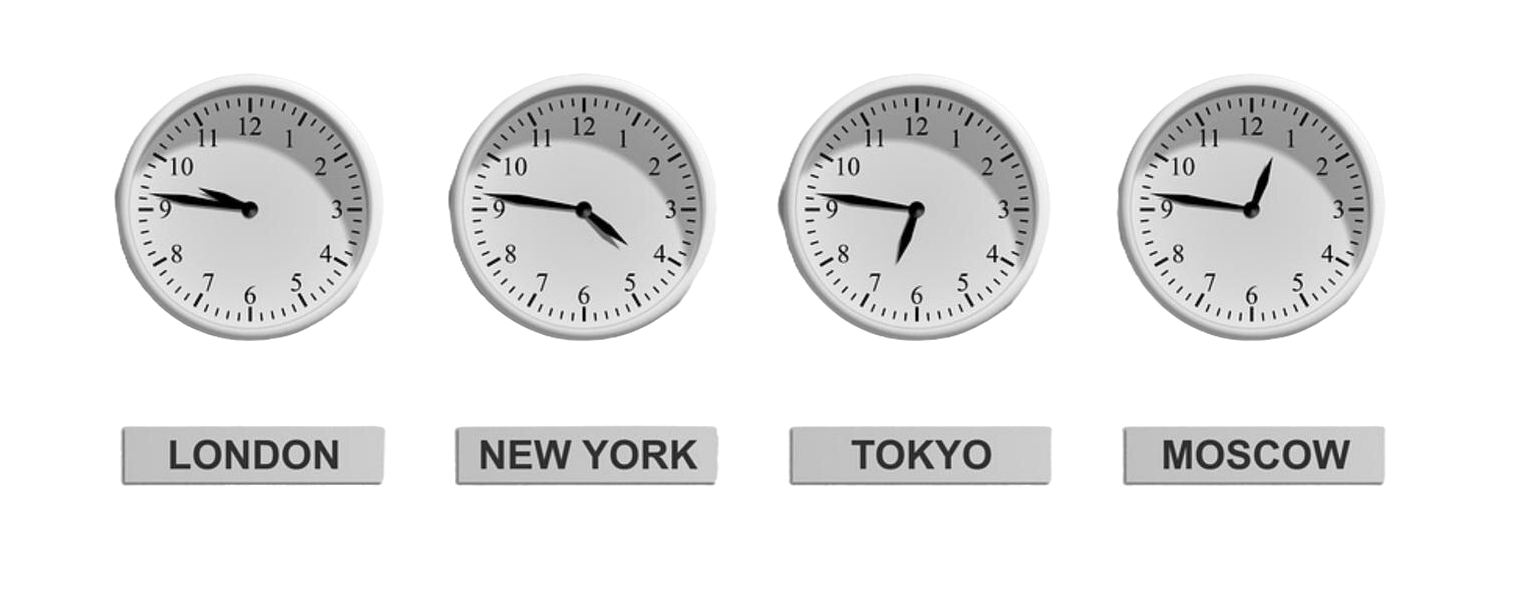
Agora você escolhe:
- Fuso horário do remetente
- Seu fuso horário
- Um fuso horário personalizado
Sem mais cálculos mentais através de fronteiras.
Ato 4: Os Detalhes que Realmente Importam
Controle de Espaçamento de Texto
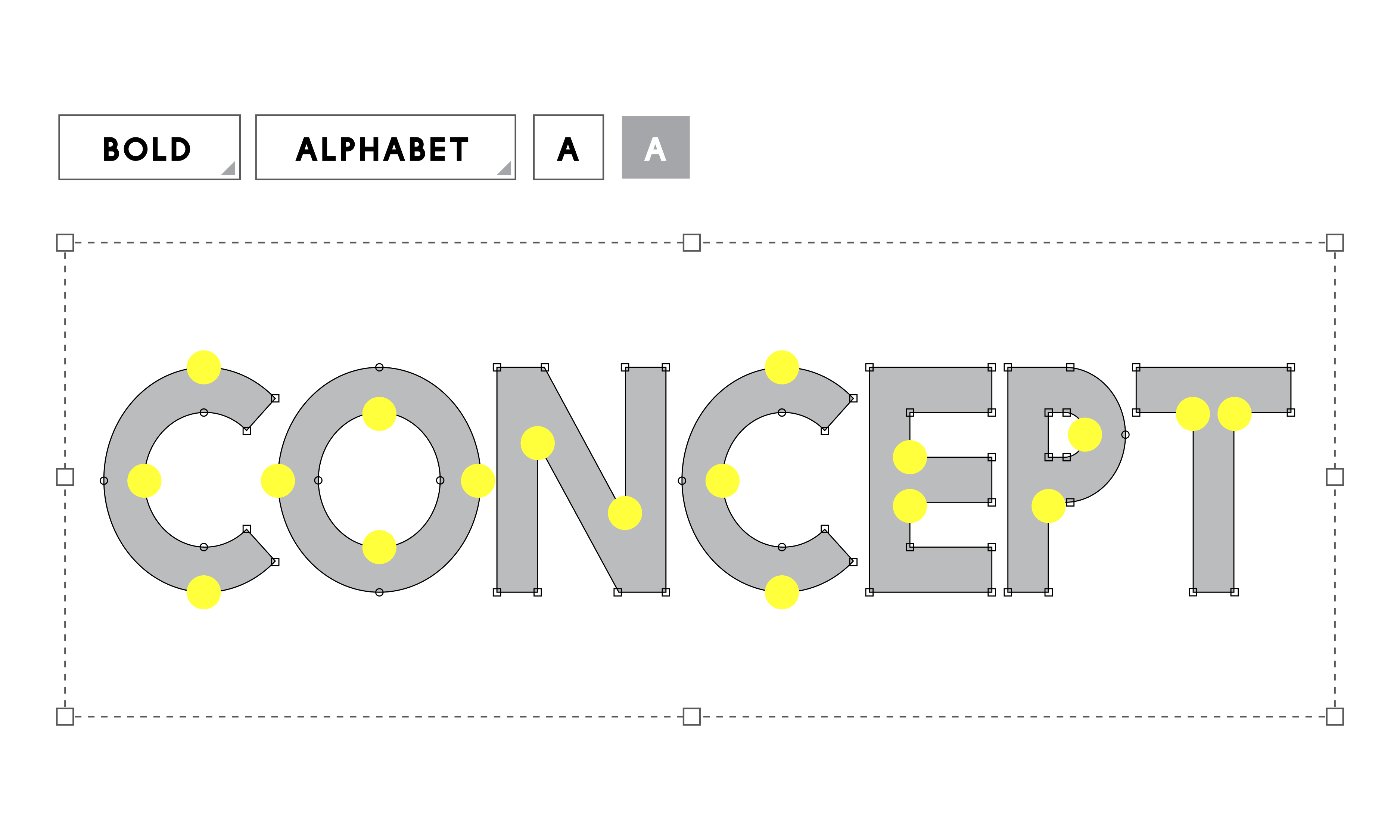
Formulários governamentais, contratos legais, documentos de seguro. Eles precisam de alinhamento perfeito de pixels.
Adicionamos três modos de espaçamento:
- Natural
- Distribuído
- Blocos Personalizados
Por que isso importa: “Quase perfeito” não é bom o suficiente para conformidade.
Seleção Inteligente de Tabelas
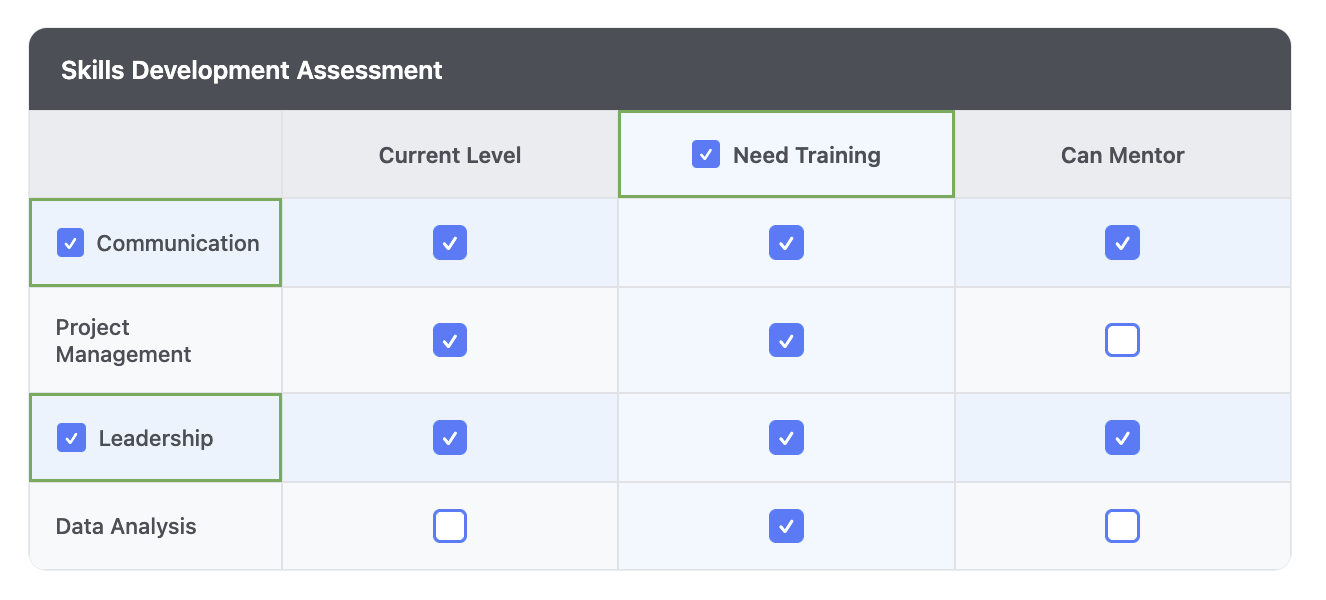
Avalie 10 produtos em 5 categorias? Selecione linhas ou colunas inteiras de uma vez.
Pequena fricção eliminada → taxas de conclusão mais altas.
Ato 5: Fazendo os Formulários Parecerem Humanos
Modo Conversacional
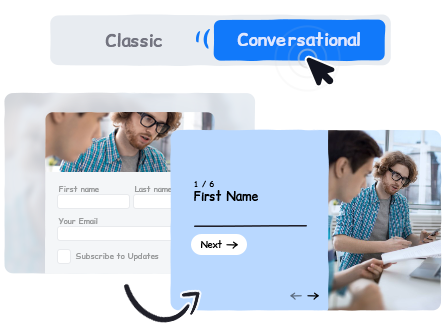
Formulários longos são intimidantes. Formulários conversacionais mostram uma pergunta de cada vez. Sem necessidade de reconstrução.
Alterne uma vez, mantenha toda a lógica e campos intactos.
Lembretes de Fluxo de Trabalho
Fluxos de trabalho reais envolvem pessoas reais que esquecem.
Adicionamos lembretes agendados (até 3). Se eles terminarem cedo, os lembretes restantes são cancelados automaticamente.
Ato 6: Necessidades Empresariais
Limites de Submissão e Despublicação Automática
Atingiu seu limite de submissão → formulário despublica automaticamente e redireciona.
Transferência de Formulário

Transfira um formulário inteiro, incluindo submissões, diretamente para a conta do seu cliente.
Modelos de Formulário Web
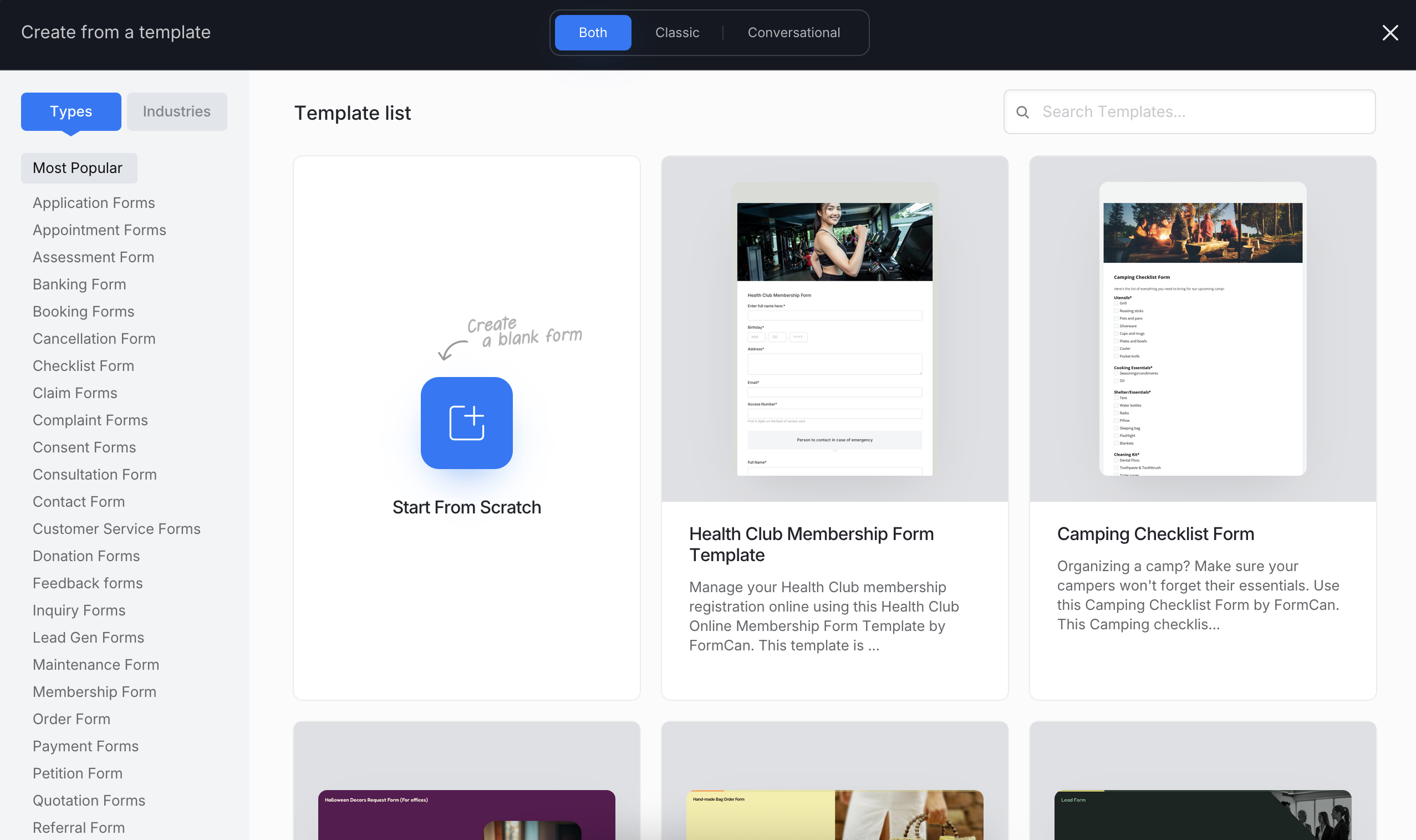
Nem todo mundo começa com um PDF. Adicionamos modelos para aplicações, pesquisas, listas de verificação. Modelos reais que as pessoas realmente usam.
📊 Histórias Reais de Equipes Reais
Saúde: Dr. Curtis Fischer automatizou 90% da papelada de sua prática.
ONG: Max Ufer reduziu o tempo administrativo em 80% para focar mais nos membros.
Educação: Amit Petal usou integrações do Zapier para conseguir um retorno 3x mais rápido.
Ato 7: Fechando o Ano com Força
No quarto trimestre, algo mudou.
As equipes não estavam apenas digitalizando formulários. Elas estavam digitalizando processos inteiros: integração de RH, admissão médica, aprovações em várias etapas. As lacunas ficaram mais claras, então as fechamos.
Uma Biblioteca de Modelos que Realmente Ajuda Você a Começar
Expandimos para mais de 1.000 modelos prontos para uso.
Clique em “Usar Este Modelo” → você cai no construtor com um formulário completo e editável.
Sem página em branco. Sem configuração.

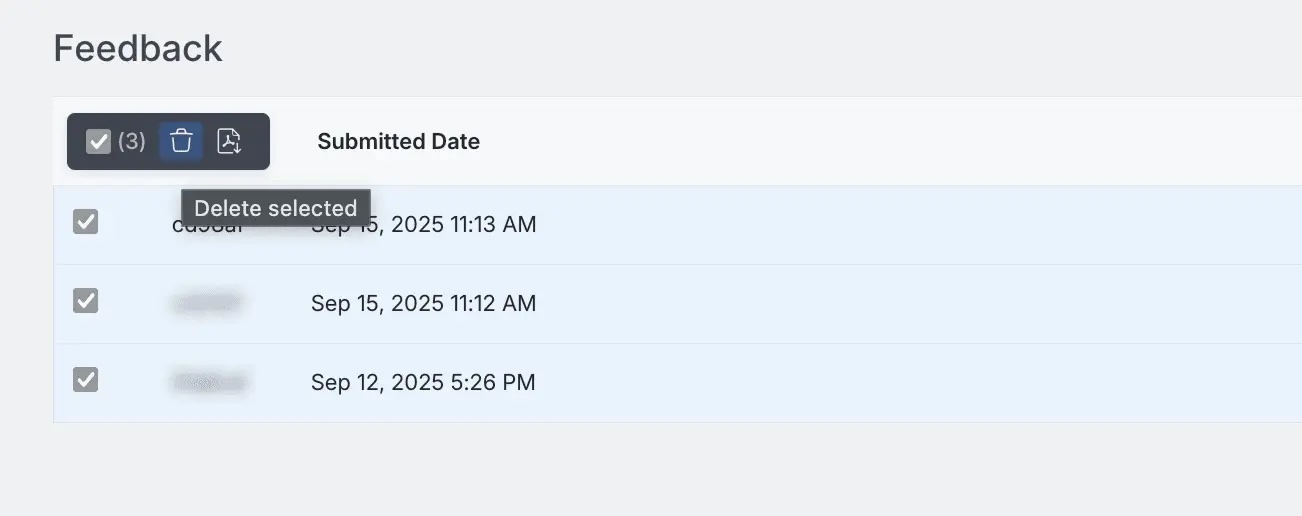
Ações em Lote para Submissões
Quando você recebe centenas (ou milhares) de submissões, você precisa de eficiência:
- Excluir em massa
- Baixar PDFs em massa
- Gerenciar seleções da página atual instantaneamente
Um pequeno recurso com enorme impacto.
IA Mais Inteligente em Todos os Lugares
O Reconhecimento por IA ficou mais rápido.
A Geração de Formulários por IA amadureceu.
Mais precisão. Mais contexto. Menos trabalho repetitivo.
Modo Conversacional Cresce
Não apenas “legal.”
As equipes o usaram para reduzir drasticamente o abandono. Uma pergunta de cada vez simplesmente funciona.
Lembretes de Fluxo de Trabalho que Mantêm as Pessoas em Movimento
As pessoas esquecem. Lembretes automatizados mantêm os fluxos de trabalho vivos sem se tornarem irritantes.
O Fio Condutor
Reconhecimento por IA. JavaScript. Fusos horários. Espaçamento de texto. Modo conversacional. Fluxos de trabalho empresariais. Modelos. Ações em lote.
Todos respondendo a uma pergunta:
Como ajudamos negócios reais a digitalizar fluxos de trabalho reais?
Não apenas pesquisas bonitas. Não apenas mais modelos.
Mas transformar papel, PDFs e cadeias de e-mails em algo que realmente funciona digitalmente.
O Que Vem a Seguir
2026 é sobre ir mais fundo:
- IA mais inteligente que entende o contexto da indústria
- Melhor colaboração com edição em tempo real
- Mais inteligência de fluxo de trabalho
Tudo ainda guiado pelo mesmo objetivo: digitalizar os fluxos de trabalho que você realmente tem.
Experimente Você Mesmo
👉 Comece seu teste gratuito
📚 Leia a documentação
🎥 Assista aos tutoriais
Dúvidas? Fale conosco
P.S. Se você ainda está digitando manualmente dados de PDF em planilhas… precisamos conversar.
Feliz construção de formulários! 🚀
Da equipe PlatoForms. Fazendo formulários que funcionam para como você realmente trabalha.


