

As a start-up business, you’ll need practical tools to help you get things running. From graphic design tools for social media to project management apps for tracking tasks, we’ve listed some of the best online tools you can explore for your business.
The tools listed below are chosen based on these criteria:
- Cheap/fair price
- Efficiency
- Easy to use
- Business-friendly
Read more: Maximize Team Collaboration With the Help of These Powerful Tools
Table of Contents:
Online collaboration tools
Design tools
Forms and online documents tools
UX, social media, and content marketing tools
Video tools
Online collaboration tools
No matter the size of your team, strong collaboration is essential. These tools make it easier to share ideas, manage work, and stay aligned from anywhere.
PlatoForms
Regardless of your industry, you’ll likely work with PDFs. PlatoForms simplifies everything—no need to deal with the complexity of Adobe Acrobat. This PDF online form builder and converter lets you create fillable PDFs online, turn PDFs into web forms, and allow clients to complete forms digitally for a smoother process.
Its workflow feature lets your team complete PDF forms online without reprinting the same documents—ideal for start-ups looking to save on printing costs. You can also invite team members to collaborate in real time.

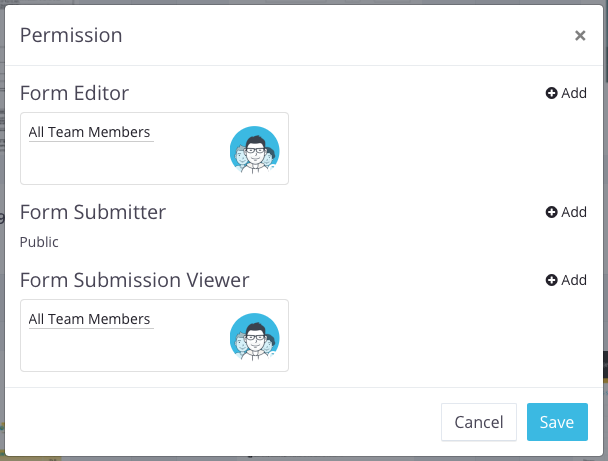
Pro tip: Manage permissions per PDF—assign roles like form editor, submitter, or submission viewer.
Try now: Complete PDF forms online with PlatoForms Workflow
Invision
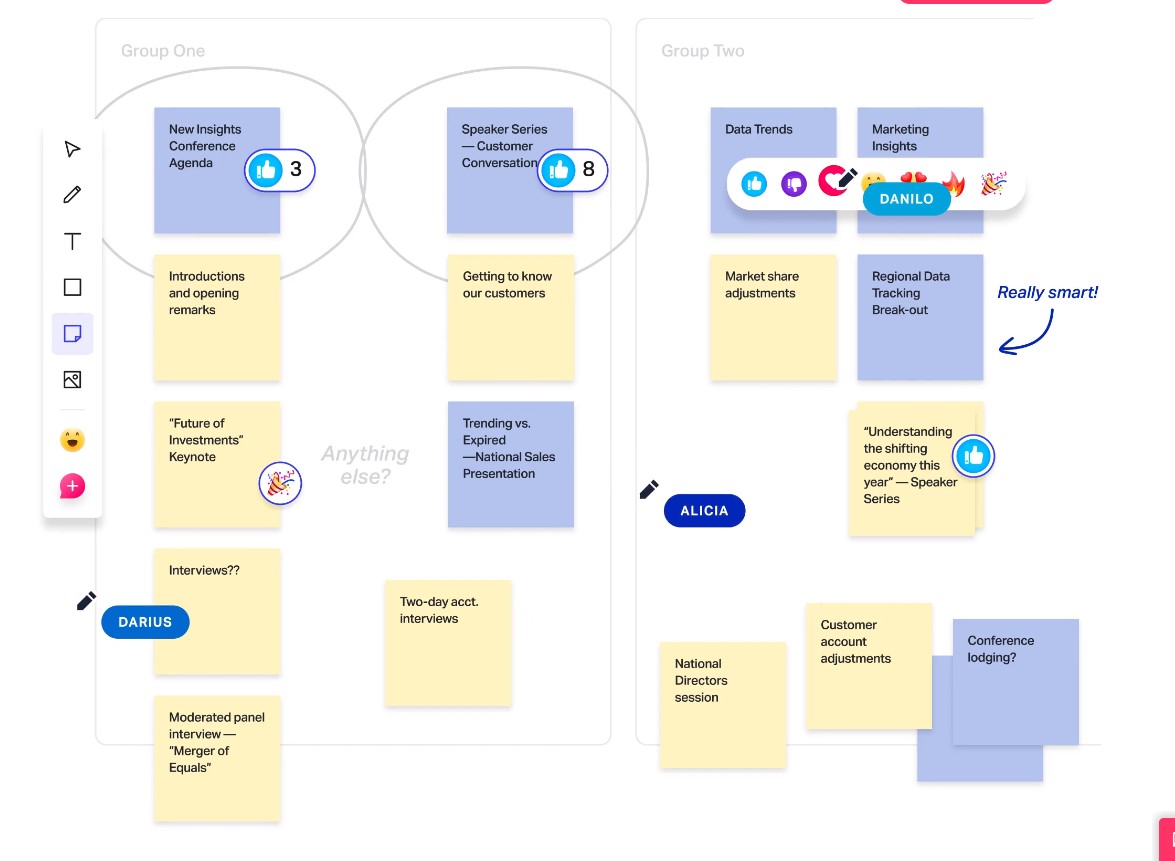
Invision takes the classic whiteboard experience to a more interactive digital space. Its tools—Freehand, Design Studio, animations, and more—make collaboration visually engaging. The app also offers modern templates like customer journey maps, brainstorming layouts, and card sorting frameworks.
Markup.io
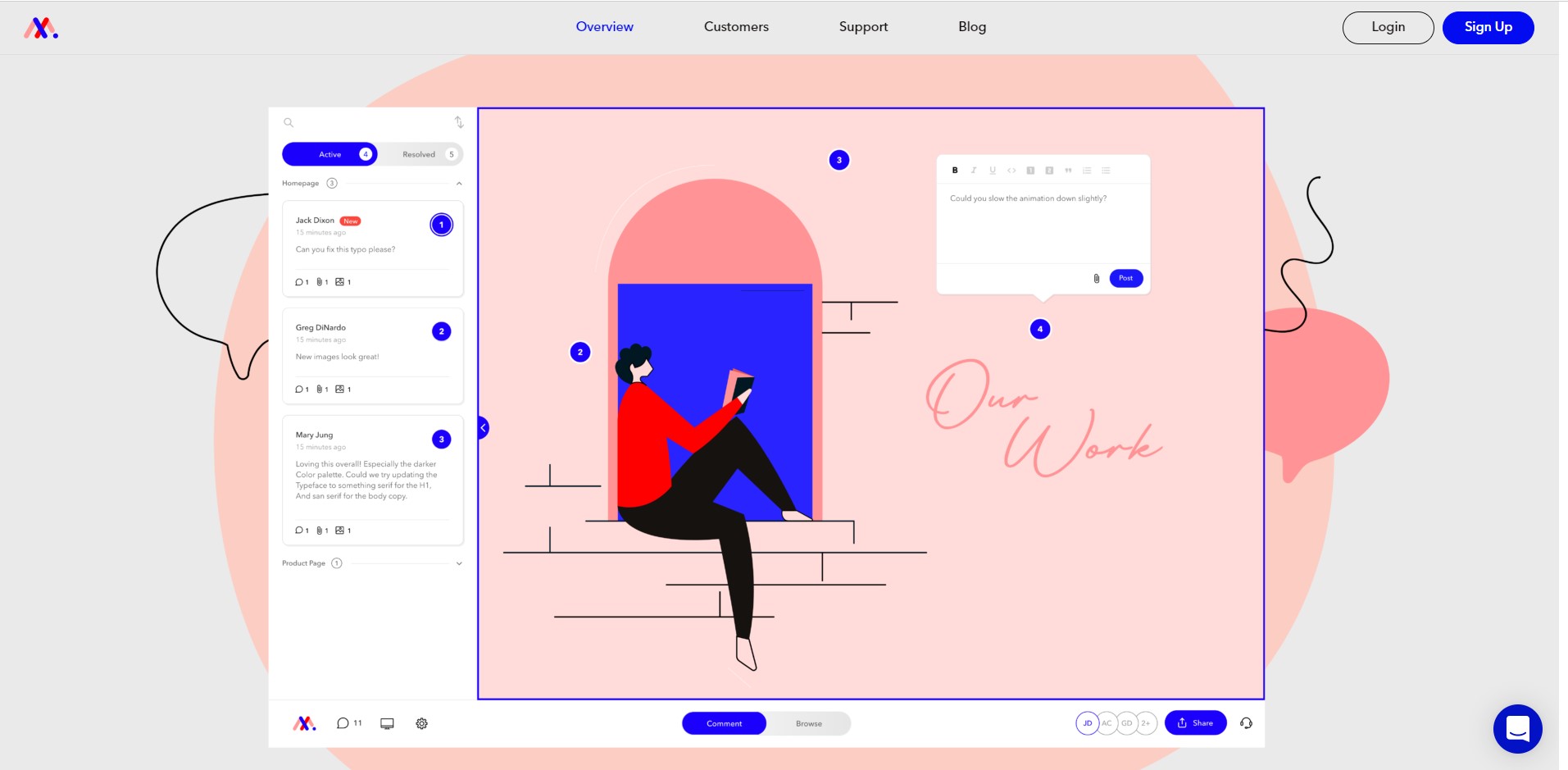
Markup.io makes giving feedback on digital content simple. Designers and marketers can comment directly on websites, PDFs, and images, making real-time visual collaboration much more efficient.
Airtable
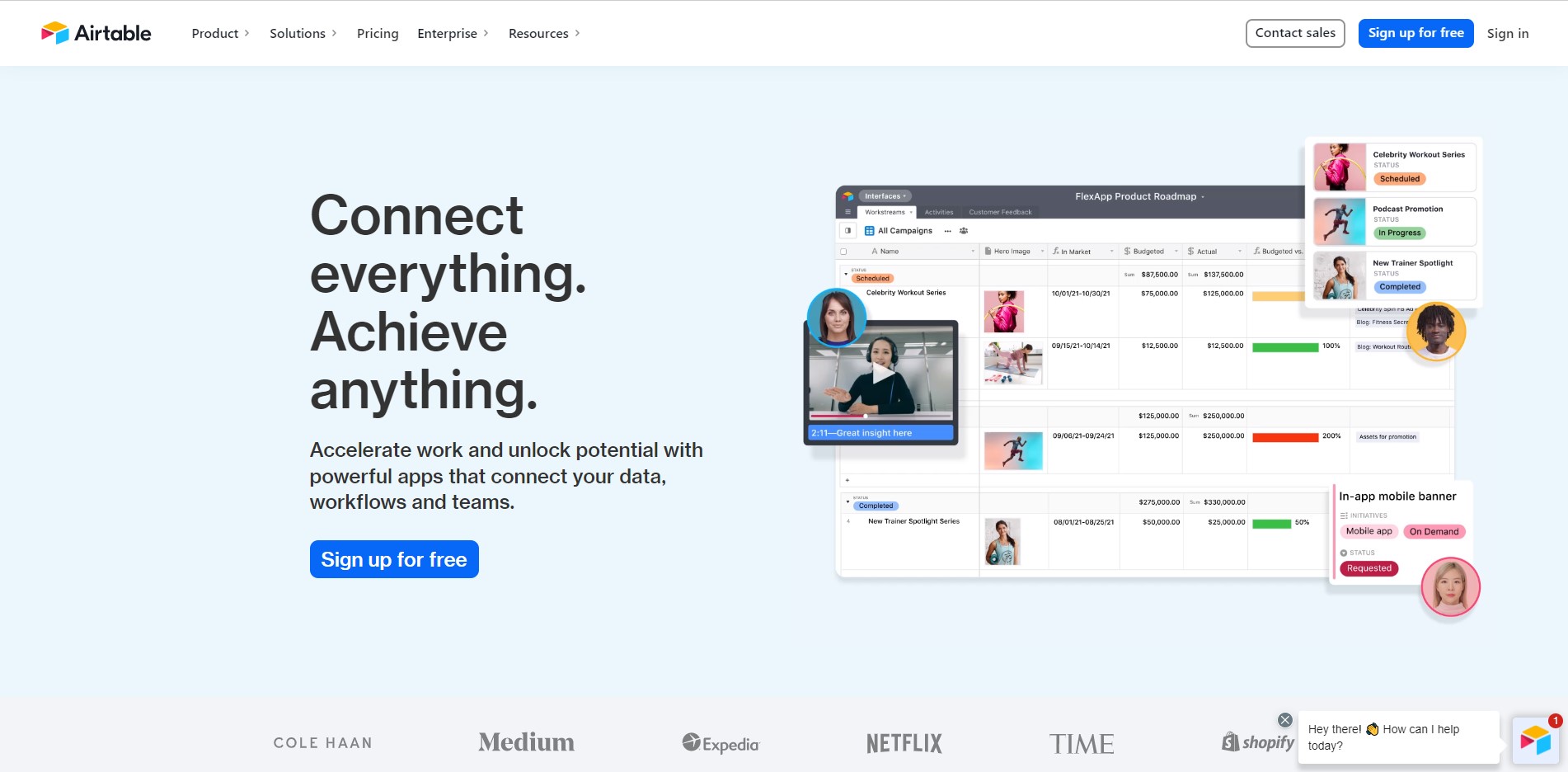
Airtable helps teams customize workflows with ready-made templates—from content calendars to project trackers. Its interface supports tagging teammates, customizing views, and integrating with apps you already use.
Pro tip: Upload spreadsheets from Excel or Google Sheets into Airtable for a smoother transition.
Trello
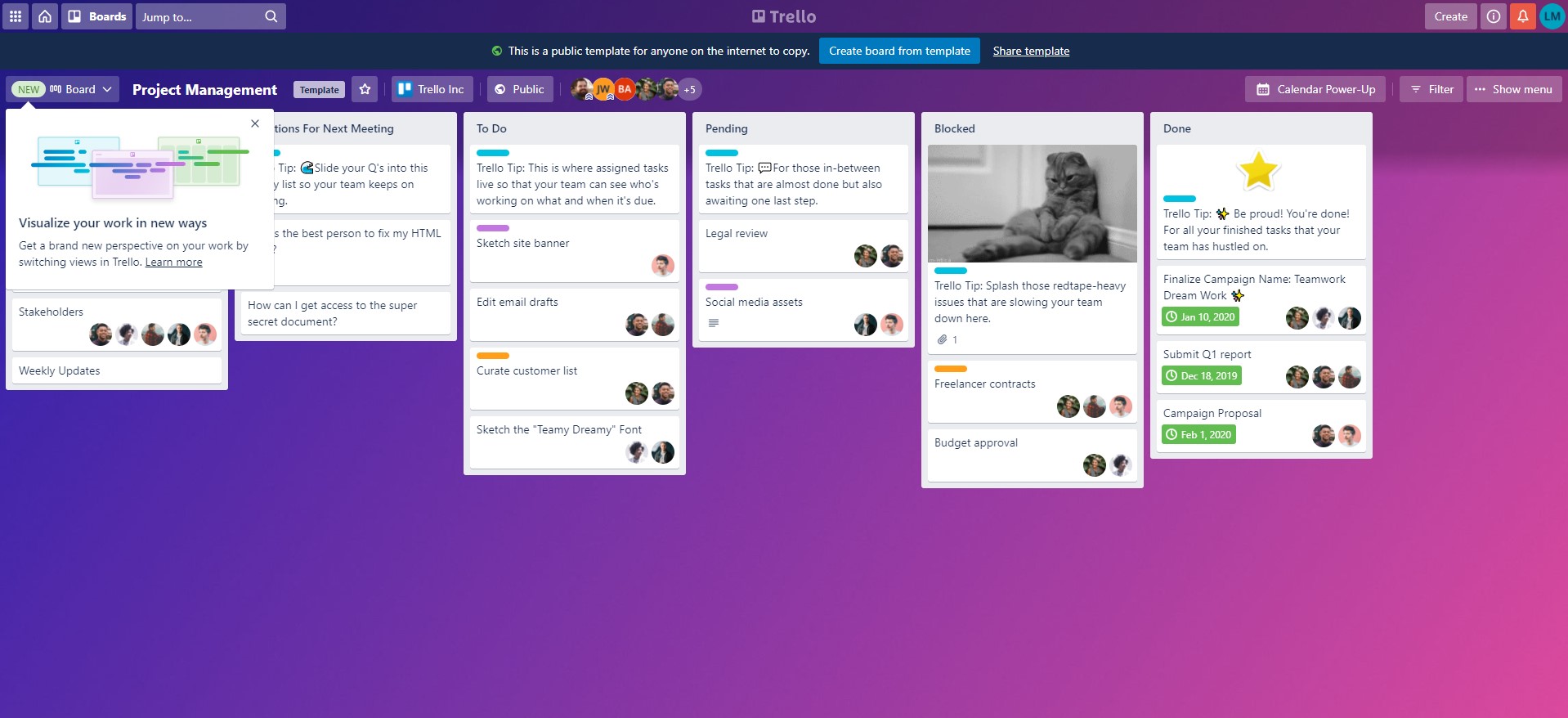
Trello keeps team workflows organized using boards, lists, and cards. Teams rely on it for tracking tasks from “to do” to “done.” It also offers workspaces tailored to industries like marketing, HR, CRM, and education.
ApiX-Drive

ApiX-Drive lets you automate workflows without coding. Through its web interface, you can connect apps, filter or format data, and set IF/Else logic to customize automated processes.
Ruttl
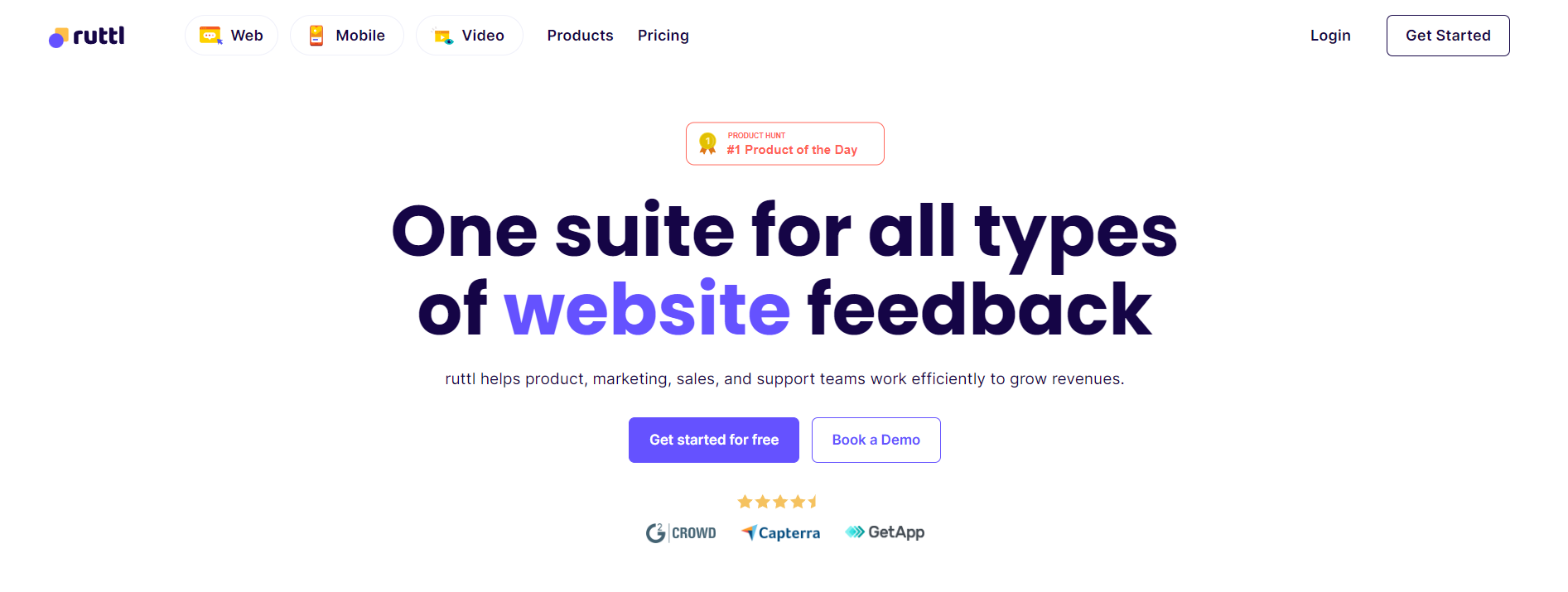
Ruttl is a fast website feedback tool that lets you comment directly on live websites and make real-time edits. It also supports mobile app reviews and includes live chat for quick communication.
Design tools
Design plays a major role in building your brand. In addition to Canva, here are some helpful online design tools:
The Noun Project

The Noun Project offers a huge library of clean, minimalist images and icons for social posts, presentations, and marketing materials. Whether you need tech icons, flat lays, or nature photos, you’ll find a wide selection here.
Pro tip: The Noun Project’s Icon API lets developers pull unique icons into apps, infographics, games, and more.
Creative Market
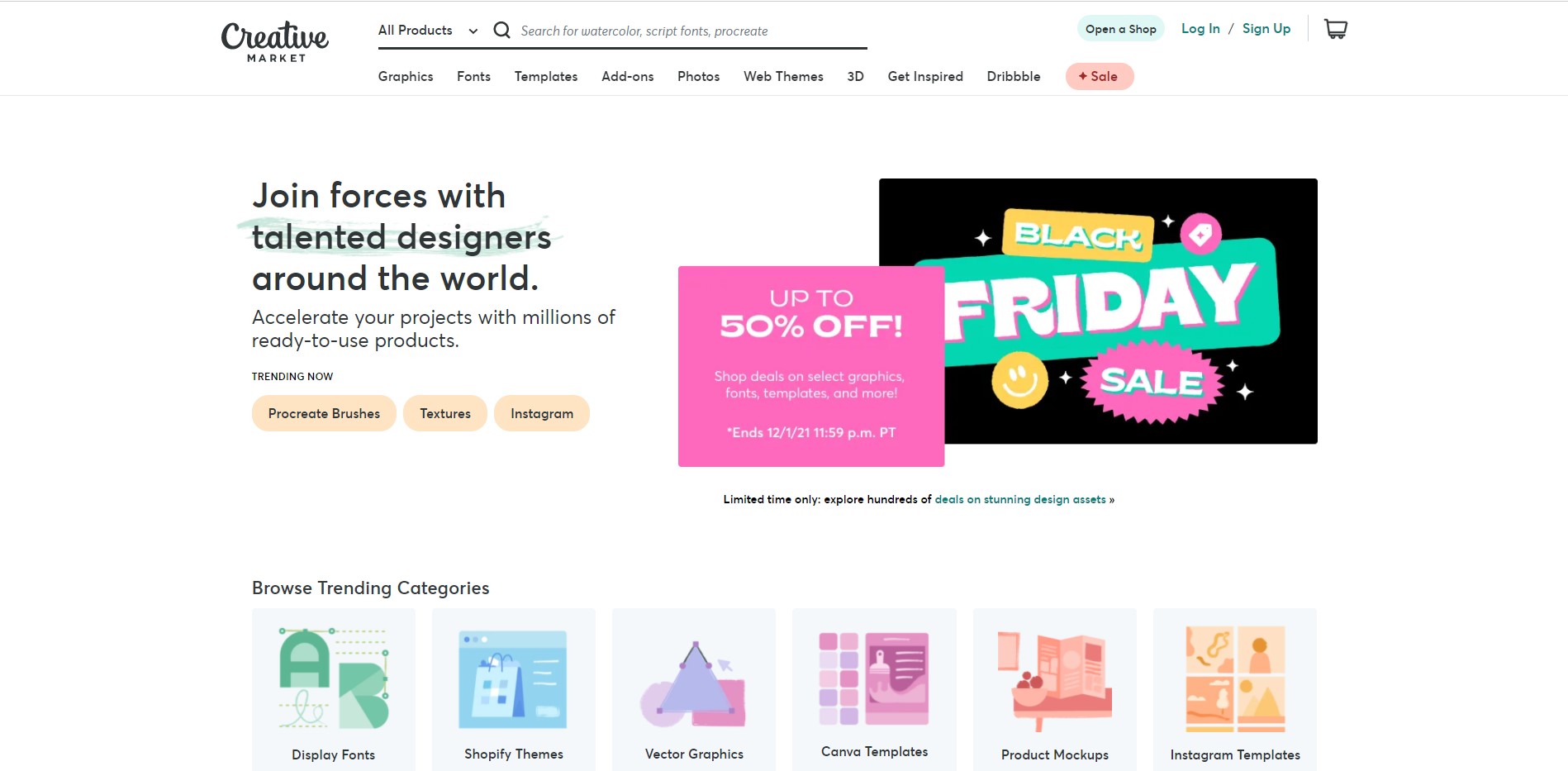
Creative Market goes beyond Instagram templates—it also offers vector graphics, Shopify themes, and display fonts. You’ll find themed art sets for seasons and holidays, and artists can even open shops to sell their work.
Projector

Projector is an all-in-one creative tool with templates for presentations, social posts, emails, GIFs, and videos. It’s great for making polished visuals quickly.
Pro tip: Share your design link with teammates to collaborate instantly.
Forms and online documents tools
Forms are essential for things like order forms, survey forms, and feedback collection. Here are some easy tools for start-ups:
PlatoForms
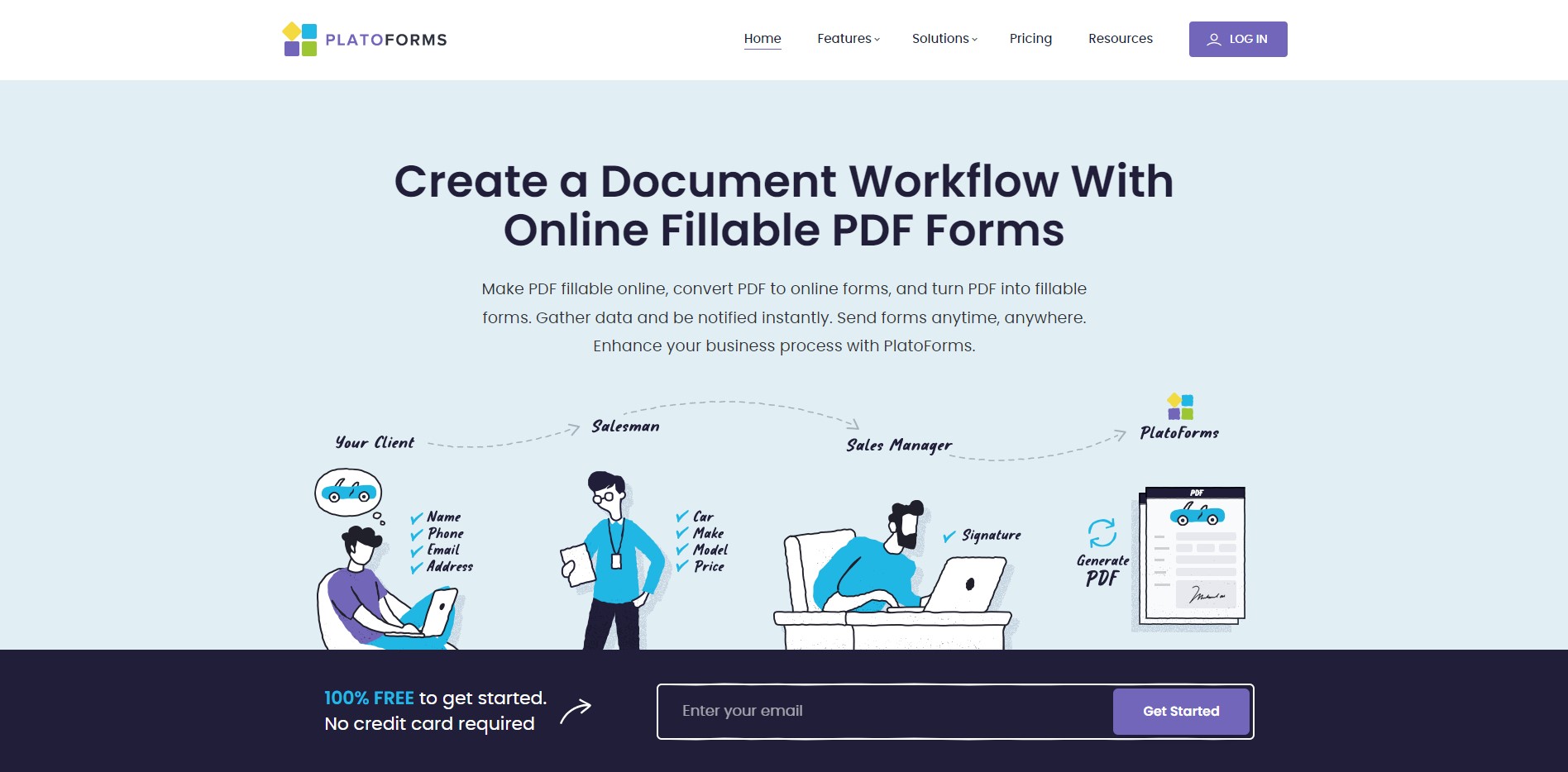
PlatoForms makes it simple to create fillable PDFs online. You can also convert PDFs into online forms so customers don’t need Adobe Acrobat. It supports payments via Stripe, RESTful API integrations, and e-signatures with certificates.
Pro tip: Use pre-fill invitation forms to create ready-populated forms for clients, and customize your form domain for a more professional look.
Google Forms
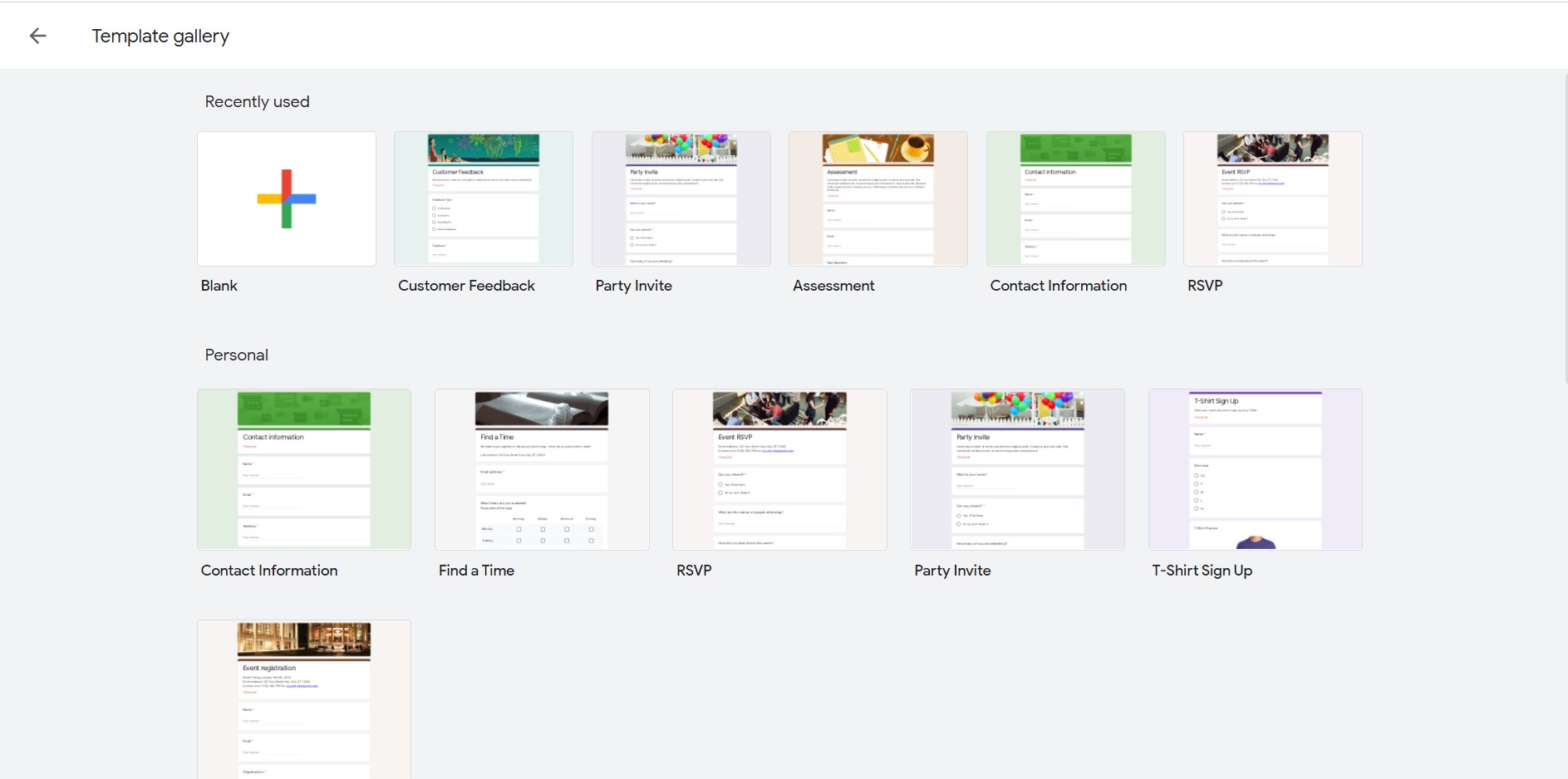
Google Forms offers simple templates for basic form needs. It’s fast, free, and easy for teams who don’t need much customization.
WeTransfer

WeTransfer makes file sharing effortless—upload up to 200 GB, track downloads, manage transfers, and share via link. It also includes a presentation tool for creative teams.
UX, social media, and content marketing tools
Carrd
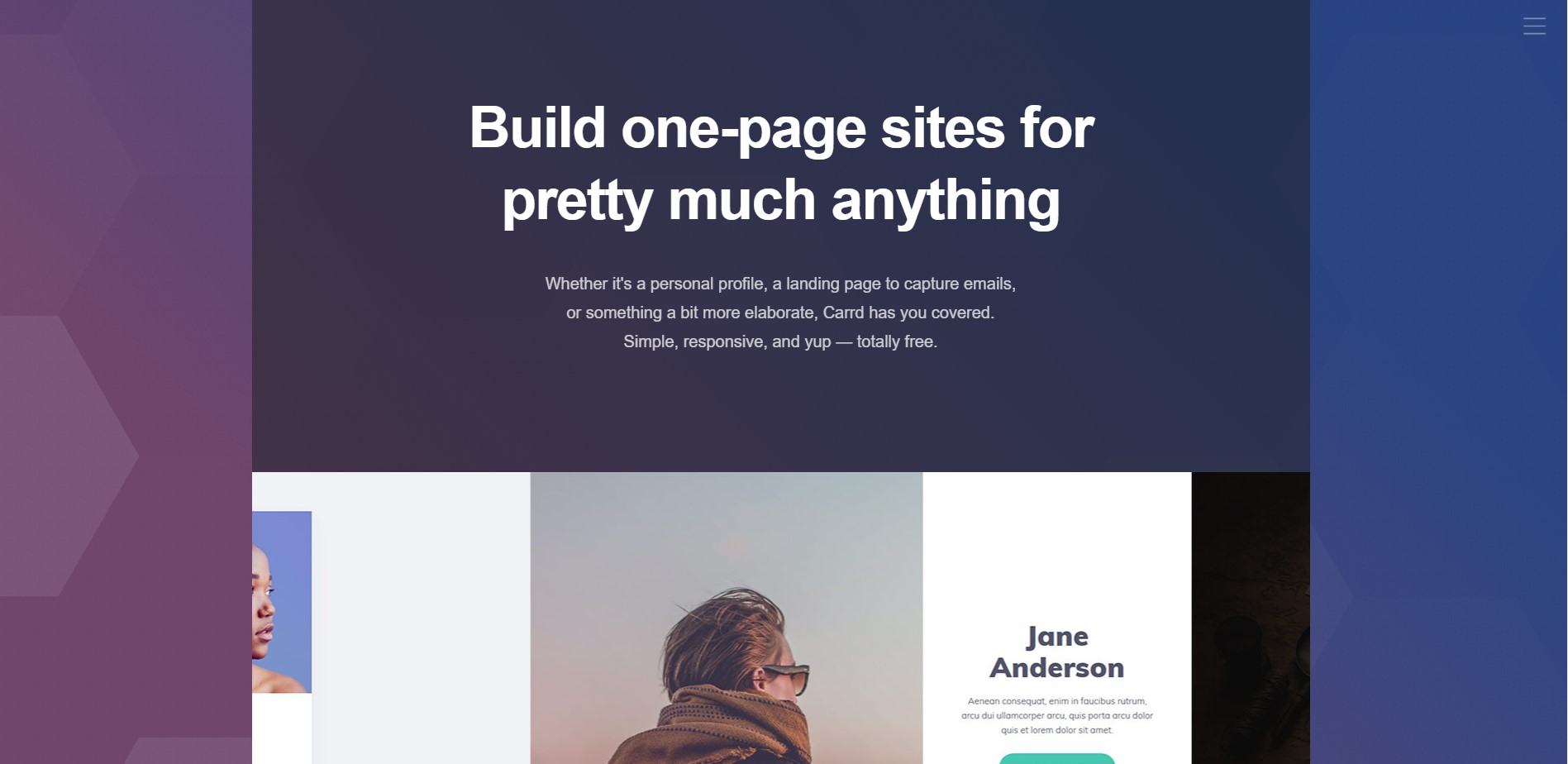
Carrd helps you create a clean, one-page site quickly—no coding required. Add your bio, social links, and portfolio, and publish in minutes.
Publer
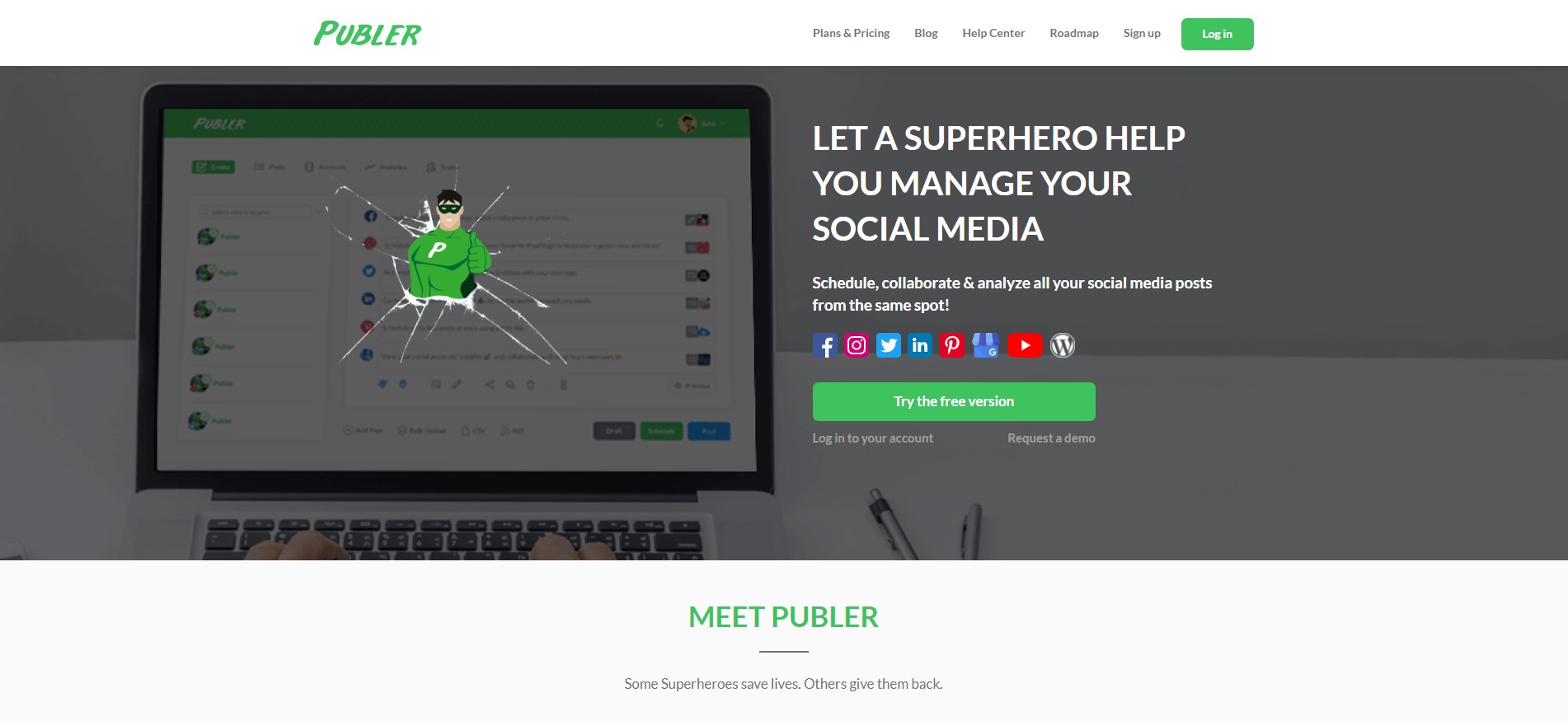
Publer is a social media scheduling and analytics tool covering platforms like Google My Business, YouTube, and WordPress. It also integrates with Canva and VistaCreate for seamless media uploads.
Planable
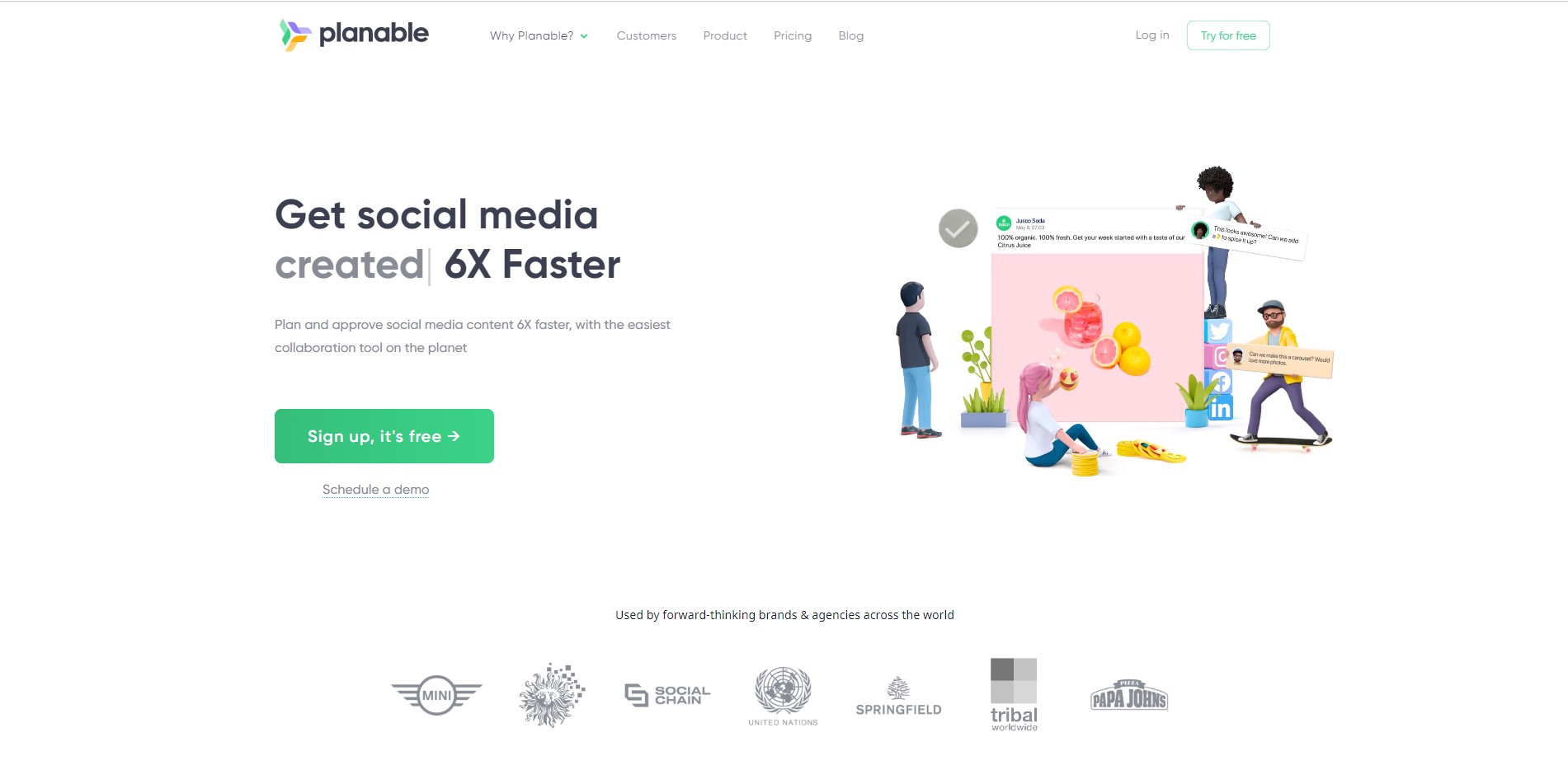
Planable offers a clean, modern social media calendar with support for TikTok, YouTube, and Google My Business. Features like bulk scheduling and a story editor help save time.
ConvertKit
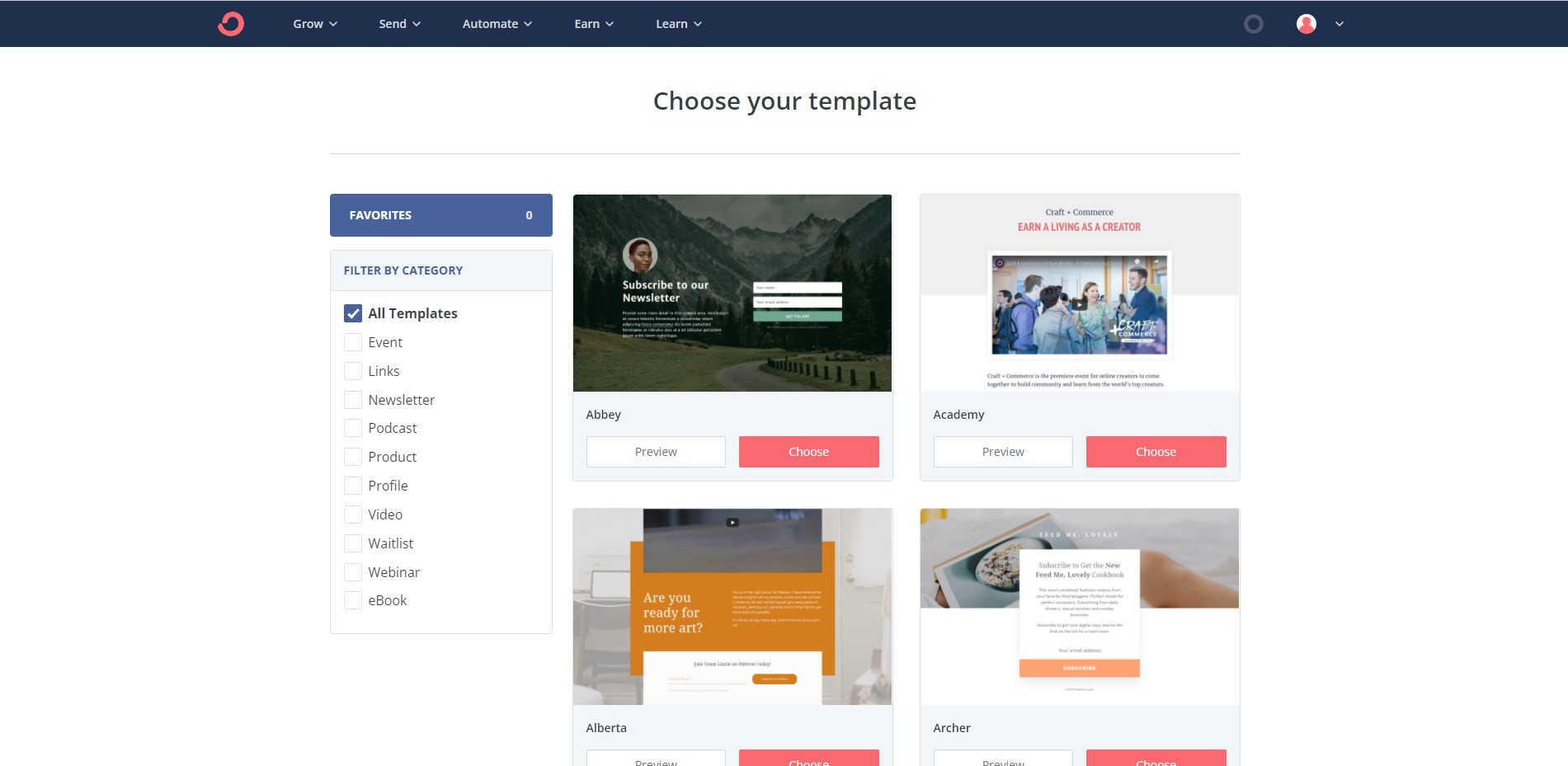
ConvertKit is ideal for email marketing and audience building. It offers landing pages, signup forms, automation tools, and even built-in commerce for selling digital products.
Video tools
Video plays a major role in marketing today. Fortunately, you don’t need advanced editing skills to create effective videos—beginner-friendly tools can handle the basics.
Invideo
Invideo offers a wide range of templates and supports multilingual video creation. You can also add unlimited team members for collaboration.
Animoto
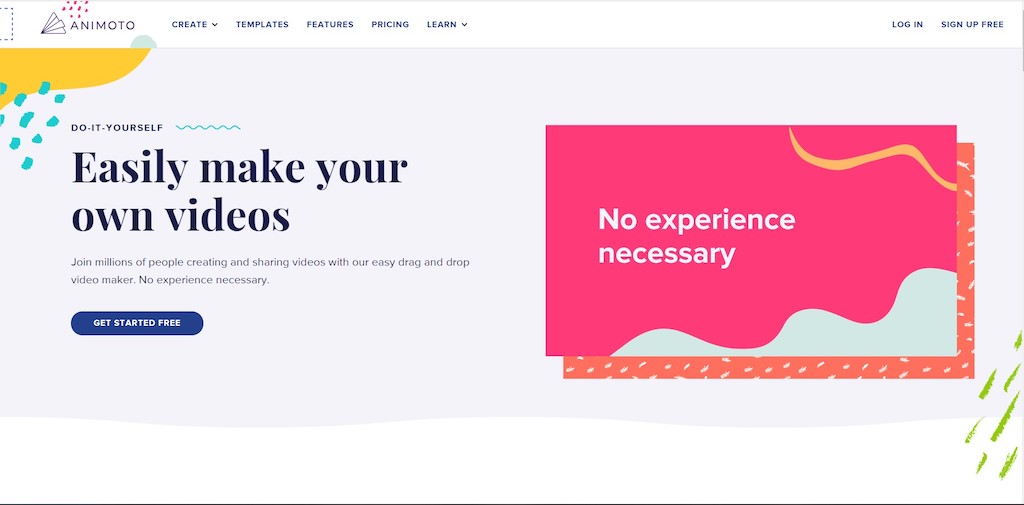
Animoto is a well-known video maker and an official partner of platforms like Facebook and YouTube. Its customizable templates work well for product intros, promos, and storytelling.
FlexClip

FlexClip is more than a simple video maker—it also includes video editing, slideshow creation, and screen recording. You can create a video in just three steps: add media, customize, and export.
Choosing the right tool for your business
With so many options, selecting the right tools can be overwhelming. Ask yourself:
Is it budget-friendly?
Check monthly subscription costs and consider how they fit your long-term plans.
Does it solve my specific problem?
Avoid paying for features you won’t use. Focus on needs like long-form drop-offs, PDF conversion, or automated workflows.
Do I have alternatives?
Stay open to exploring other tools if your current choice isn’t enough.
PlatoForms for start-up businesses
Start-ups face a long list of challenges—limited resources, small capital, and ongoing competition. With the right digital tools, however, managing your workflow becomes far easier.
At PlatoForms, we help start-ups streamline processes and reduce paper, printing, and storage costs. Create fillable PDFs online, convert PDFs to online forms, or build web forms from complex PDFs—all from one platform.
Start completing PDF forms online today with PlatoForms—sign up in just a minute!