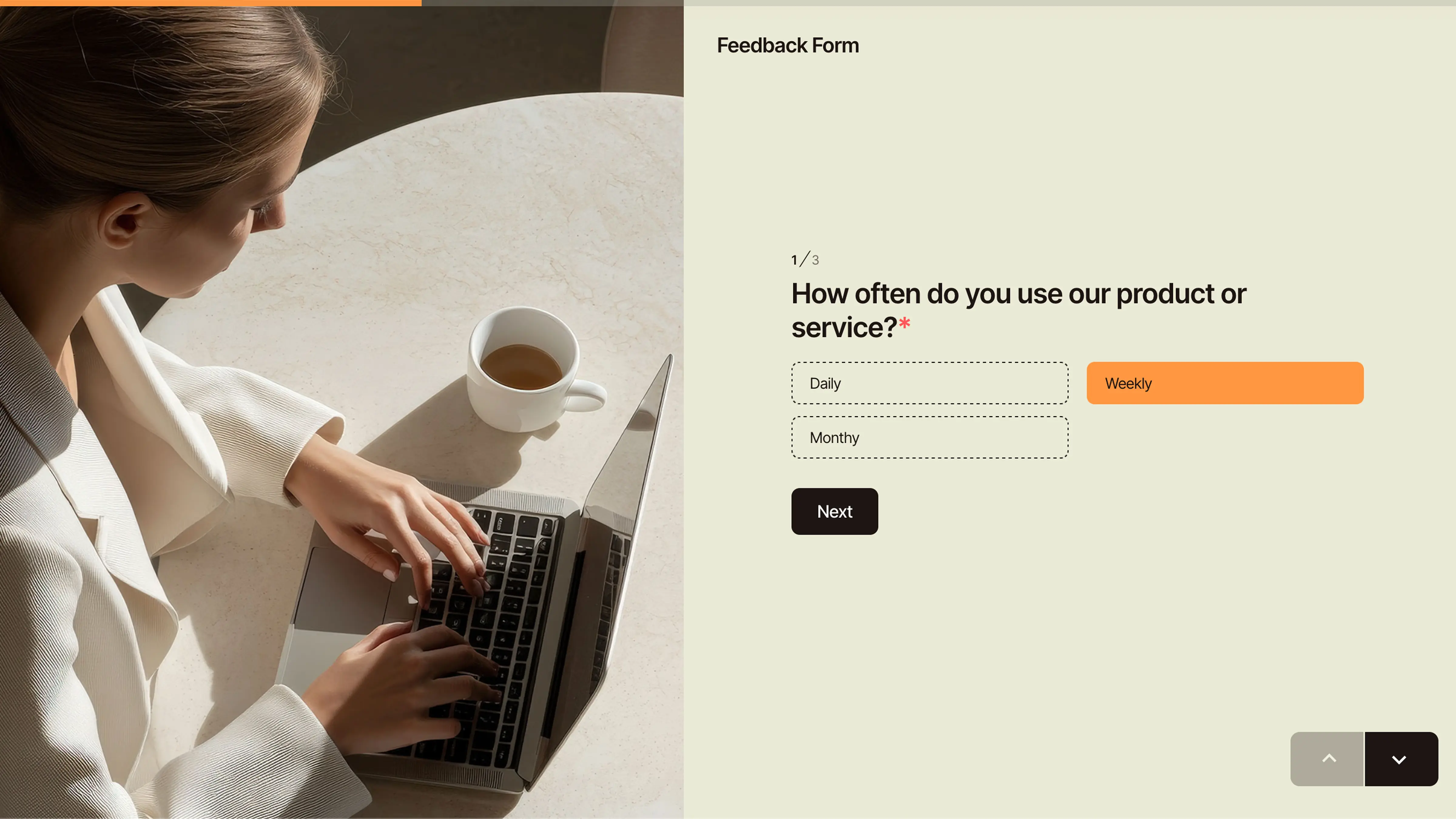
Filling out a form shouldn’t feel like work.
Yet most online forms still do — endless boxes, walls of text, and progress bars that never seem to move.
It’s 2025, and users expect something more human.
That’s why conversational forms — guided, one-question-at-a-time experiences — are redefining how people share information.
With PlatoForms Conversational Layout, you can instantly turn any existing web or PDF form into an engaging chat-style flow. No rebuilds, no data loss, and no code required.
💬 What’s a Conversational Form?
Conversational form is a layout that displays one question at a time, making form-filling feel like a dialogue rather than data entry.
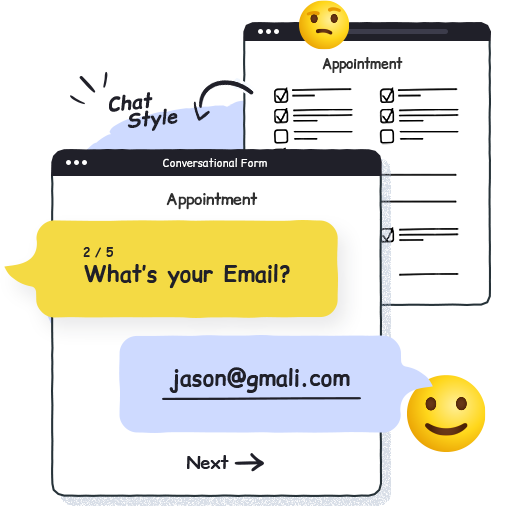
It’s not a chatbot — it’s your form redesigned for focus and empathy.
Each question flows naturally, helping users stay engaged without cognitive overload.
✨ Tip: In PlatoForms, you can switch your existing classic form to conversational layout — instantly, with all logic, themes, and fields preserved.
💡 Why Use Conversational Layout?
Traditional forms often look cold and transactional.
Conversational forms create a friendlier, more intuitive experience that feels personal — not procedural.

-
Human-centered experience
Users answer one question at a time, staying focused and relaxed. -
Higher completion rate
Fewer distractions and smoother pacing encourage users to finish. -
Built for mobile
Works perfectly on small screens — feels like messaging, not form-filling. -
Trust and comfort
A chat-like flow helps users share sensitive details more confidently. -
Zero rebuild
Switch layouts anytime — your form logic, workflows, and submissions stay intact.
⚙️ How To Create a Conversational Form in PlatoForms
You don’t need to code or rebuild anything — just flip a switch and your form becomes chat-style.
Step 1: Open your form
Head to your PlatoForms Dashboard, open any existing Web Form or PDF Form you’ve built.
Step 2: Switch the layout
-
Click Preview & Design at the top of the editor.
You’ll see two options — Classic and Conversational.
-
Select Conversational, then hit Confirm.
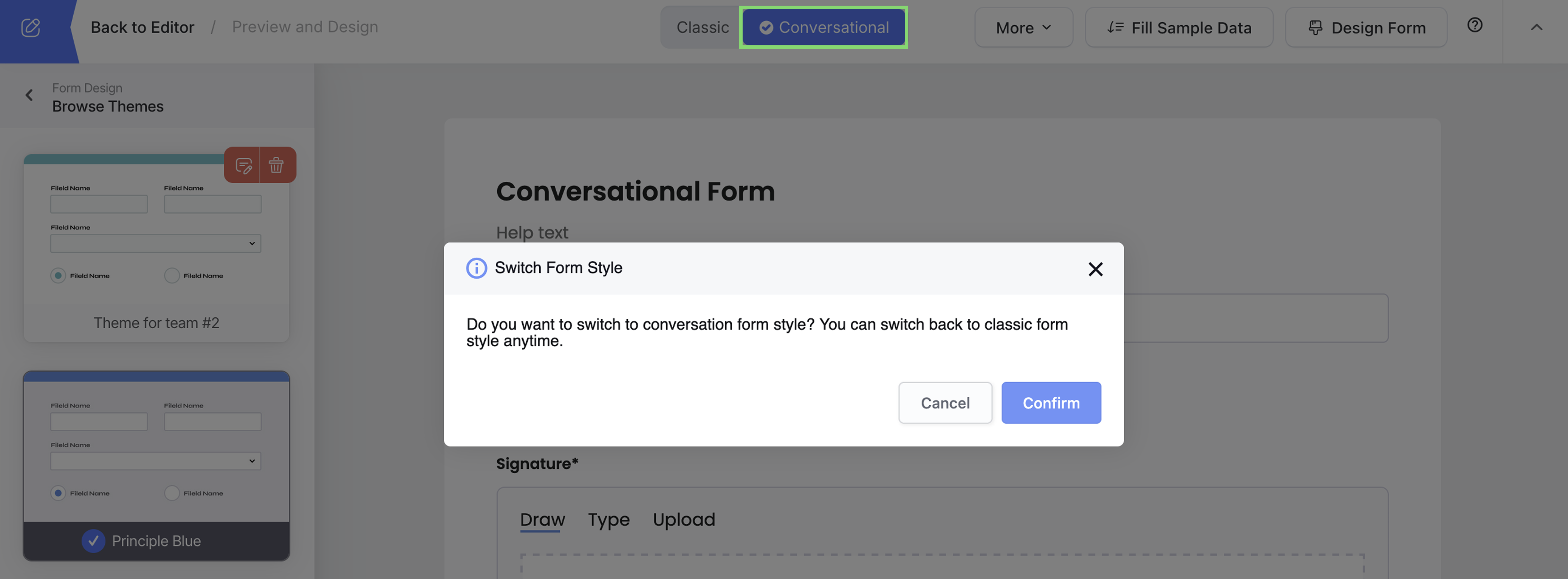
Boom — your form now shows one question at a time, just like a chat.

Step 3: Customize the look
Click Design Form to fine-tune the experience.

Here, you can:
- Pick from ready-made themes, or tweak colors, fonts, and backgrounds.
- Choose Light Mode, Dark Mode, or System Auto to match user devices.
- Instantly preview changes before publishing.
Step 4: Add a Welcome Page (optional but recommended)
Want your form to greet users before starting?
Go to Page Media Settings → Welcome Page tab, and turn on Show Welcome Page.

Then personalize it:
- Add an image (wide banner works best)
- Adjust contrast with a media mask
- Write your intro — one short heading and a friendly line or two (like “This takes just 2 minutes”)
- Edit the start button — try “Let’s begin!” or “Start filling out”
Step 5: Enable free navigation
Turn this on if you want users to jump between questions freely.
They can scroll forward or backward anytime — and the form will still remind them to complete any required fields before submitting.

Step 6: Make it smart
Conversational layout works perfectly with PlatoForms’ advanced features:
- Conditional Logic — skip irrelevant questions automatically.
- Prefilled Forms — save users from typing repeated info.
- Multi-language Support — reach global audiences.
- Repeat Fields — group inputs like family members or medications.
🎥 Prefer to watch?
Here’s a quick video walkthrough:
🌐 Combine with AI and Workflow
Conversational forms shine even more when they’re part of a smarter system.
-
Describe your form in plain English — AI builds it for you. Combine with conversational layout for instant, natural interaction.
-
Start from pre-built forms for healthcare, HR, or education and turn them conversational with one click.
Together, they transform your form from a static questionnaire into a guided, intelligent experience.
🏥 Use Case: Healthcare and Patient Intake
Imagine a clinic using a conversational intake form instead of paper check-ins.
Patients answer questions one by one, upload insurance cards, and sign electronically — all within a HIPAA-compliant workflow.
Combine this with AI recognition to convert existing PDF intake forms automatically, and you’ll digitize your entire patient onboarding in minutes.
No paper. No manual entry. No privacy risk.
From patient intake to lab consent — conversational forms make healthcare communication human again.
🧭 When To Use Conversational Forms
Conversational layout works especially well when forms feel long or personal:
- Application or registration forms
- Feedback and surveys
- Event and appointment bookings
- Job or client onboarding
- Multi-step workflow processes
Basically, anytime you want users to stay engaged and finish — conversational layout helps.
🚀 Ready To Try?
Give your forms a voice.
Turn static pages into meaningful conversations that users actually complete.
Switch to Conversational Layout in PlatoForms —
one click, zero rebuild, all engagement.