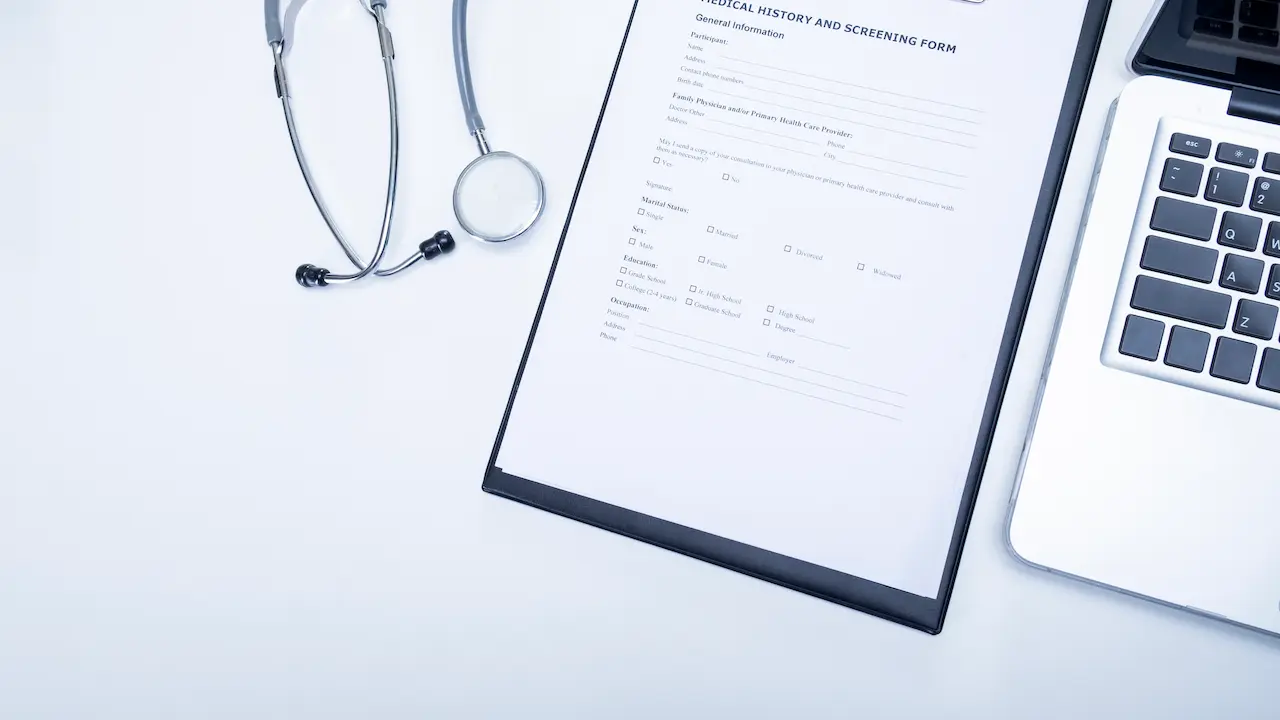
HR teams don’t struggle with strategy—they struggle with PDFs.
Some arrive half-filled, some refuse to open, some look like they were completed on a bus going 90km/h. Before any real HR work starts, hours disappear into fixing forms instead of using the information they were meant to collect.
The problem is simple: onboarding packets, applications, evaluations, and compliance documents are still locked inside static PDFs. They don’t behave well on mobile, they’re easy to submit incorrectly, and they scatter data into dozens of inboxes.
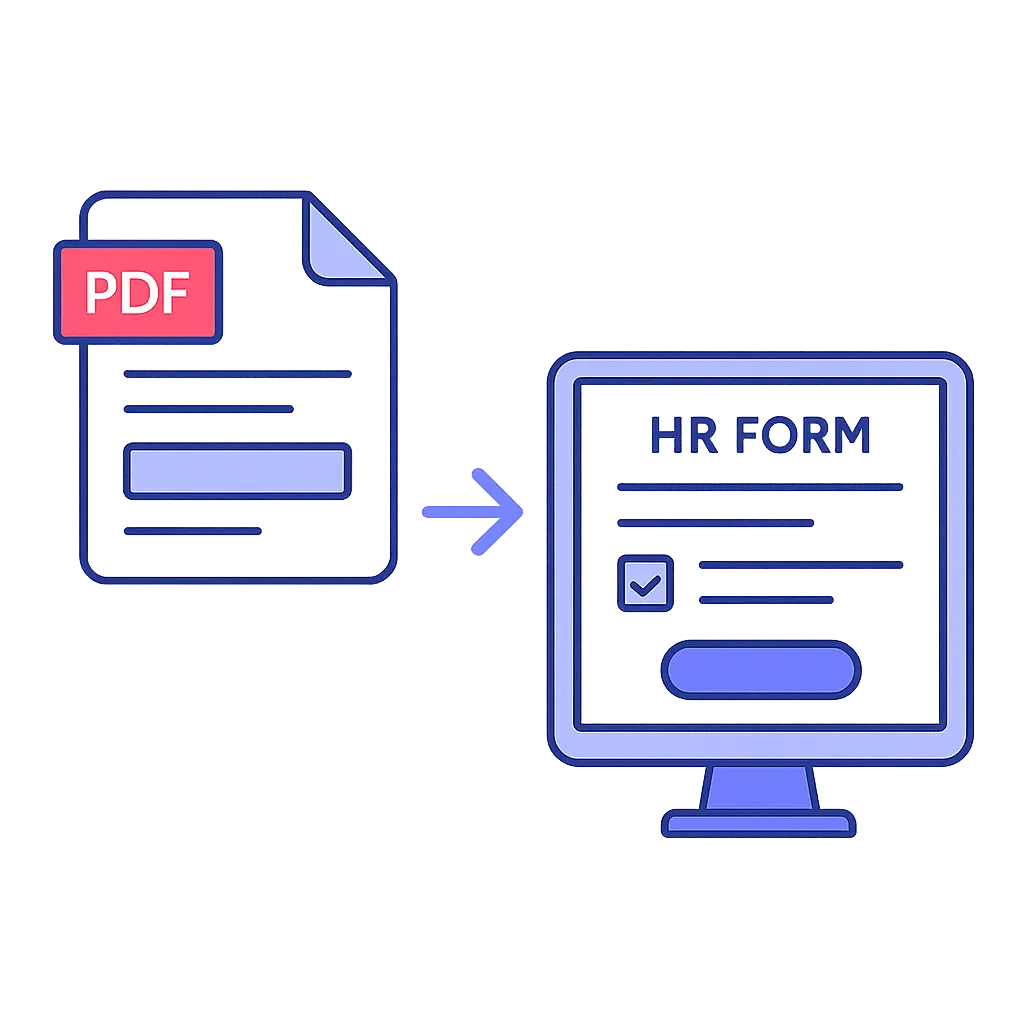
So more teams are moving these documents into online HR forms using PDF-to-online conversion. Not because “digital transformation” sounds nice, but because clean data and fast submissions actually make HR’s day go smoother—and make workforce decisions less guesswork, more real-time.
Before we get into how digital forms improve workforce dynamics, here’s the quick-start guide most people come here for:
🔧 Quick Start: Convert Your PDF into an Online HR Form
If you’re searching for “PDF to online form,” here’s the easy way to do it in PlatoForms—free to start, no credit card required:
-
In your dashboard, click:
Start to Build → Create Online Form for an Existing PDF -
Upload your PDF and pick your style:
- Online PDF Form — keeps your original PDF layout as-is, just add fields on top
- Web PDF Form — a clean, web-style form that still maps its answers back to your PDF
-
Use AI Recognition if you want fields auto-detected (great for HR packets), or drag-and-drop fields yourself.
-
Go to Preview & Design:
- Keep the Classic layout
- Or switch to Conversational Form for a chat-style experience
- Apply themes, colors, and your logo
-
Hit Publish and your form is live.
Share it via URL, QR code, or embed it anywhere your HR team or employees already are.
👉 More details: Convert your PDF to an online form
1. Understanding Workforce Dynamics in a Digital Workplace
Workforce dynamics are basically the “how are we really doing?” signals inside a company—how people adapt, collaborate, perform, communicate, and grow over time. They shape everything: retention, productivity, culture… pretty much the mood of the whole organization.
And as tempting as it is to rely on gut feeling, understanding these dynamics properly requires real, reliable data—not just hallway chats and annual surveys.
To make sense of what’s actually happening, HR teams need:
- Real-time feedback (not last quarter’s leftovers)
- Structured, consistent data they can actually compare
- Completed forms—not PDFs with page 2 mysteriously missing
- Information that reflects reality, not just “what’s convenient to check”
PDFs are notoriously bad at this.
They create tiny data islands, invite typos, break on mobile, and turn every feedback cycle into a slow-motion project. By the time HR finishes cleaning and consolidating PDF responses, the insights feel like they belong to last season.
Digital HR forms fix this at the source. When employees submit information through web-based HR forms, data flows into your systems already structured, already validated, and ready to analyze. Clean inputs → clearer insights → better workforce decisions.
2. Why Traditional PDFs Reduce HR Efficiency
PDFs look harmless. In reality, they quietly eat HR’s time.
HR professionals spend a huge chunk of their week on admin, and PDF forms are one of the main culprits. The friction compounds at every stage:
| Issue | What It Causes |
|---|---|
| Missing fields | Without validation, forms come back half-filled or incorrect. HR spends hours chasing people for the right info. |
| Hard to analyze | PDF responses scatter across inboxes and folders. Turning them into usable data requires manual entry (and errors). |
| Poor mobile experience | Employees check most internal comms on their phones, but PDFs rarely cooperate—slowing down tasks like onboarding paperwork. |
| Manual transcription overload | Someone must retype PDF data into HRIS, payroll, or spreadsheets. This eats into time meant for talent development and workforce planning. |
Shifting to PDF-to-online forms removes these barriers. Validation happens at the point of entry, submissions stay consistent, and HR spends more time using data instead of cleaning it.
3. How PDF-to-Online Forms Improve Workforce Management
Workforce management needs accurate, timely data—especially for:
- scheduling
- skills and certifications
- performance reviews
- approvals and compliance
- attendance and timesheets
The catch? Most of that data still enters the system through a PDF.
PDF to online form conversion upgrades these workflows in three simple but powerful ways:
1) Standardization
Every employee sees the same fields, same order, same required inputs. No guessing, no custom “version 3_final_edit” files.
2) Data automation
Instead of someone copy-pasting from PDFs, submissions flow straight into your HRIS, spreadsheets, or workflows. Validation rules make sure the data is usable before it ever lands in a report.
3) Workforce visibility
Real-time form data feeds into dashboards and reports. HR can see trends, gaps, and risks clearly instead of digging through folders and email threads.
Teams move from reactive “Who can cover this shift?”
到 proactive “We’ll need three more trained staff next quarter—and we know exactly where the gaps are.”
4. Boosting Employee Engagement with Online HR Forms
Employee engagement isn’t just about surveys, but surveys are often the first place it goes wrong.
Engagement forms sent as PDFs tend to suffer from:
- low response rates
- delayed answers
- inconsistent questions
- long text blocks nobody reads
Online HR forms fix this by making feedback fast and painless—especially on mobile.
They work particularly well for:
- Pulse surveys — quick “how are we feeling?” check-ins
- Onboarding feedback — capturing first impressions while they’re fresh
- Training feedback — immediate post-session feedback
- Exit interviews — structured insight into why people leave
- Culture assessments — anonymous input on team climate
- Manager check-ins — lightweight, repeatable 1-on-1 documentation
Because everything is structured, HR gets data they can actually work with: trends by team, changes over time, and signals that something needs attention before it becomes a bigger issue.
5. Using Online HR Forms to Improve Workforce Planning
Good workforce planning is basically:
Right people, right skills, right time—and no nasty surprises.
To do that, HR needs current, reliable data on:
- Skills — who can actually do what
- Training — who’s certified, who’s expiring soon
- Staffing needs — what managers are asking for (and why)
- Headcount planning — department-level projections
- Internal mobility — who wants to move, grow, or switch teams
Online HR forms provide a predictable way to collect this:
- Skills inventory forms
- Training completion forms
- Staffing request forms
- Headcount request/approval forms
- Promotion / transfer request forms
When all this lives in PDFs, workforce planning is guesswork plus spreadsheets. When it lives in structured, digital HR forms, it becomes a living dataset you can actually plan around.
6. Improving Employee Satisfaction & Retention
A lot of employee frustration comes from small things repeated often:
- onboarding that drags on because forms keep bouncing back
- leave requests that are rejected because one field is missing
- reimbursement forms so confusing people stop bothering
- approval flows where requests just… vanish
It’s not just annoying—it sends a message:
“Your time isn’t as valuable as the process.”
Online HR forms help fix that:
✔ Less repetition — reuse known data, prefill when possible
✔ Faster approvals — forms route automatically to the right people
✔ Clearer instructions — conditional logic and help text guide employees
✔ Remote-friendly — hybrid and remote staff get the same smooth experience
✔ Mobile-first — no downloads, no weird zooming, just tap and submit
Smooth processes don’t magically solve every retention problem—but they remove a lot of unnecessary friction. And that makes it easier for employees to focus on the work they actually care about.
7. HR Analytics: Turning Online Form Data into Actionable Insights
Every HR form is a tiny data stream. With PDFs, that stream gets dammed up in inboxes and shared drives. With online HR forms, it becomes usable analytics.
Structured form data lets HR:
- track engagement trends by team or location
- see recurring themes in exit interviews
- follow completion rates for training and compliance
- spot early warning signs for burnout or turnover
- forecast staffing and skill needs more accurately
Instead of manually extracting data from PDFs, HR can spend that time interpreting patterns and recommending changes. The shift isn’t just from paper to digital—it’s from reporting to insight.
8. Common HR PDFs You Can Convert to Online Forms
If you’re wondering where to start, these are the usual suspects:
Hiring & Recruiting
- job application forms
- screening questionnaires
- reference check forms
- interview evaluation templates
Employee Lifecycle
- onboarding packets
- personal info updates
- bank detail / payroll updates
- emergency contact forms
HR Operations
- timesheets
- overtime or shift-change requests
- expense claims
- compliance acknowledgments
Performance & Development
- KPI review forms
- annual appraisal forms
- training feedback forms
Once converted to online HR forms, these processes become faster, more consistent, and far easier to track.
9. How PlatoForms Supports HR Efficiency
PlatoForms wraps these ideas into features HR teams can actually use:
📌 PDF to Online Form
Convert any HR PDF into a fillable, mobile-friendly online form.
👉 Try it here: Convert your PDF to an online form
📌 Master Form (Fill once, generate multiple PDFs)
Perfect for onboarding or compliance bundles—one submission, many PDFs filled at once.
📌 Prefilled Invitations
Send employees forms that already contain known data, so they only fill in what’s missing.
👉 Learn more: Prefilled invitation forms
📌 Multi-step Workflow
Let applicants, managers, and HR each complete their part in sequence—no forwarding chains required.
Put together, these tools reduce manual tasks, keep data consistent, and give HR a clearer view of workforce dynamics day-to-day.
10. A More Sustainable Workforce Approach
Going from PDFs to online HR forms doesn’t just save time—it saves paper, storage, and a bit of sanity.
Switching to digital forms helps reduce:
- printing and scanning
- physical filing and storage
- mailing paperwork back and forth
- paper waste from reprinting “corrected” forms
It’s a simple, visible win for ESG goals and for teams that want their operations to match their sustainability messages.
You can explore more here:
👉 Paperless HR workflows
11. Conclusion: The Future of Workforce Dynamics Is Digital
Workforce dynamics are getting more complex, not less. Distributed teams, shifting skills, and tighter budgets all demand better visibility and fewer bottlenecks.
Moving from static PDFs to PDF-to-online forms and online HR forms sounds like a small change, but it has big ripple effects:
- Faster processes for HR and employees
- Cleaner data for planning and reporting
- Better insights into workforce behavior and needs
- Smoother employee experience from onboarding onward
- More informed workforce management grounded in real-time data
You don’t have to rebuild everything at once. Start with one painful workflow—like onboarding or leave requests—convert the PDF to an online HR form, and see what changes.
👉 Ready to try? Turn your first PDF into an online HR form
🙋♀️ Quick FAQ
1. What is a PDF to online form?
It’s a web-based version of your PDF that people fill out in their browser—no downloads, no email attachments. The structure stays similar, but the experience and data quality are much better.
2. How do online HR forms improve HR efficiency?
They handle validation, structure, and routing automatically, so HR teams spend less time chasing corrections and retyping data, and more time actually using the information.
3. Which HR processes benefit most from PDF-to-online conversion?
Hiring, onboarding, performance reviews, timesheets, leave requests, training feedback, and compliance acknowledgments—basically anything currently trapped in a PDF.
4. How do online forms support workforce management?
They produce consistent, real-time data that HR can analyze and act on—making it easier to plan headcount, spot trends, and understand workforce dynamics.
5. Does PlatoForms support HR workflows?
Yes. PlatoForms offers PDF-to-online conversion, Master Forms, prefilled invitations, and multi-step workflows designed to streamline HR processes from start to finish.