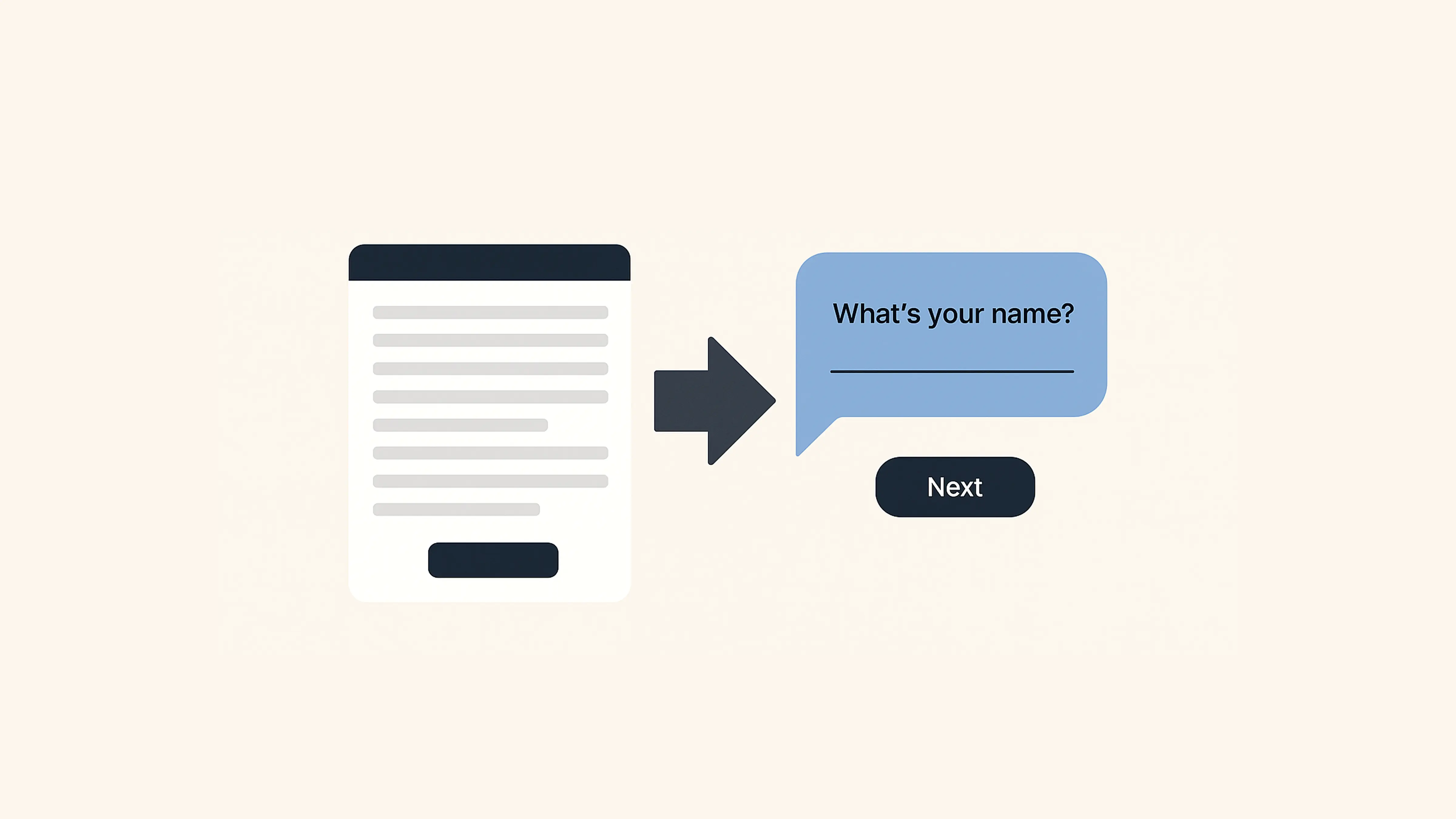
Here’s the thing about form software in 2026: most form builders assume you’re starting from scratch. Pick a template, drag some fields, share it. Done.
But we kept hearing a different story from our customers:
“We have hundreds of PDFs. They’re not pretty, but they’re what we use. Can you help us without losing our layout?”
PlatoForms has always been an online form builder—but with a superpower: PDF-first, workflow-ready form automation. While other tools force you to abandon existing documents, we let you keep them.
And along the way, we’ve evolved from a PDF-focused form builder into an AI-powered platform—now supported by a multilingual website experience for teams around the world.
In this post, we’ll cover:
What we built in 2025 (and early 2026)
If you’ve been with us, you know we shipped 18+ major features in 2025. But the biggest changes go beyond individual features. Here’s what really changed:
-
Going global: Multi-language website experience
Making PlatoForms easier to explore and understand for teams around the world—not just in English
-
Sharing real stories: Customer success
Moving beyond feature lists to show how real teams use PlatoForms in production
-
Starting faster: Form templates
Helping users go from idea to working form in minutes, not hours
-
Turning existing PDFs into structured forms without rebuilding layouts from scratch
-
Letting users describe what they need—and getting a usable form instantly
-
Website experience refresh: Clearer, faster, easier to navigate
Improving clarity, performance, and consistency across the entire product
-
Where we’re heading next as we continue reducing friction and scaling globally
Going global: Seven languages and counting
Forms don’t stop at borders. And neither do the teams using PlatoForms.
Over the past year, we’ve seen more customers coming from outside English-speaking regions—especially from Japan, Europe, and Latin America. So we took a practical first step toward going global: making the PlatoForms website experience available in seven languages.

Today, you can browse PlatoForms in:
- English
- Chinese (Simplified & Traditional)
- Japanese
- Spanish
- Portuguese
- German
- French
This means key pages—product overviews, documentation, and learning resources—are now easier to read and navigate in your preferred language.
Why this matters: When you’re evaluating tools, setting up workflows, or learning how a feature works, language shouldn’t be the thing slowing you down. Being able to explore PlatoForms in your own language makes it easier to understand what’s possible—and decide if it’s the right fit—before you even build your first form.
This is just one part of making PlatoForms more accessible to teams around the world, and we’ll continue improving the global experience step by step.
Real stories from real customers
We launched a Customer Stories section to show how PlatoForms is actually used—not just how it’s described.
Instead of abstract use cases, these stories focus on real teams and real constraints: healthcare providers digitizing long intake forms, schools moving enrollment online, or legal teams working with existing contracts and approval flows.

Each story walks through the problem, the setup, and the outcome—what they kept, what they changed, and where PlatoForms fit into their workflow.
Why we did this: “Build any form you want” is vague. Seeing how another team solved a similar problem makes it easier to decide whether PlatoForms fits your reality.
Form templates: Stop starting from zero
Many form builders assume you’re starting from a blank canvas.
Our customers often aren’t.
In 2025, we expanded the PlatoForms template library to help teams get started faster—especially for common workflows like registrations, applications, approvals, and internal requests.
Templates are meant as starting points, not rigid structures. You can customize them freely or combine them with existing PDFs and workflows.

Why this matters: Speed matters—but so does flexibility. Templates should help you move faster without forcing you into someone else’s process.
📖 Browse over 1,000+ professional templates at templates.platoforms.com
AI field recognition: From hours to minutes
Upload an existing PDF—whether it’s a government form, a legal contract, or an industry-specific application—and PlatoForms’ AI will automatically detect form fields for you.
Text inputs, checkboxes, radio buttons, signatures, dates, and even tables.
The system analyzes layout, labels, and surrounding context to understand what each field represents.
Is it perfect? Not always.
But it reliably gets you most of the way there—without manually placing every field one by one.
What used to take 30–60 minutes per form can often be reduced to just a few minutes of review and adjustment.
Real example: One compliance-focused customer needed to digitize more than 200 existing PDF forms under a tight deadline. They originally estimated the project would take several months. By using AI field recognition as a starting point, they completed the bulk of the work in a few weeks instead—and focused their time on validation rather than setup.
🛠️ Ready to try it? Check out our Step-by-step guide on using AI Field Recognition to see how to auto-detect fields in your first PDF.
AI form generation: Describe it, get it
Sometimes you don’t have a PDF. You just have an idea.
“I need a customer feedback form for our restaurant.”
“Create a job application for software engineers.”
“Build an event registration with ticket tiers.”
Describe what you need in plain language, and PlatoForms’ AI generates a ready-to-use form as a starting point—with appropriate fields, a logical structure, and sensible defaults.

Need changes? Just tell the AI.
“Add a section for dietary restrictions.”
“Make the phone number optional.”
“Split this into two steps.”
The form updates instantly, and you stay fully in control.
Why this works: The AI is trained on common form patterns and real-world use cases, giving you a strong first draft that you can refine with your own rules, logic, and workflows.
Website experience refresh: Clearer, faster, easier to navigate
In 2025, we didn’t just ship new features—we also spent time reworking how people experience PlatoForms on the web.
That means the marketing site, docs, blog, and resources—not the form builder itself.
What changed:
- Clearer navigation
- Better structure around real use cases
- Improved documentation flow
- Multi-language website support, switchable from the top-right corner
The goal wasn’t a visual makeover for its own sake—it was to reduce confusion, especially for first-time visitors.
What really changed: Supercharged PDF + AI
PlatoForms has always been a complete online form builder. But our real differentiator has always been PDF—not as an export format, but as a foundation.
While many tools treat PDFs as an afterthought, we built around them—and layered AI on top to remove manual work.
Today, PlatoForms combines modern form flexibility with enterprise-grade PDF workflows and intelligent automation.
What’s next: Looking ahead to 2026
Rather than listing features, here’s where we’re investing next.
In 2026, our focus is simple: make PDF-based workflows easier to build, update, and scale—without adding complexity.
We’re investing in smarter assistance, more visual ways to work with PDFs, stronger foundations for teams, and better integrations—always guided by real-world document workflows.
Built for real workflows, powered by AI
Every feature we ship starts with a customer problem—not “wouldn’t it be cool if…”.
PlatoForms is built for organizations that rely on serious documents—and need them to actually work online.
Ready to see what’s new? Log in and explore the latest updates. Or start a free trial if you’re new here.
📚 Want more details? Check out our 2025 Year in Review.