










How to Make a Google Form Multi-Page—and 5 Limits to Know
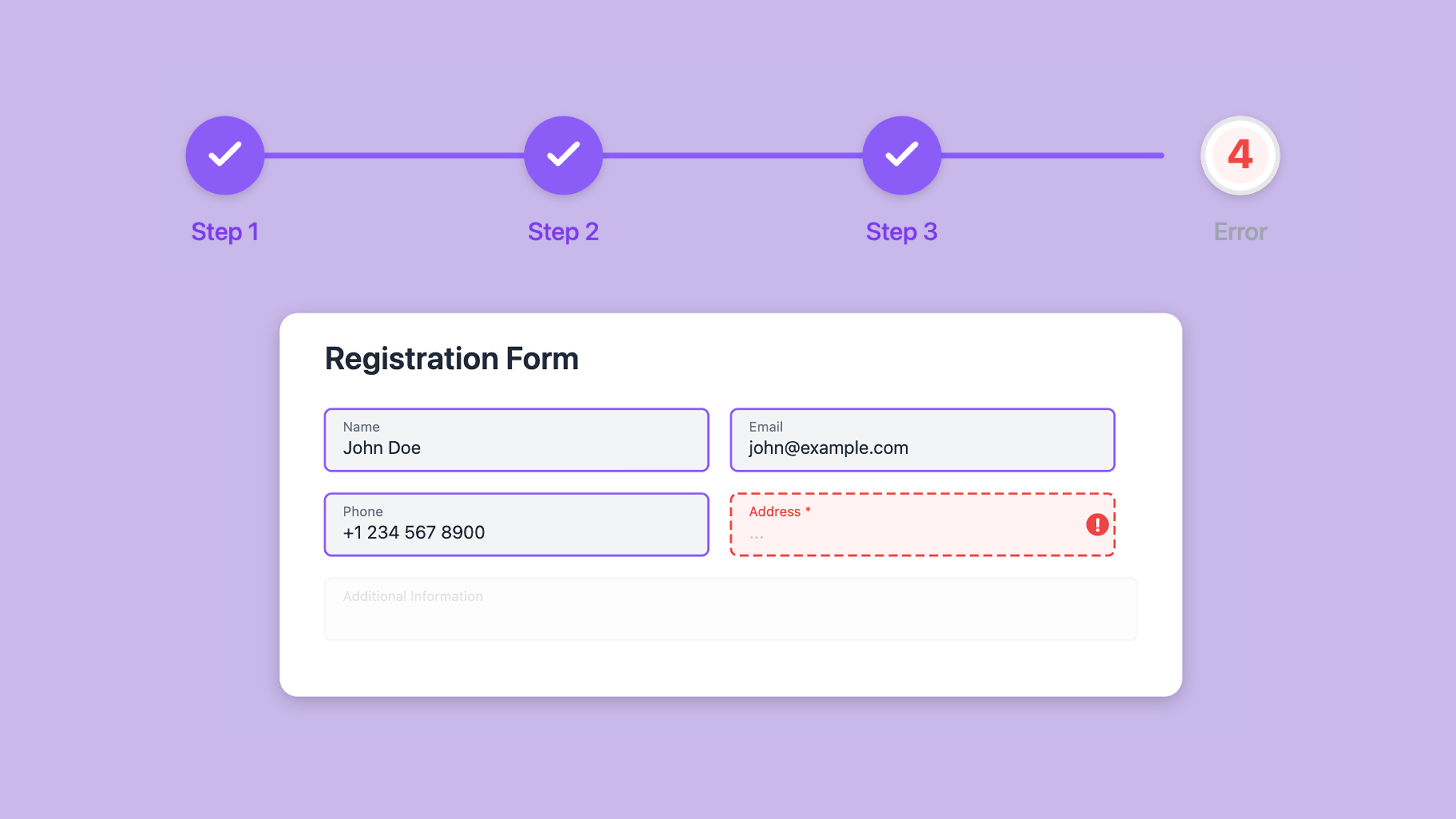
To make a Google Form multi-page, divide it into sections. Each section starts on a new page. Respondents use Next to move between sections, and the final section ends with Submit. You can also show a progress bar and route multiple-choice or dropdown answers to different sections.
Read More