PlatoForms Blog

Tag: Stripe Integration

Apple Pay vs Google Pay vs Credit Card: Pros, Differences, and When to Use Each

Apple Pay vs Google Pay vs Credit Card: Pros, Differences, and When to Use Each

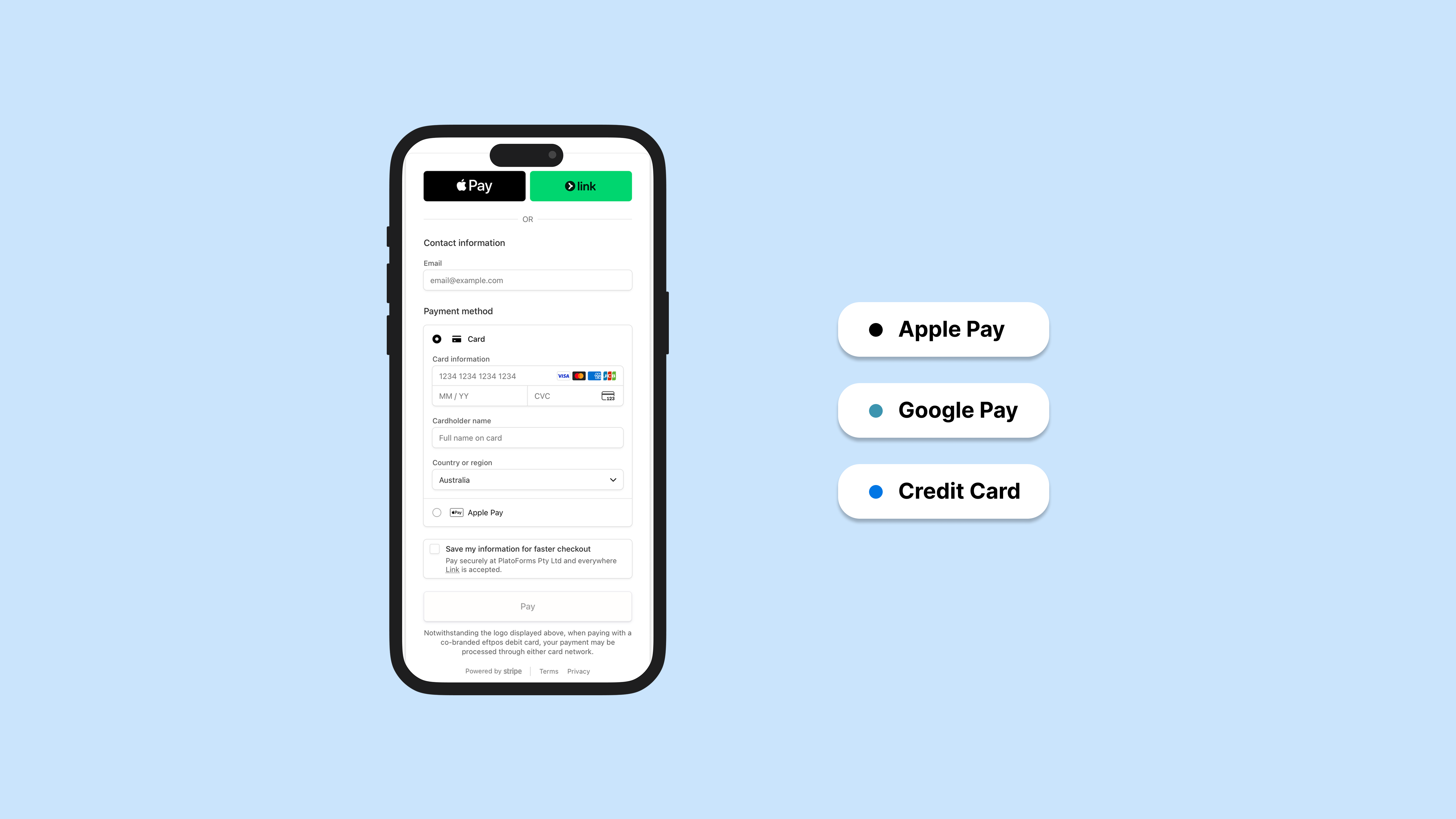
You’ve built your form. Now you need to collect payment. Simple enough—except you’re staring at a list of payment options and wondering: do I need all of these? Will my users even have Apple Pay? Is a credit card form enough?

Read More

How to Collect Payments with Google Forms: 3 Methods

How to Collect Payments with Google Forms: 3 Methods

Google Forms does not include a payment question type or a native checkout. You can add a payment link, show a QR code, or install a third-party add-on. Payment links and QR codes keep the form response and payment separate. Some add-ons can connect them, but Google Forms does not provide that connection natively.

Read More
Using Stripe for Payment Forms with PlatoForms: What to Know

Using Stripe for Payment Forms with PlatoForms: What to Know

We’ve supported Stripe as a payment option in PlatoForms since 2021. This guide covers what Stripe does well, what to think through before setting it up, and how to handle the cases where Stripe alone isn’t enough.

Read More
Announcing Stripe Integration: Accept Payment via Stripe With PlatoForms

Announcing Stripe Integration: Accept Payment via Stripe With PlatoForms

A PDF software and form builder with payment integration? Now, your online PDF forms can seamlessly receive payments from your clients whenever, wherever. In addition to converting PDFs to online forms, PlatoForms can now be also integrated with Stripe to take the hassle out of online payments. With our Stripe payment forms, turning PDFs into fillable forms and collecting payments through it is now possible in minutes.

Read More