A Detailed Guide on How To Convert a PDF Into a Fillable Online Form
Creating a fillable PDF online used to be complicated. Tools often broke your layout, didn’t support scanned PDFs, or required you to manually rebuild every field.
Read More
 SlackSubmission alerts + PDF
 Google DriveAuto-save completed PDFs
 DropboxUpload completed PDFs to Dropbox
 OneDriveStore in Microsoft cloud
 Google SheetsAdd submissions to a spreadsheet
 CanvaTurn designs into fillable forms
 StripeCard, Apple Pay, Google Pay
 SquareAccept payments in-form or via checkout redirect
 PayPalPayPal, cards, Pay Later
 Text messagesSend SMS with PlatoForms or Twilio
 ZapierConnect 9,000+ apps
 MakeVisual multi-step automation
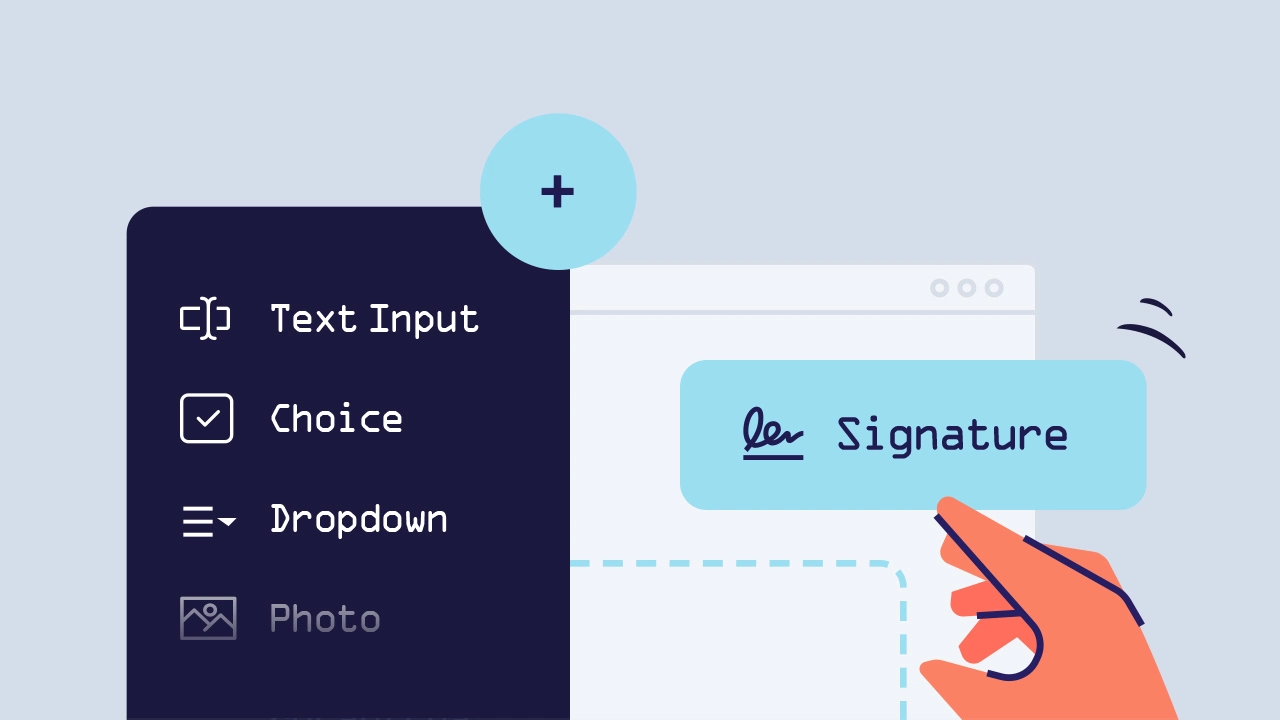
Creating a fillable PDF online used to be complicated. Tools often broke your layout, didn’t support scanned PDFs, or required you to manually rebuild every field.
Read More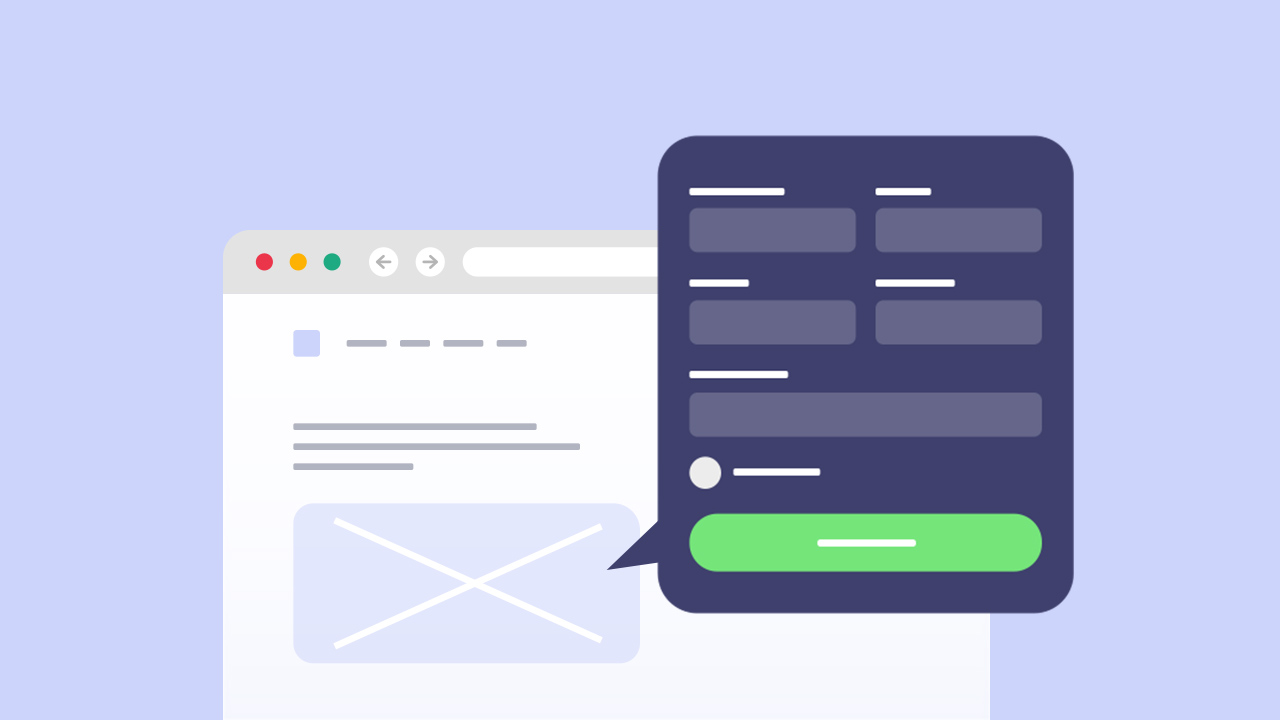
The best way to put a fillable PDF on your website is to turn it into an online form and embed it with a short code snippet. Visitors fill it in and submit it on your page, and you receive their answers and a completed PDF. Linking to the PDF file or showing it in an iframe only displays the document: the answers stay on the visitor’s computer.
Read More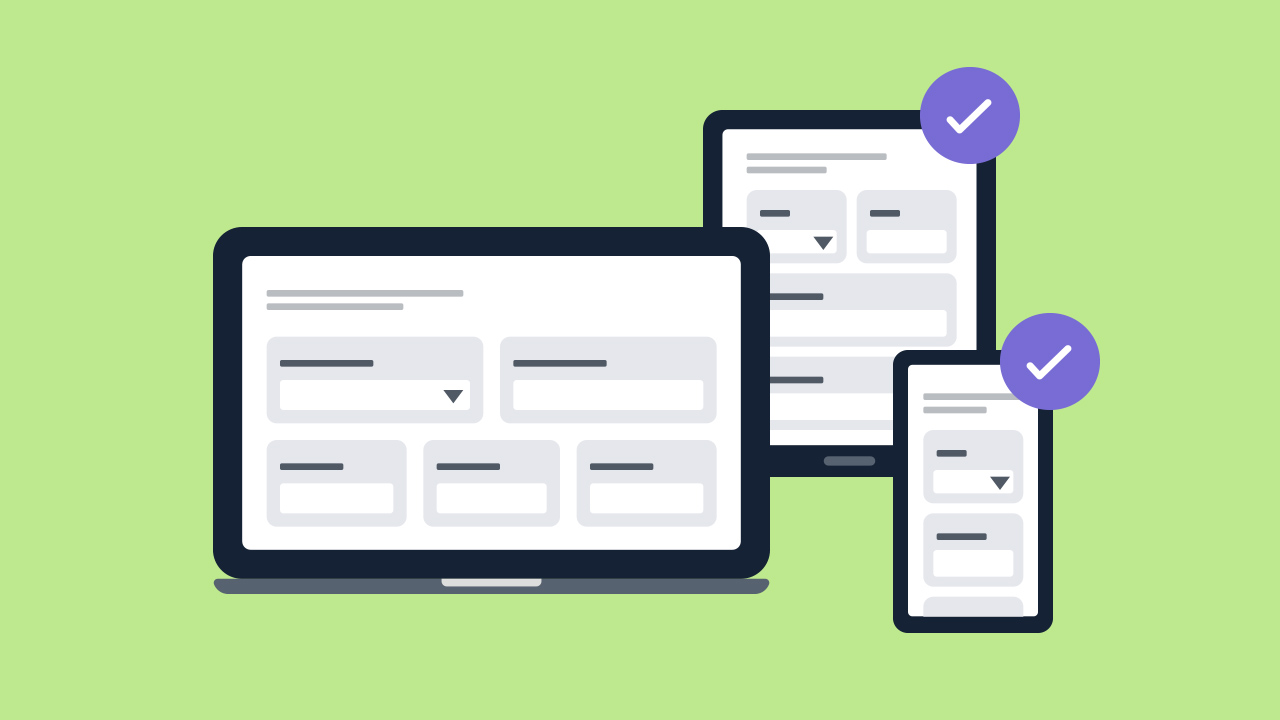
A PDF keeps a fixed page size, so on a phone people have to zoom and scroll to fill it in. A responsive PDF form solves this by presenting the PDF’s questions as a mobile-friendly web form, then putting the answers back into the PDF when the form is submitted. This guide explains when that matters and how to set one up.
Read More
In the bygone era, filling out forms meant relying on good old pen and paper. However, in today’s digital age, where efficiency reigns supreme, the epoch of paper forms is swiftly fading into history. The shift in consumer behavior towards embracing online fillable PDF forms signifies a transformative change in how we approach and interact with forms. If the intricacies of Adobe Acrobat have left you feeling fatigued, bid farewell to the complexity and welcome PlatoForms - your effortless alternative for creating fillable PDF forms online. No exorbitant subscriptions, no steep learning curves - just seamless simplicity.
Read More