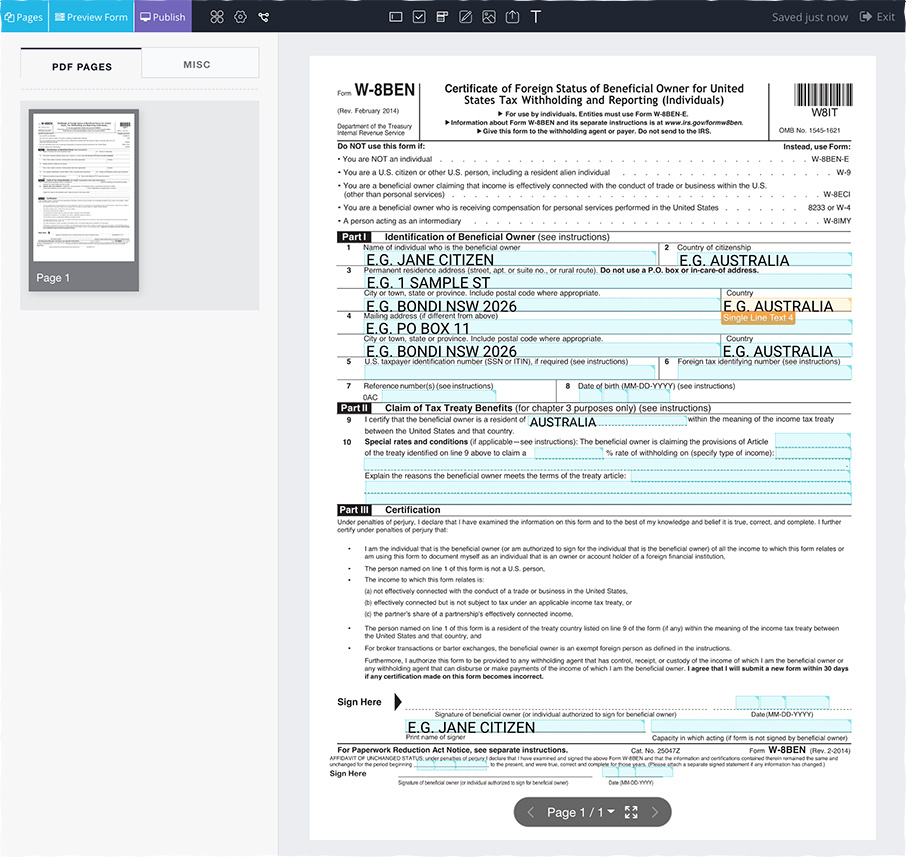
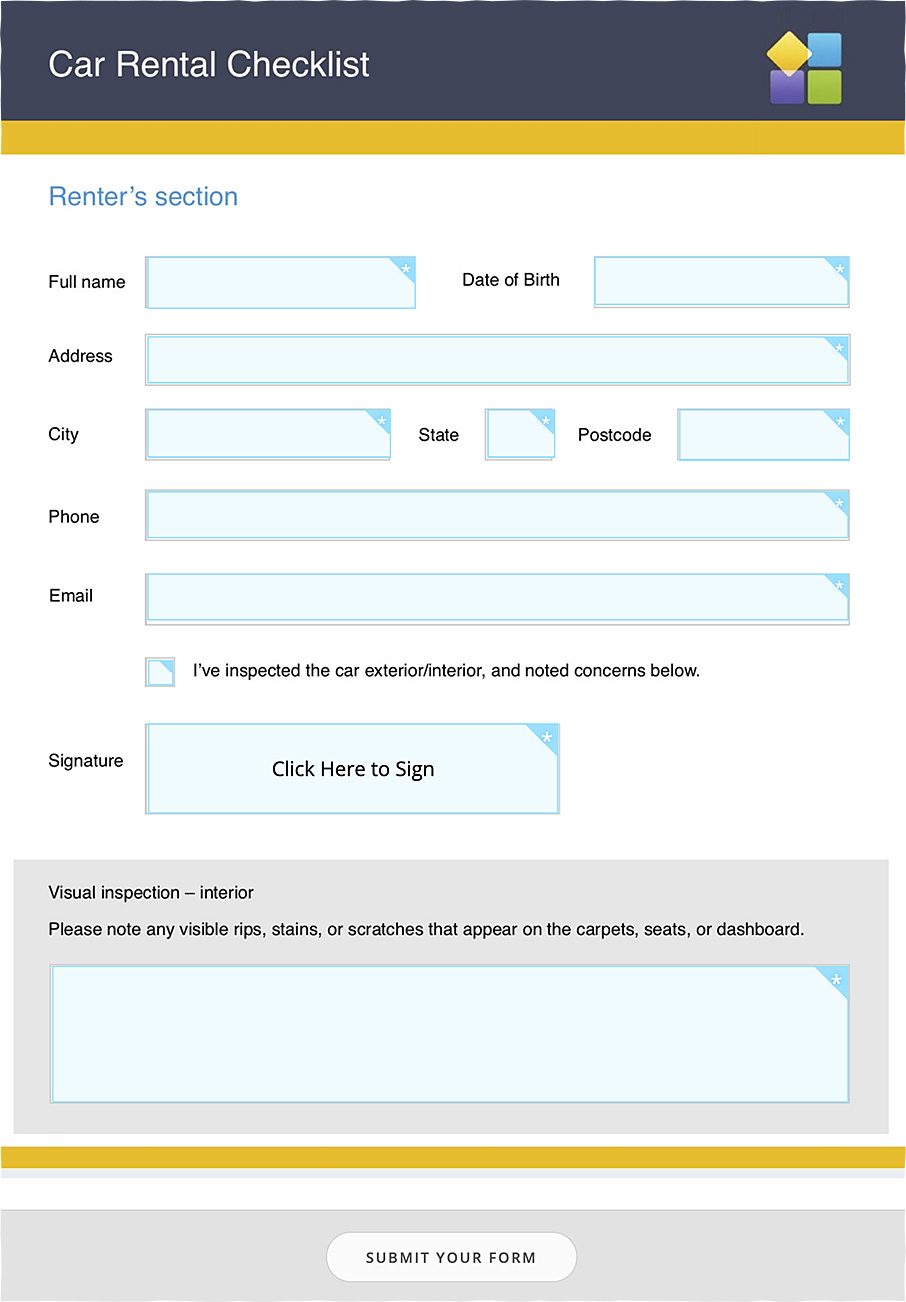
 Form submitted
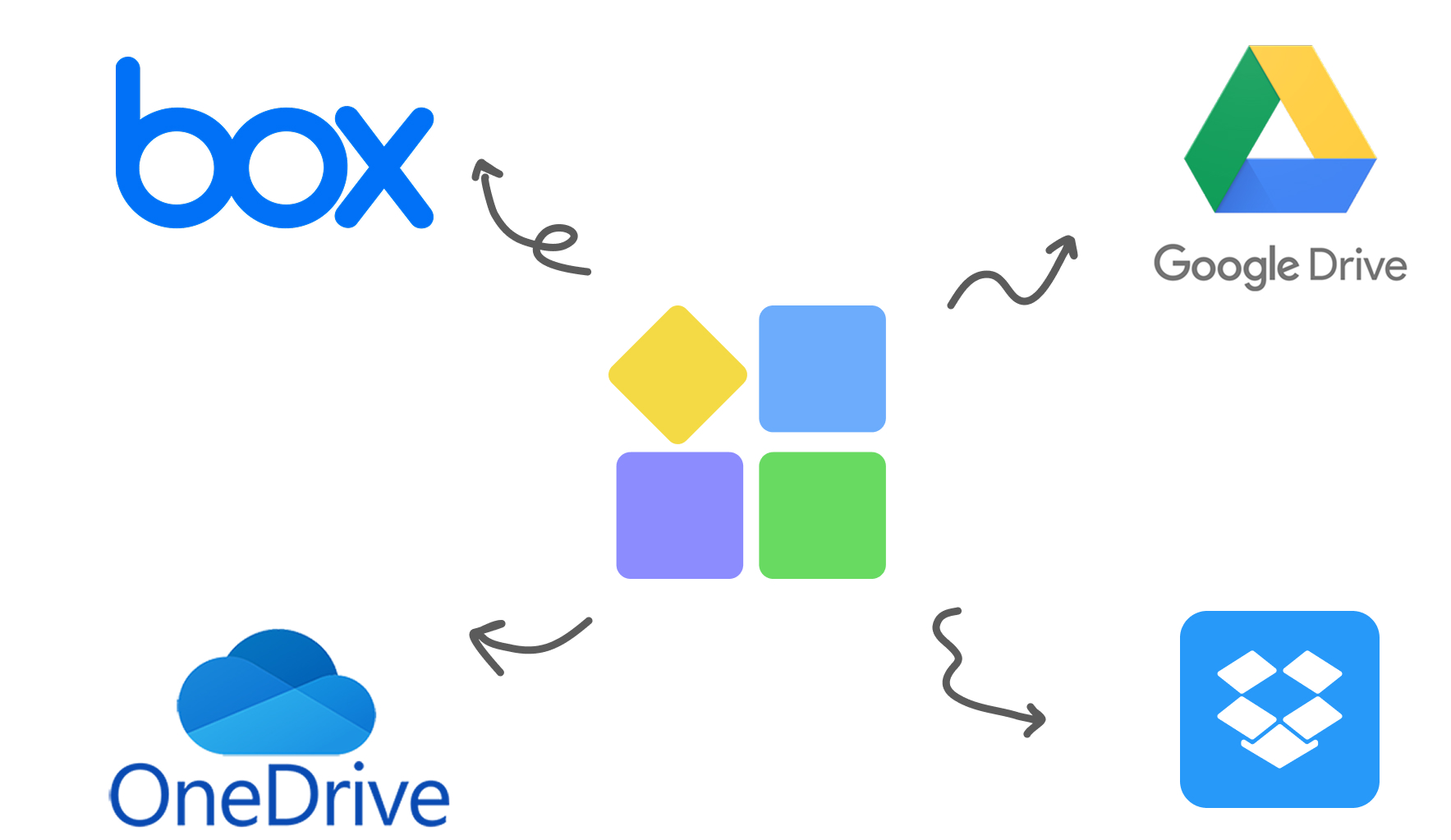
 Cloud drive
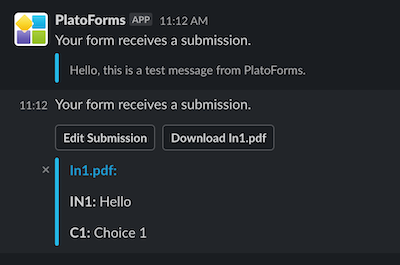
 Slack
Slack
Save the PDF and alert your team
File the completed PDF in the right folder and post the key answers to a Slack channel.
Connect a cloud drive SlackSubmission alerts + PDF
 Google DriveAuto-save completed PDFs
 DropboxUpload completed PDFs to Dropbox
 OneDriveStore in Microsoft cloud
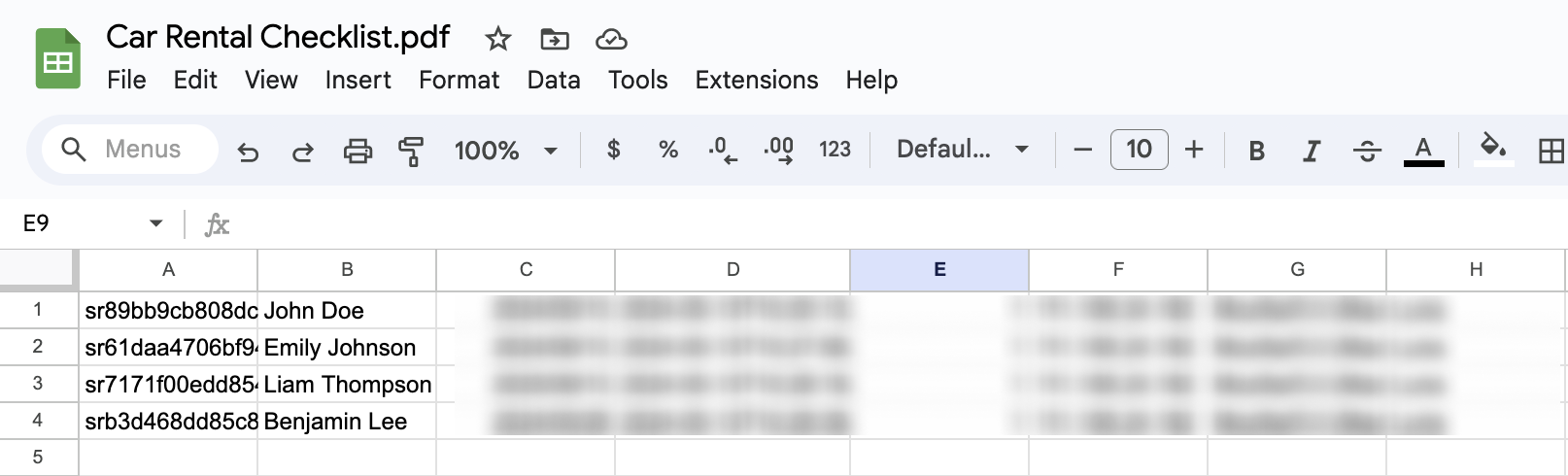
 Google SheetsAdd submissions to a spreadsheet
 CanvaTurn designs into fillable forms
 StripeCard, Apple Pay, Google Pay
 SquareAccept payments in-form or via checkout redirect
 PayPalPayPal, cards, Pay Later
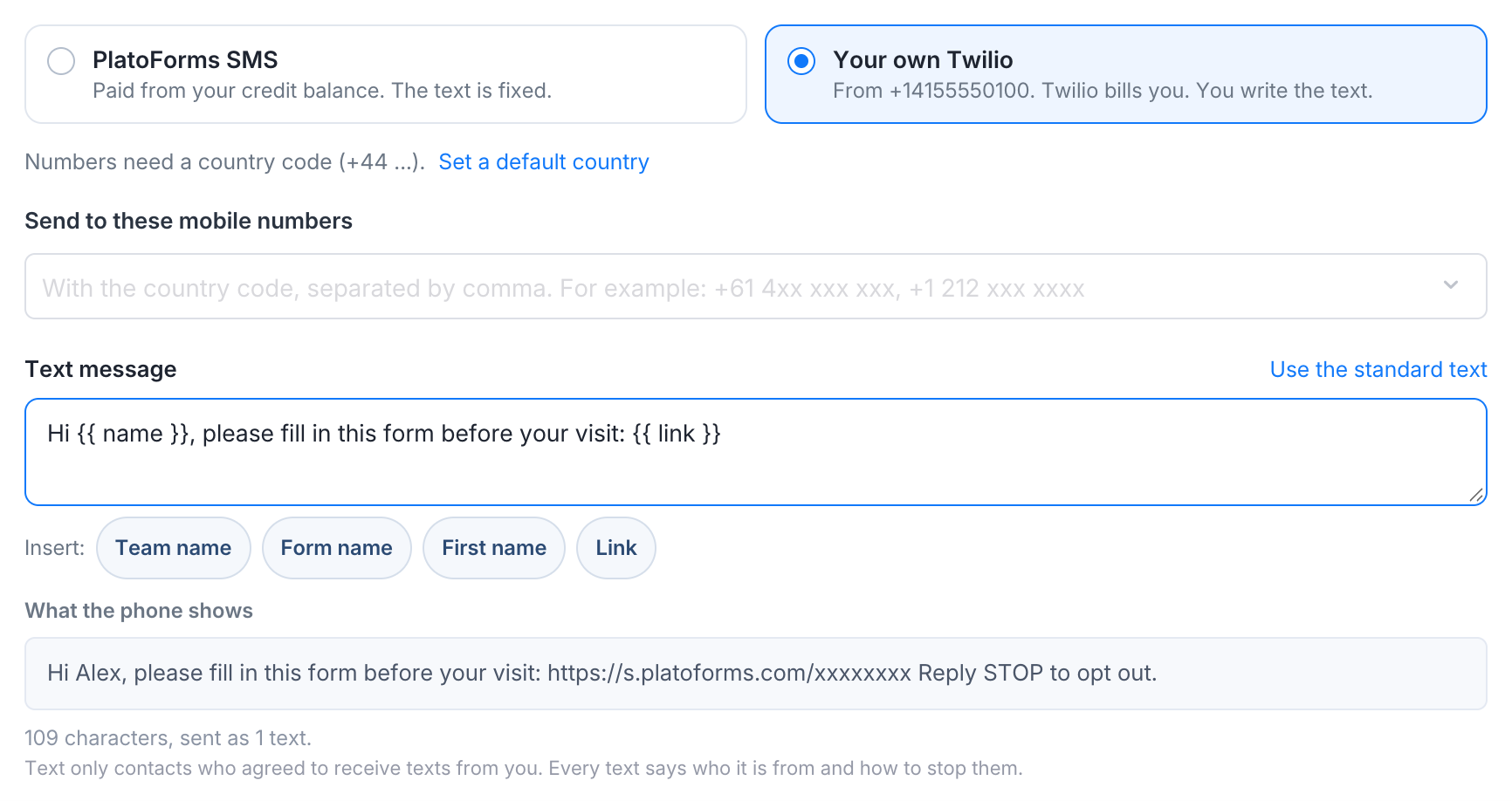
 Text messagesSend SMS with PlatoForms or Twilio
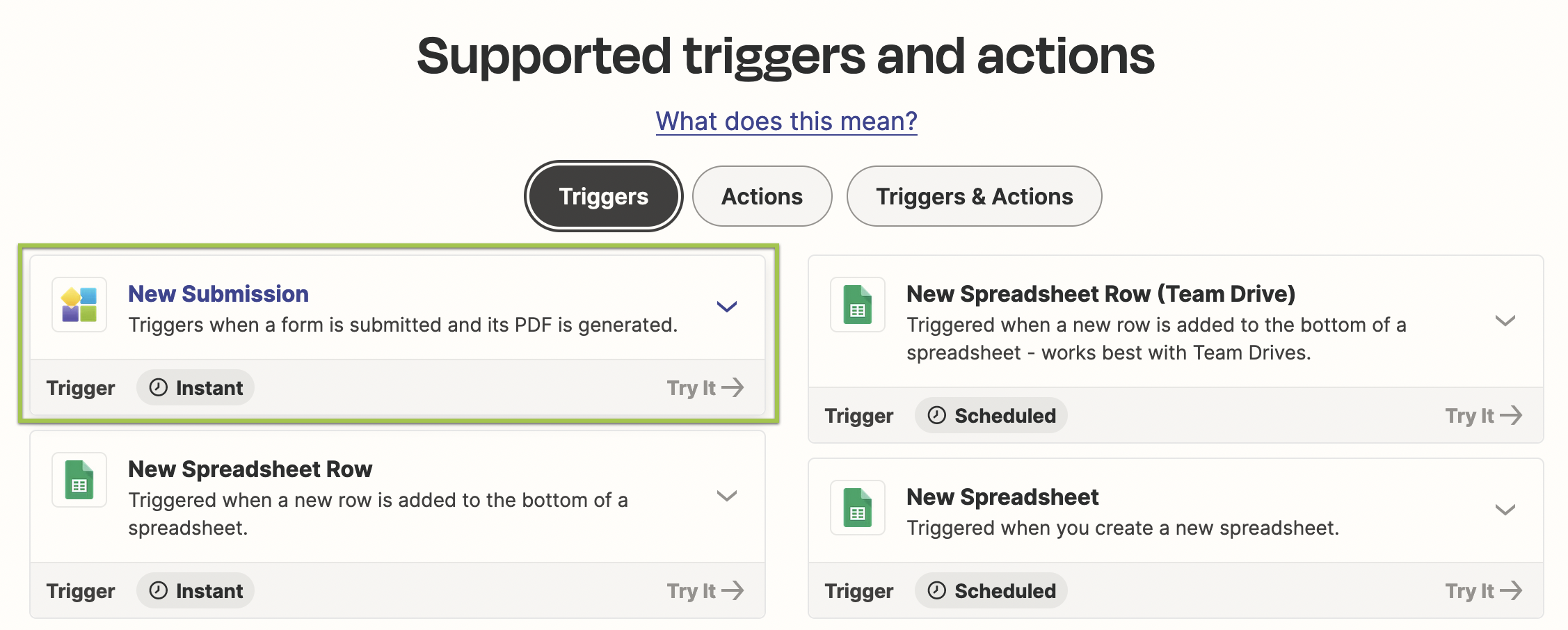
 ZapierConnect 9,000+ apps
 MakeVisual multi-step automation
SlackAlert your team
Google SheetsAdd each submission as a row
Google DriveSave the completed PDF
StripeTake payments
PlatoForms
MakeVisual multi-step automation
SlackAlert your team
Google SheetsAdd each submission as a row
Google DriveSave the completed PDF
StripeTake payments
PlatoFormsForm submitted
PDFcompleted-form.pdf
ZapierConnect to 9,000+ apps
MakeRun a scenario
DropboxSave the completed PDF
 AI assistantsLook up submissions with MCP
Three ways to extend PlatoForms
Built into PlatoForms
Configure notifications, storage, spreadsheets, payments and text messages inside PlatoForms, and bring in forms from Canva and Google Forms.
Notifications · storage · spreadsheets · payments · SMS · imports
Browse direct integrationsAutomation platforms
Use a visual automation platform to send each submission and its PDF through several apps in one run.
Visual workflows · multi-step automations · app connections
Explore automation platformsAI and custom connections
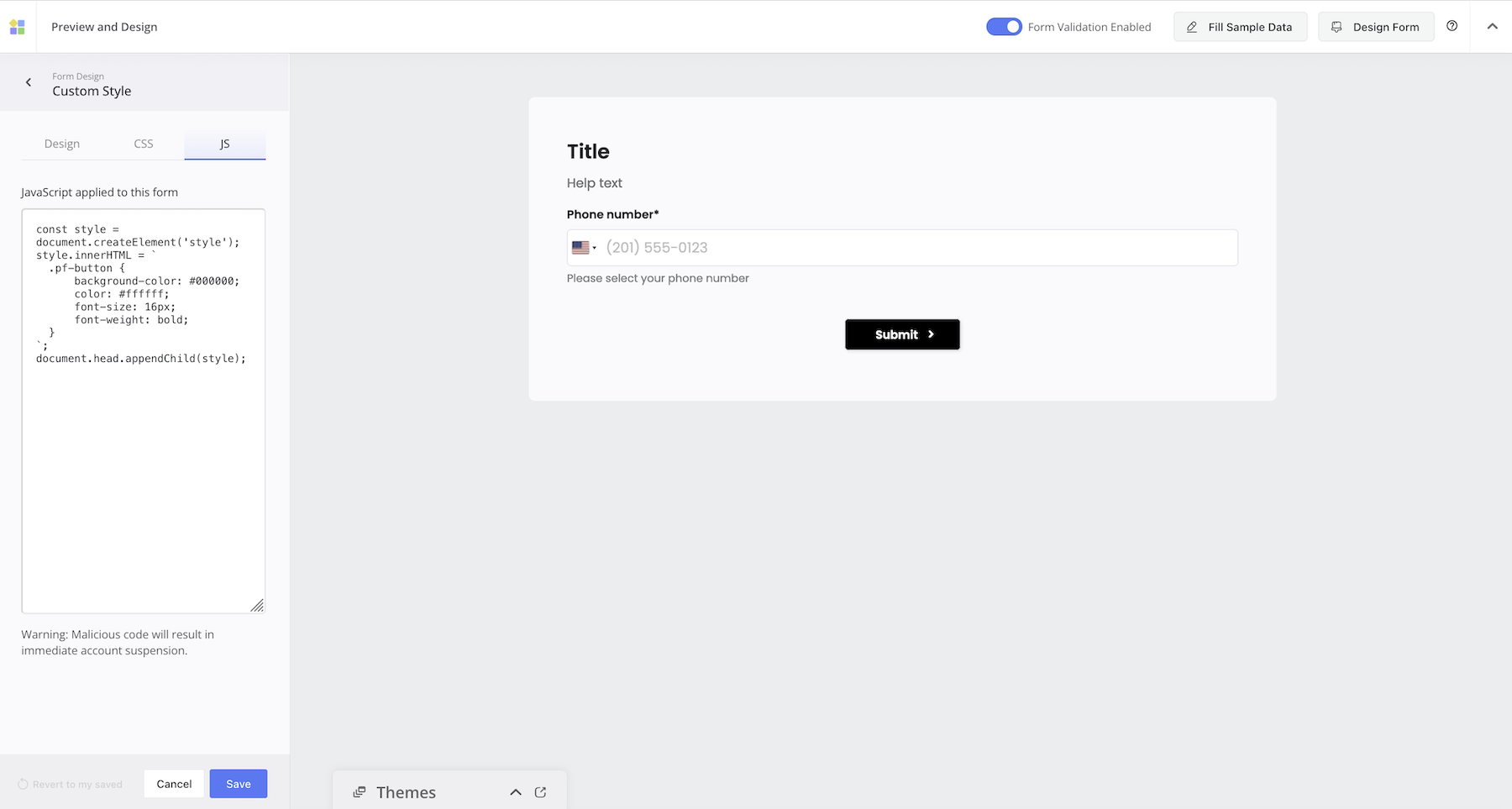
Work conversationally through MCP, or use the REST API, webhooks and JavaScript for custom behavior.
Natural language · server-side integrations · custom form behavior
Explore AI and developer toolsForm submittedCloud driveSlackFile the completed PDF in the right folder and post the key answers to a Slack channel.
Connect a cloud driveForm submittedZapier Amazon S3
Zapier starts once the PDF is generated, then uploads the file to your Amazon S3 bucket.
Set up ZapierOrder form Stripe, PayPal or Square
Use Stripe, PayPal or Square so customers pay as part of the submission flow.
Compare payment providersWorkflow stepText messageText the next participant through PlatoForms SMS or your own Twilio account, so the document keeps moving.
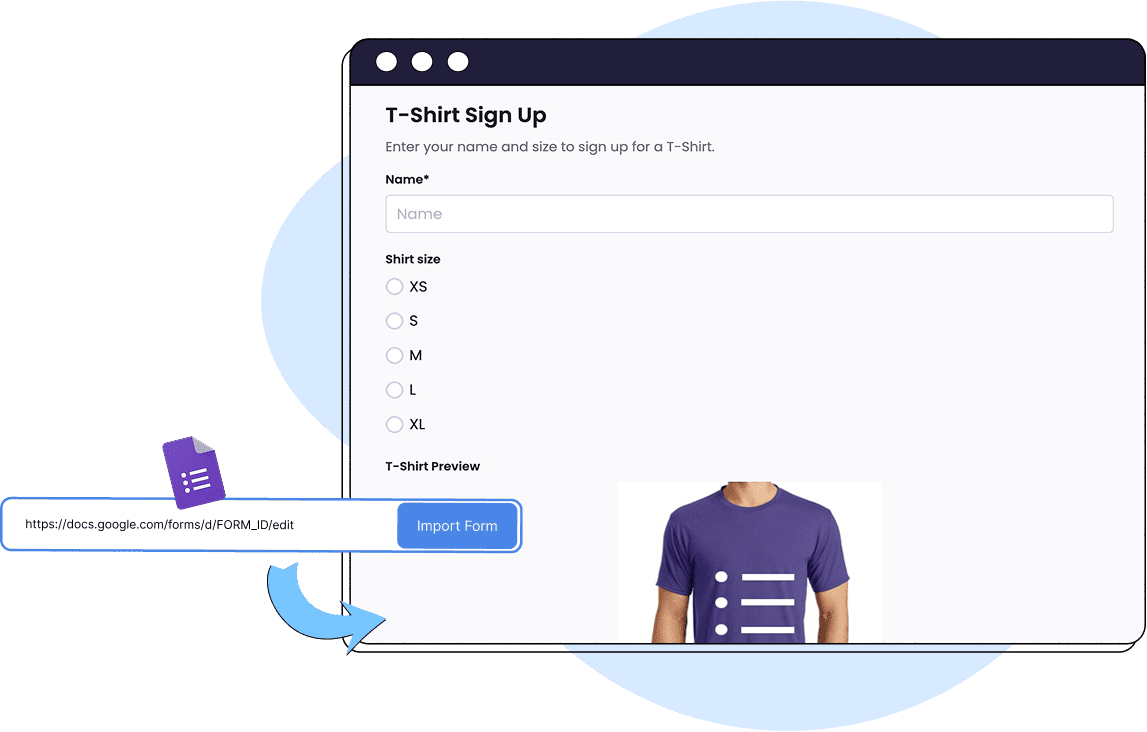
Set up text messages Google FormPlatoForms
 PDF
PDFBring the questions and sections into PlatoForms, then connect the form to the document you need.
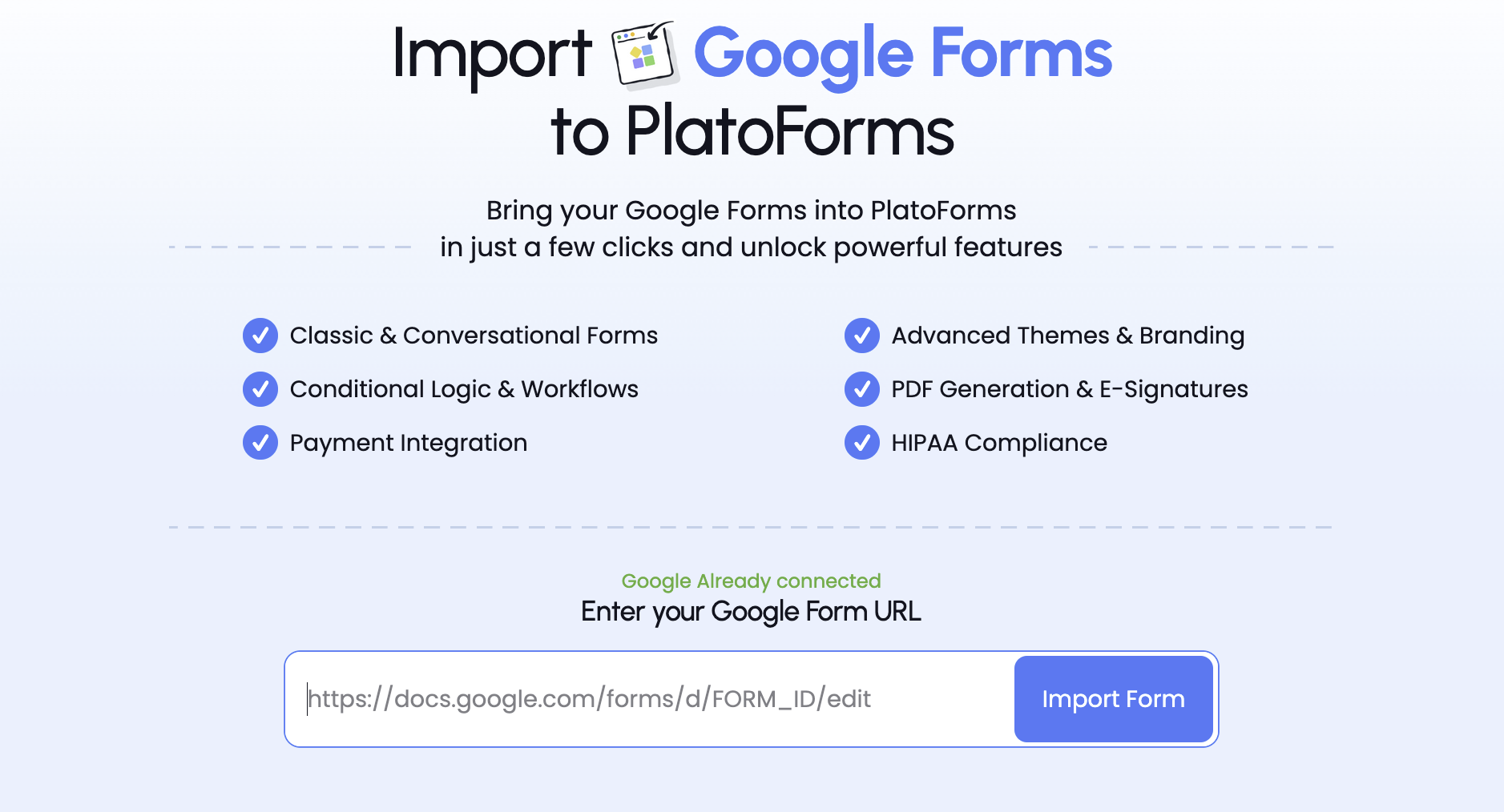
Import from Google FormsAI assistantSubmission Prefilled link
Ask an assistant to read the latest answers and create a prefilled link for the next step.
Connect an AI assistantBuilt into PlatoForms

Use an embedded payment field, or, with Stripe and Square, send customers to a hosted checkout page after submission.
PlatoForms does not charge additional transaction fees.
Compare payment providers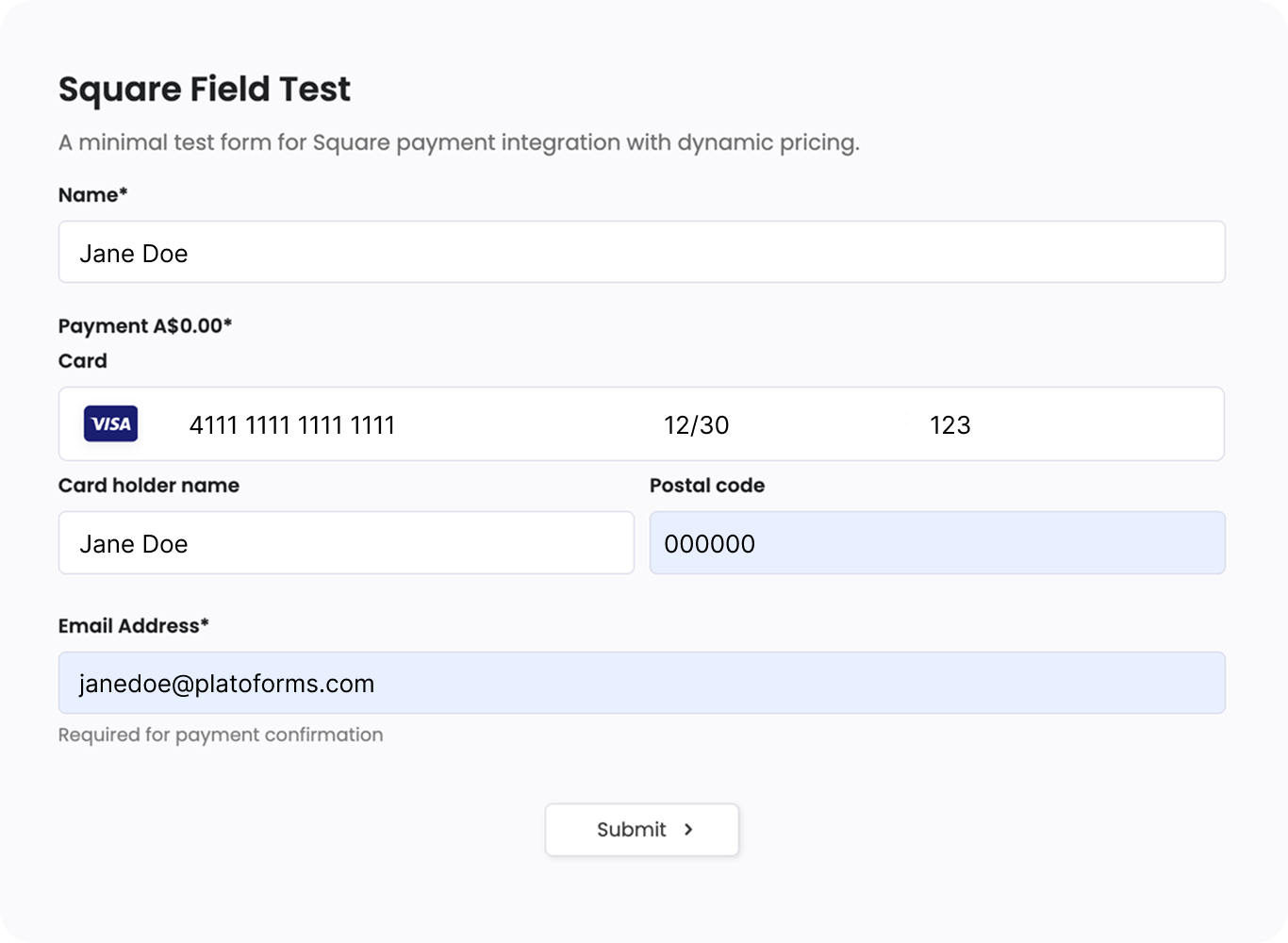

Automation platforms


AI and custom connections




| Event | Where you use it | Good to know |
|---|---|---|
| A form is submitted | Zapier or webhook | Zapier starts after the PDF is created. A submission webhook can fire sooner with Instant Hook. |
| A workflow run or task changes | Webhook | For workflows with several steps and people |
| Documents are requested, received or reviewed | Webhook | For supporting files collected after a form is submitted |
| A renewal is scheduled, sent, completed or expired | Webhook | For new submissions or replacement files requested before expiry |
Choose an integration to get started
Connect directly through PlatoForms. No automation platform needed.
Send submissions and PDFs to apps that don’t have a direct integration. You need an account with the platform.
Popular through Zapier or Make:SalesforceHubSpotMailchimpNotionAirtableTrello
Connect an AI assistant, or use the API, webhooks and JavaScript for custom behavior.
FAQ
What to know before you connect your first app.