
PlatoForms User Guide
Ctrl+K
  • Form Builder

    Creating an Online Form for an Existing PDF

  • Custom Domain

    With Builder you can build three types of forms: online web forms, online PDF forms, and master forms.

  • Master Form Builder

    you will arrive at the Form Builder. On the form Builder, there are three main sections:

管理您的工作流程

獲取提交通知

PlatoForms 將為您的每次工作流程提交發送電子郵件通知。您也可以從如下所示的 通知 頁面訪問通知。

workflow-submissions

要查看包含填寫數據的已提交 PDF,請點擊 打開 PDF

調整通知設定

如果您未收到通知,請檢查您的 帳戶設定 以確保您在每日通知限制內,並根據需要進行調整。
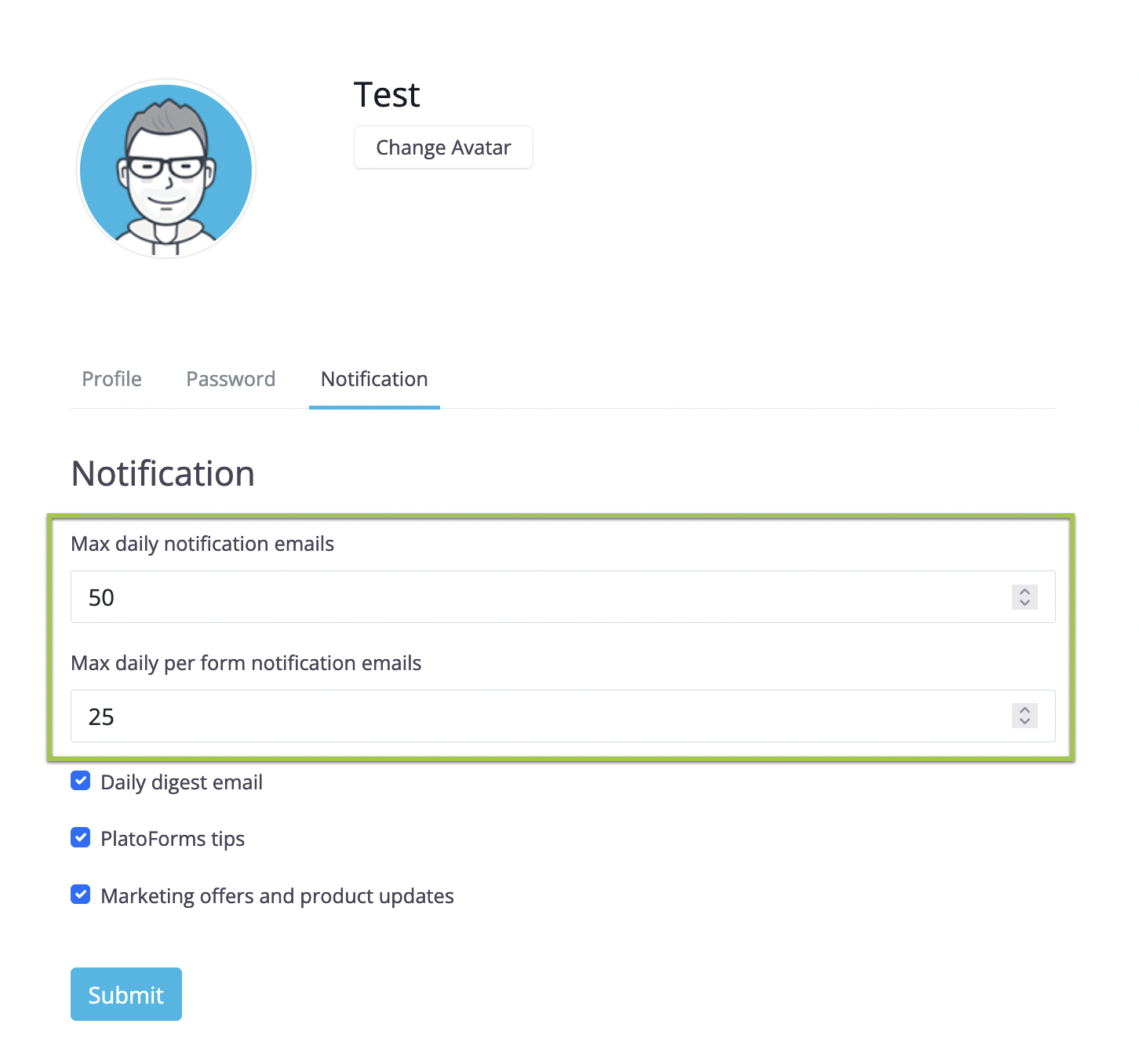
Notifications settings

查看提交

您可以輕鬆地在 提交 頁面上訪問和查看您的工作流程提交。

  1. 導航到 提交 頁面。

  2. 提交 頁面的頂部,選擇 工作流程 標籤以查看您的工作流程進度並獲取各個步驟的連結。
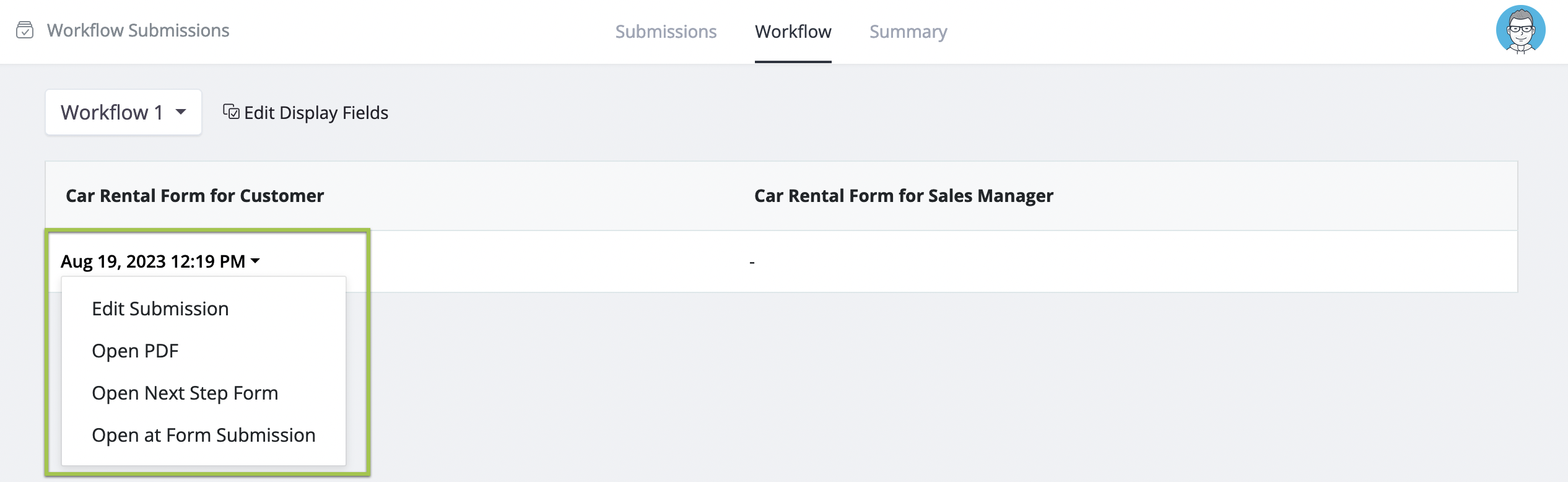
    Manage workflow submission

Is the content helpful?