
PlatoForms User Guide
Ctrl+K
  • Form Builder

    Creating an Online Form for an Existing PDF

  • Custom Domain

    With Builder you can build three types of forms: online web forms, online PDF forms, and master forms.

  • Master Form Builder

    you will arrive at the Form Builder. On the form Builder, there are three main sections:

在團隊之間切換

由於您可以是多個團隊的成員,本文將解釋如何在團隊之間切換。

團隊和工作空間

當您創建帳戶時,您會自動分配到一個專屬團隊,每個團隊都有自己的工作空間。您的帳戶可以加入無限數量的團隊。

要查看您所屬的所有團隊,請點擊左側導航頂部的團隊名稱。
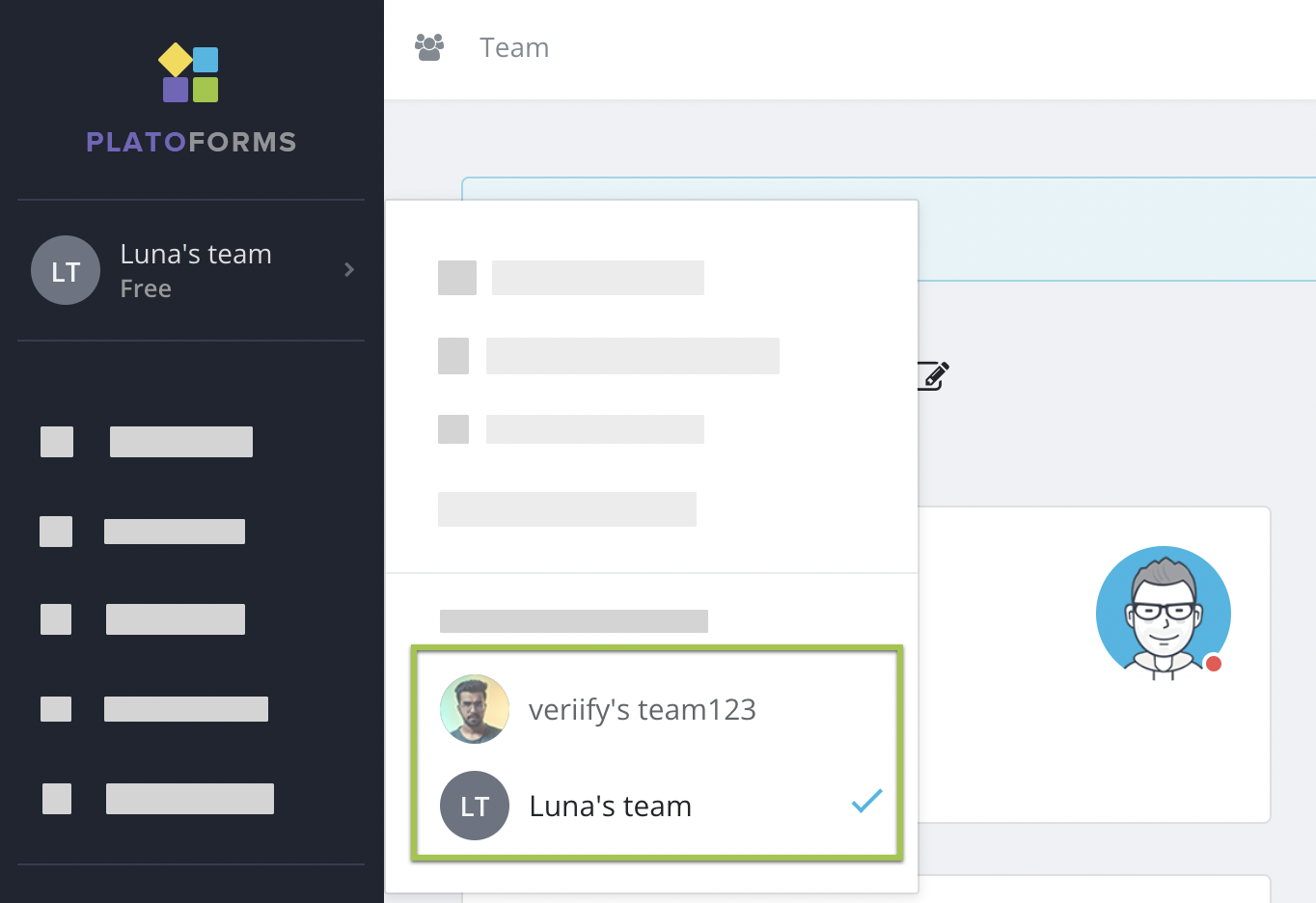
團隊列表

在團隊之間切換

  1. 前往 儀表板

  2. 點擊左側導航頂部的團隊名稱。這將打開一個面板,顯示您當前團隊的設置。

  3. 滾動到面板底部的 切換到另一個團隊 部分,然後選擇您想切換的團隊。您當前的團隊會用勾號標記。
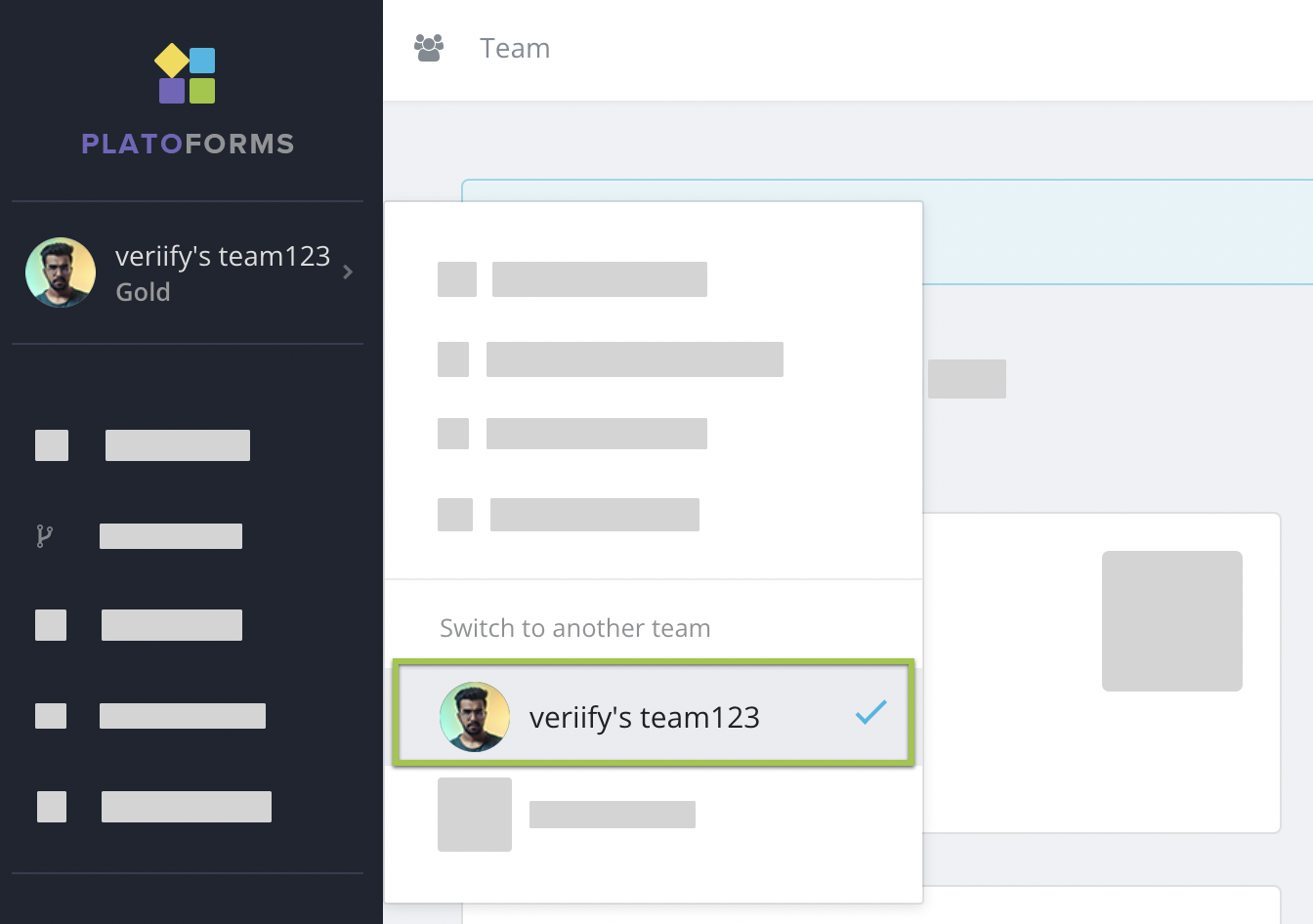
    切換團隊

通過切換團隊,您可以訪問不同的工作空間,與不同的團隊成員合作,並在每個團隊內處理不同的表單或項目集。

Is the content helpful?