與 Stripe 整合
標籤
關於 Stripe 整合
PlatoForms 與 Stripe 無縫合作,這是一個備受推崇的支付處理服務。此整合使您能夠在表單中無縫創建支付欄位,使提交者在提交表單時提供信用卡詳細信息以進行支付。最棒的是?PlatoForms 不會對您的交易收取任何費用。
以下是細節:
-
無縫合作: PlatoForms 和 Stripe 密切合作,確保安全和順暢的支付處理。
-
支付欄位: 在您的表單中整合專用的支付欄位以指定支付金額。
-
提交並支付: 提交者在表單提交後輸入信用卡詳細信息以完成流程。
請注意:
- Stripe 整合適用於 高級計劃。
- 您可以使用 Stripe 整合的測試模式進行支付測試。
使用 Stripe 的兩種方式
-
Stripe Checkout(整合):將用戶重定向到由 Stripe 託管的頁面。這是接受支付的經典方式,包括 Apple Pay 和 Google Pay。
-
Stripe Payment Widget(新):直接在您的表單中添加支付欄位,用戶無需離開頁面。
與 Stripe 整合
-
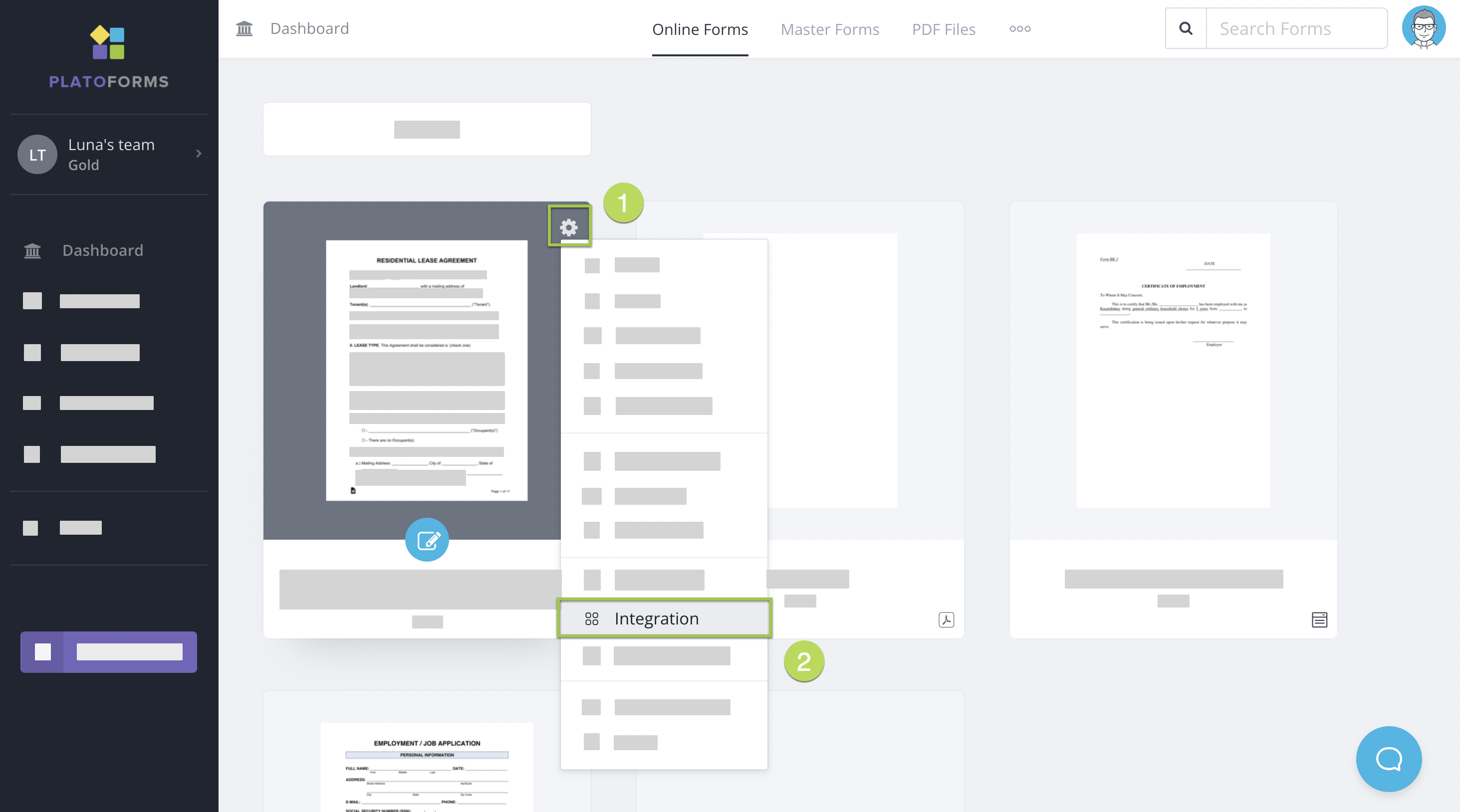
前往 儀表板。
-
將鼠標懸停在您想要與 Stripe 整合的表單上。
-
點擊表單右上角的設置按鈕。
-
從下拉菜單中選擇 整合。
-
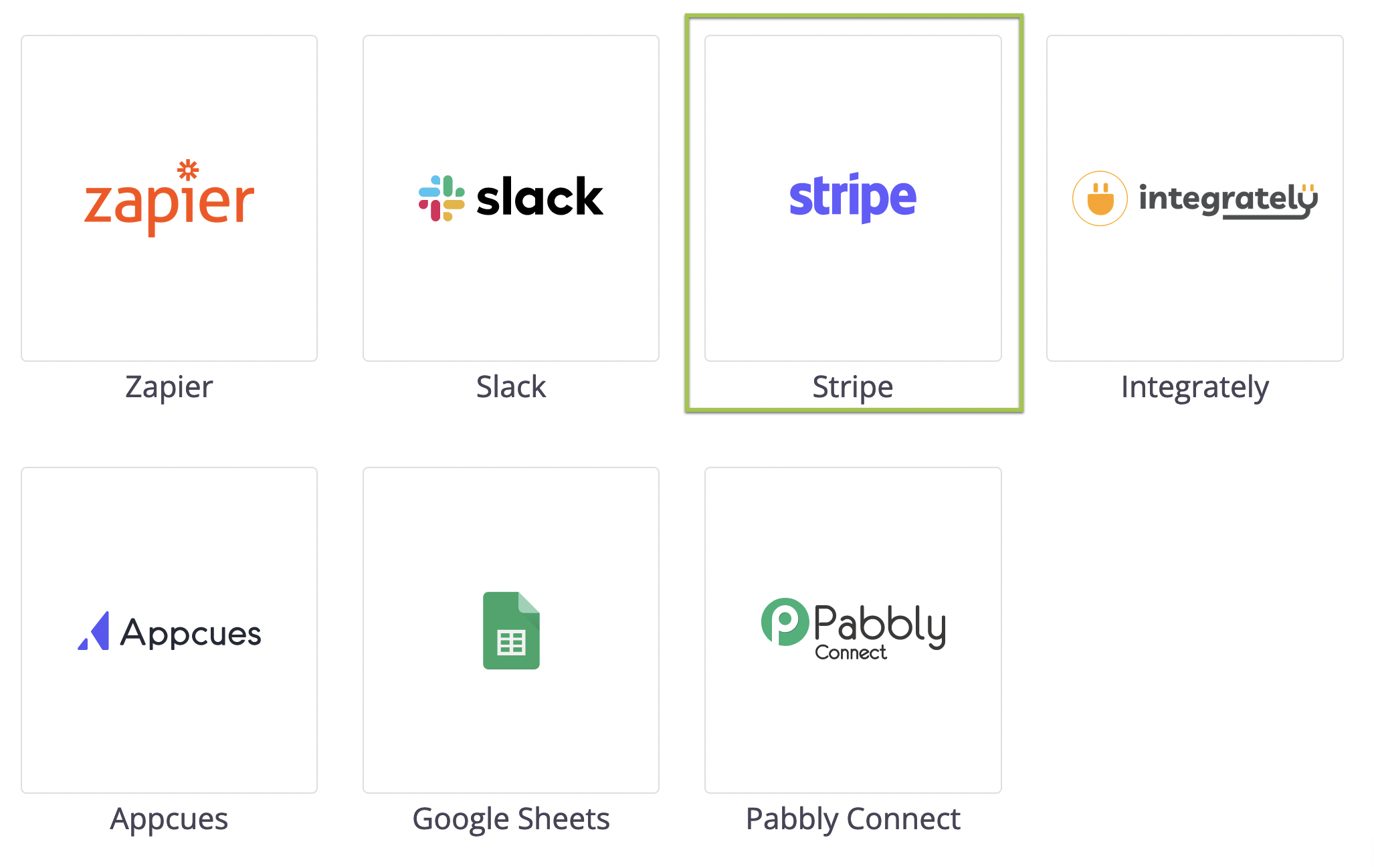
在打開的窗口中選擇 Stripe 標誌。
-
選擇要連接的模式:

- 要預覽您的表單, 選擇 Connect with Stripe (Test Mode)。您可以 輸入測試信用卡號 來完成支付。此模式將幫助您驗證支付功能是否按預期工作而不進行實際信用扣款。
- 對於已發布的表單, 選擇 Connect with Stripe。此模式接受有效的信用並處理支付。
-
在打開的彈出窗口中,按照提示創建您的免費 Stripe 帳戶。
使用 Stripe Payment 小工具
-
在構建器中打開您的表單。
-
在左側的 小工具面板 中,點擊 更多小工具(三個點)> Stripe Payment(在 增強功能 下)將其添加到您的表單中。
-
點擊小工具進行設置:
-
連接: 連接您的 Stripe 帳戶以進行 Live 和 Test 模式。
-
金額: 設置 固定金額 或選擇 從表單欄位獲取金額 以使用動態價格(標籤中的
{{pricing}}標籤將顯示實際金額)。
-
啟用 Apple Pay
要使用 Apple Pay,您必須手動將您的表單域名添加到您的 Stripe 帳戶。
-
登錄到您的 Stripe 儀表板。
-
前往 設置 > 支付方式 > 支付方式域名。
-
點擊 添加新域名 並添加您的表單鏈接:
-
Live:
form.platoforms.com -
預覽:
design.platoforms.com -
HIPAA:
secure.platoforms.com -
自定義域名: 例如,
myform.company.com
-
支付過程
以下是您預覽表單時的支付對話框截圖:

- 當您處於預覽階段時: 使用測試信用卡進行表單提交。
- 當您發布了實時表單時: 支付過程類似,需使用真實信用卡。
審查支付:測試和實時模式
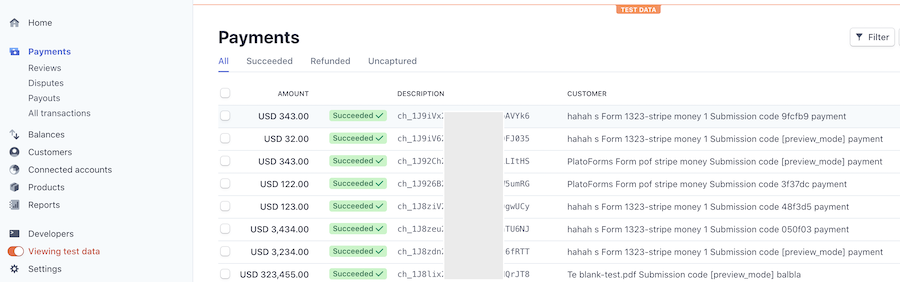
- 檢查 Stripe 帳戶: 登錄以審查支付。
- 區分測試/實際支付: 開啟/關閉 查看測試數據 以獲得清晰度。
自定義客戶信息
整合設置: 定制 客戶 信息(不包括貨幣代碼)。