
Create Web Form from Template
Tabs
You can speed up your form creation with Web Form templates. Instead of starting from a blank page, you can pick a ready-made template—such as an application, checklist, or survey—and customize it to fit your needs.
Web Form templates are only available when you choose Web Form under Start to build. Templates support both Classic and Conversational modes.
Create a Web Form from template
Follow these steps:
-
Log in to your PlatoForms account.
-
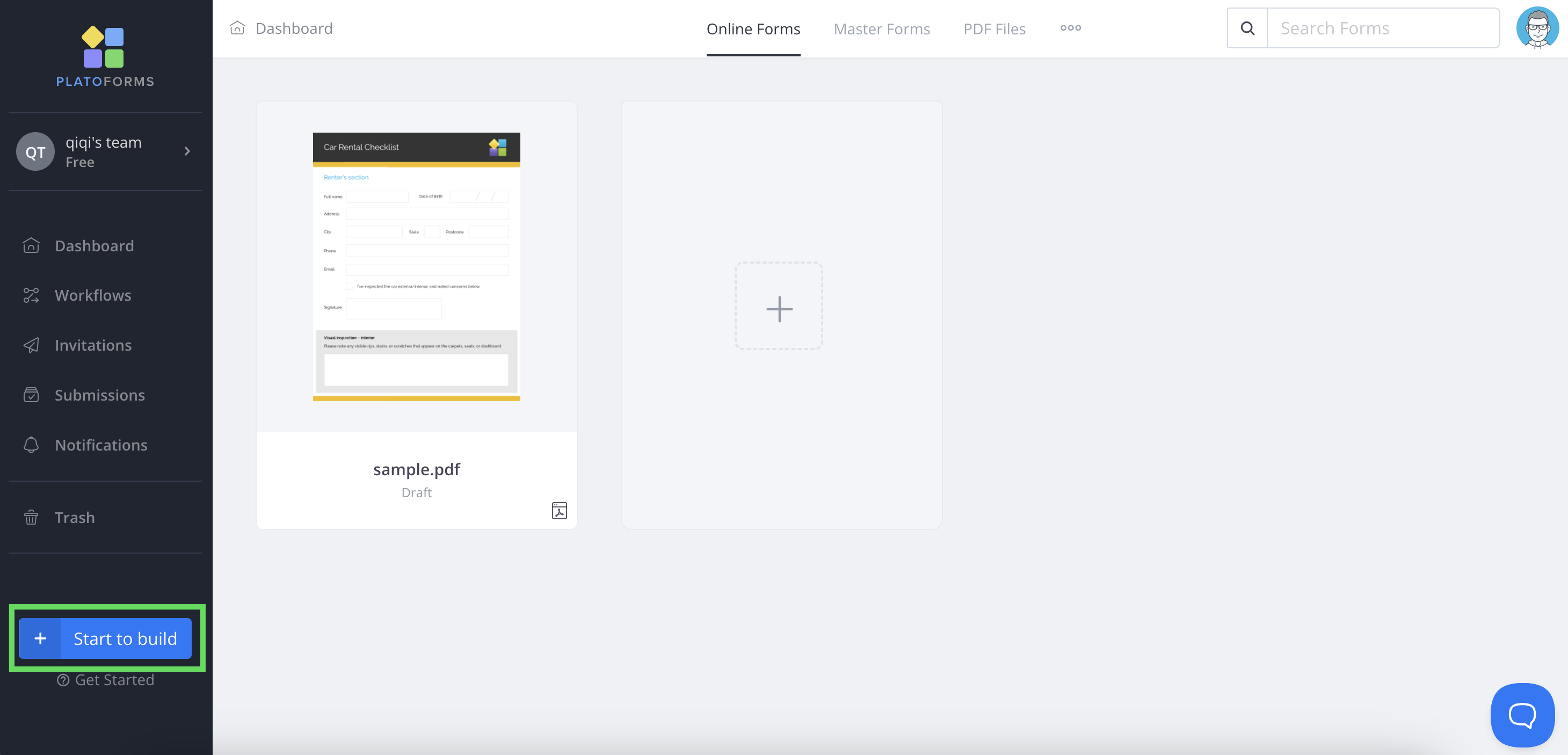
On the Dashboard, click + Start to build at the bottom left.
-
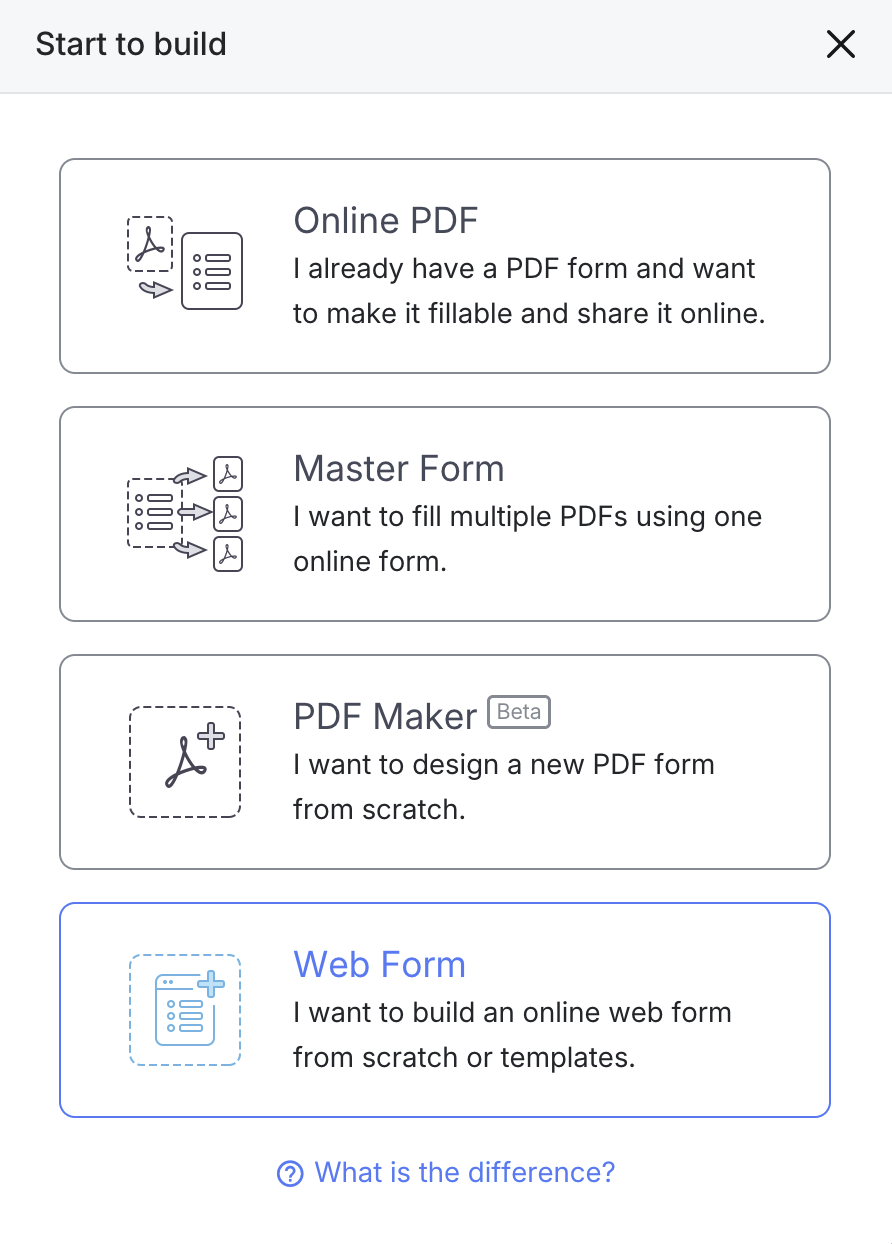
In the pop-up window, select Web Form.
-
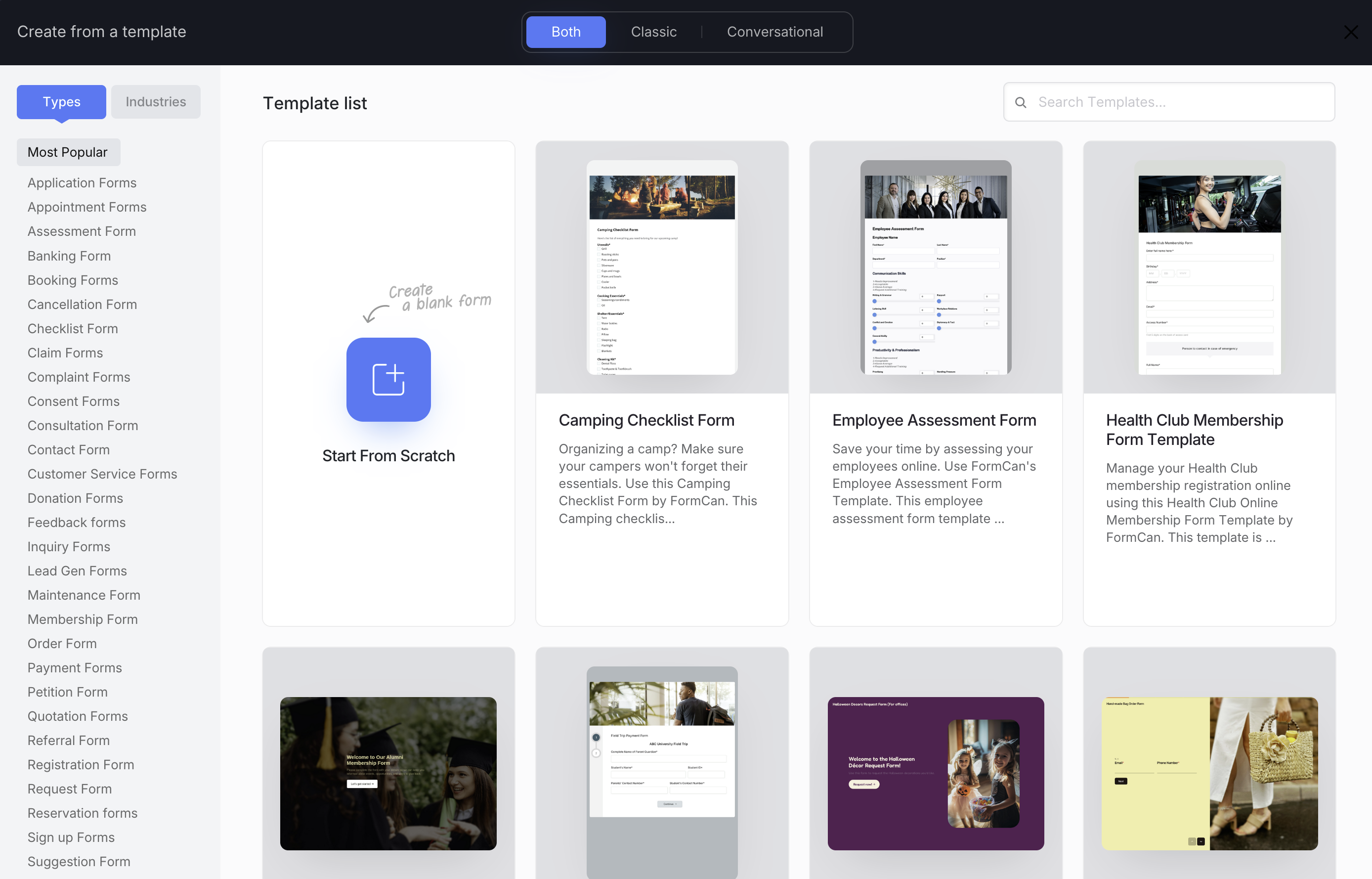
The Create from a template window will open. Here you can:
- Start from Scratch - create a blank Web Form.
- Choose a Template - pick from ready-to-use templates.
-
Use the options at the top to filter your templates:
- Both / Classic / Conversational - choose your preferred form style.
- Search bar - quickly find a specific template by name.
- Types / Industries - browse by category (e.g., Application, Checklist, Survey, Healthcare).
-
Click a template to preview it, then select Use Template to open it in the Web Form builder.